
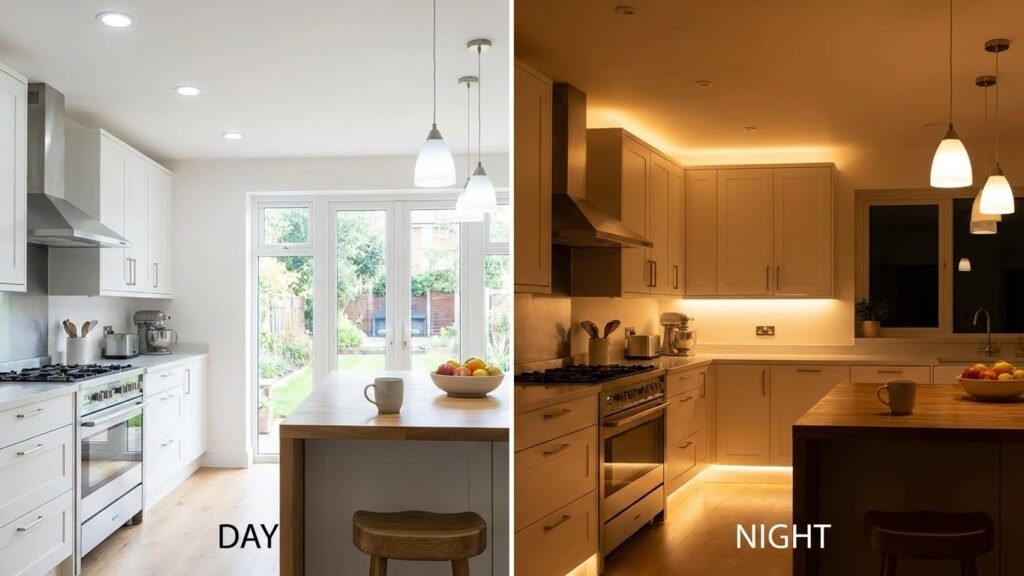
You can put smart bulbs almost anywhere to save energy, boost comfort, and set the mood—use them in living rooms for ambiance, kitchens for bright task light, bedrooms for gentle wake-up scenes, and outdoors for safety and curb appeal. Place smart bulbs where you need flexible control: high-use rooms, task areas, and entry points for both convenience and security.
You’ll also find creative uses in workspaces, shelving, and under cabinets to improve focus and highlight features. If you plan ahead, integrating bulbs with your phone or voice assistant makes daily life smoother and lets you customize light for every activity.
Key Takeaways
- Use smart bulbs where you want control, comfort, and energy savings.
- Pick locations that match tasks, safety needs, and mood lighting.
- Connect bulbs to your home system for easy automation and scenes.
Benefits of Using Smart Bulbs
You can cut energy costs, control lights from anywhere, and set moods with exact colors and brightness. Each feature saves time or money, or improves how your spaces feel and function.
Energy Efficiency
Smart bulbs use LED technology that draws far less power than older incandescent bulbs. Many models specify wattage equivalent and actual wattage, so you can pick a 9–12W smart bulb that replaces a 60W incandescent and still gives the same light.
You can schedule bulbs to turn off when rooms are empty or set them to dim overnight. That alone reduces wasted hours of illumination. Some bulbs track usage in their apps, showing kWh saved so you see the real impact on your electric bill.
If you care about lifespan, look for bulbs rated 15,000–25,000 hours. Longer life means fewer replacements and lower waste. For extra savings, use occupancy sensors or routines that combine motion triggers and daylight sensing.
Remote Control Convenience
You control smart bulbs from apps, voice assistants, or smart home hubs. That means you can turn lights on or off from work, or check and switch off lights after you leave the house. Remote control also supports automated scenes you trigger with one tap.
Many systems let multiple users control the same lights, so everyone in your home can run routines or adjust brightness. Set geofencing to make lights come on as you approach home, or use timers for pet care and security when you’re away.
If you lose internet, local control options exist in some setups via Bluetooth or a hub. Check compatibility before you buy so you don’t rely solely on cloud services for critical controls.
Customizable Lighting Effects
Smart bulbs let you set exact color temperatures and RGB colors to match tasks or moods. Choose warm white (2700K) for relaxing evenings and cool white (4000–5000K) for focused work. RGB bulbs can create party colors or replicate sunset scenes.
Use scenes and schedules to change light automatically. For example, program a gradual wake-up routine that ramps brightness over 30 minutes at 6:30 AM. You can also group bulbs by room so a single command adjusts all lights to the same scene.
Advanced options include music sync, circadian lighting that follows natural light cycles, and preset scenes for reading, cooking, or movie night. These effects make your lighting work for the activity, not the other way around.
Best Rooms for Smart Bulbs
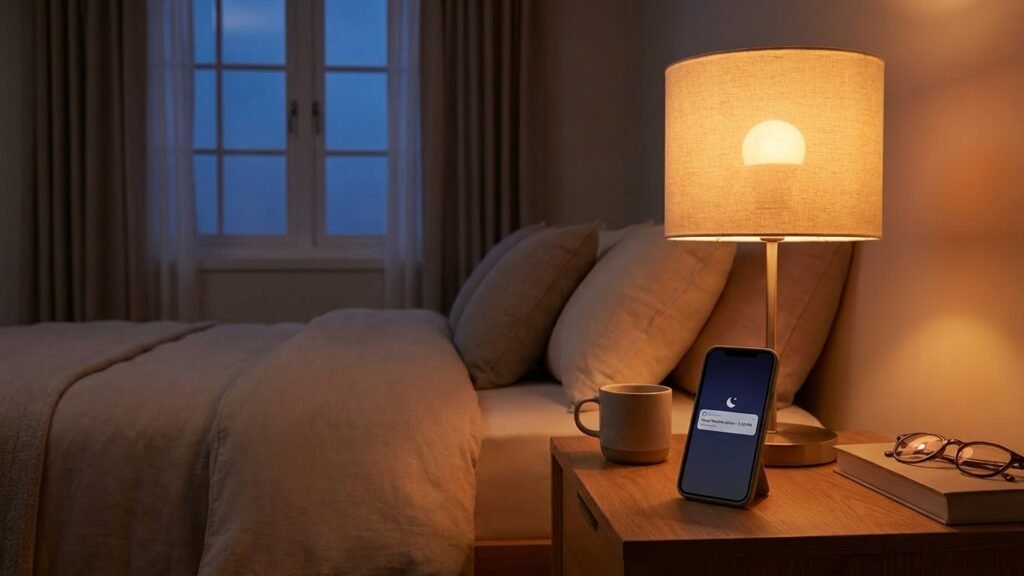
Smart bulbs offer control, color, and dimming where you use light most. Pick bulbs that match each room’s needs: mood and accents in living areas, sleep-friendly options in bedrooms, bright task lighting in kitchens, and moisture-safe choices in bathrooms.
Living Rooms
Place smart bulbs in ceiling fixtures, floor lamps, and table lamps to give you layered control of the room. Use warm whites (2700–3000K) for evening relaxation and cooler whites (3000–4000K) for reading or cleaning. Program scenes for watching TV, hosting, or reading — set a dimmed warm scene for movies and a brighter cool scene for game nights. Add color-capable bulbs for accents behind shelves or in a media cabinet to match decor or set a party mood. Group bulbs by zone (main seating, accent shelves, TV area) so you can adjust each area separately from an app or voice command.
Bedrooms
Choose bulbs with adjustable color temperature and a reliable dimming range to help regulate sleep. Warm, dim settings in the hour before bed help signal your body it’s time to wind down. Schedule a gentle, cool-toned wake scene that ramps up brightness slowly instead of a sharp alarm. Place smart bulbs in bedside lamps and overhead fixtures for layered control. Avoid bright blue-rich whites near bedtime; use night modes or warm night-light scenes if you need low light for safety.
Kitchens
Prioritize bright, high-CRI (color rendering index) bulbs in overhead and task areas so you can see food colors and textures accurately. Use cool white light (3500–4000K) at workstations like counters, islands, and sinks for food prep. Install under-cabinet smart bulbs or strips for focused task lighting that you can turn on independently. Set quick-access scenes for cooking and cleaning: a bright task scene for prep and a dimmed warm scene for dining. Make sure fixtures over stoves or damp areas have compatible bulb types and keep smart controls easy to reach or voice-activated.
Bathrooms
Select bulbs rated for damp or wet locations if they sit in enclosed or exposed fixtures. Use bright, high-CRI lighting around mirrors for grooming; pair overhead cool-white bulbs with softer side lighting to reduce shadows. Add a dimmable warm scene for evening routines to avoid disrupting sleep cycles. Consider motion-triggered night scenes with low warm output for safe trips at night. Keep smart controls simple—wall switches, voice commands, or motion sensors work best when your hands are wet or occupied.
Smart Bulb Applications in Workspaces
Smart bulbs can improve focus, reduce eye strain, and save energy. You can set precise light levels, schedule shifts for different tasks, and use color temperature to match the time of day.
Home Offices
Use tunable white bulbs to match your work schedule. Set cool white (4000–5000K) for focused tasks like coding or spreadsheets, and warmer white (2700–3000K) for reading or low-key calls. Program scenes in your app for “Focus,” “Video Call,” and “Break” so you switch lighting with one tap.
Position bulbs to reduce glare on screens. Use a desk lamp with adjustable brightness and a soft overhead light on a dim schedule. If you work irregular hours, automate wake and wind-down lighting to align with your sleep cycle. Choose LED smart bulbs with at least 800 lumens for clear task lighting.
Conference Rooms
Aim for even, shadow-free lighting across the table. Combine overhead smart panels with dimmable recessed bulbs to balance video calls and presentations. Use preset scenes such as “Presentation” (dim front, bright screen area) and “Discussion” (even medium light) to speed setups.
Integrate bulbs with room booking or calendar systems to turn lights on before meetings and off after. Lower color temperature slightly for long meetings to reduce eye fatigue. For video conferencing, avoid mixed light sources; match all fixtures to the same color temperature to keep skin tones natural on camera.
Enhancing Outdoor Spaces With Smart Bulbs
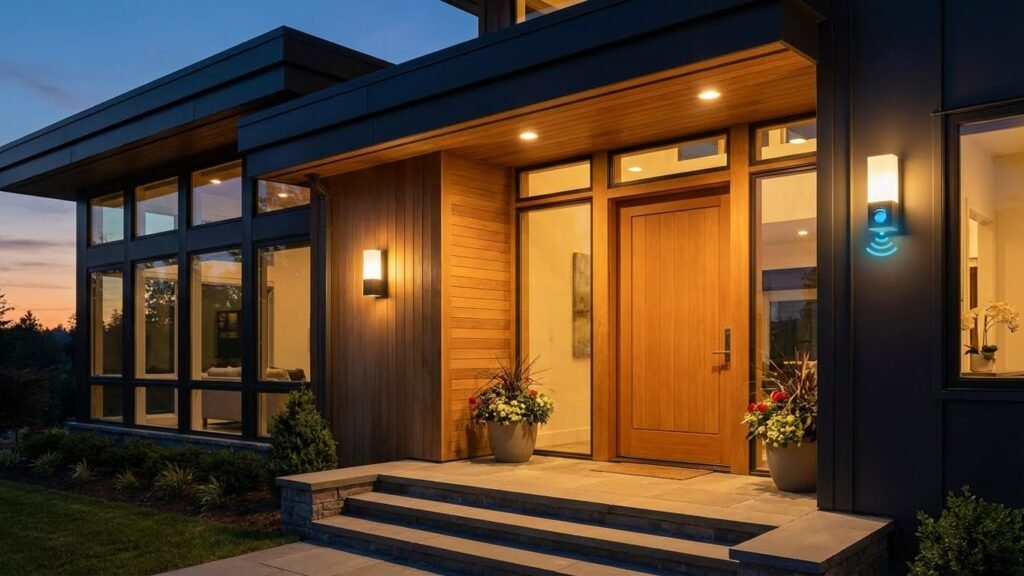
Smart bulbs outside boost safety, set mood, and cut power use. You can schedule lights, tie them to motion sensors, and pick color or brightness for specific activities.
Porches and Patios
Use outdoor-rated smart bulbs in porch and patio fixtures to give you control from your phone or voice assistant. Choose bulbs with at least an IP65 rating so they resist rain and dust. Pick warm white (2700–3000K) for dining and relaxing, or brighter cool white (3500–4000K) for tasks like grilling or cleaning.
Set routines: have lights turn on at sunset, dim for evening gatherings, and flash or brighten if a motion sensor detects movement. Use scenes so one tap sets color, brightness, and grouped fixtures. If you have a smart hub, place it indoors but within range, or use bulbs that support Bluetooth mesh or Wi‑Fi extenders for reliable control.
Garden Lighting
Place smart bulbs in weatherproof garden fixtures to highlight paths, plants, and water features. Use low-glare bulbs and shielded fixtures to avoid light spill on neighbors and protect nocturnal wildlife. Choose RGBW or tunable white bulbs for seasonal color accents and to match plant colors at night.
Automate by scheduling lower brightness overnight and brighter, targeted lighting for security near gates and steps. Combine motion-triggered bulbs with fixed ambient lights to save energy while keeping sightlines clear. Test placement at night to avoid glare and ensure the bulbs light the intended areas.
Creative Uses for Smart Bulbs
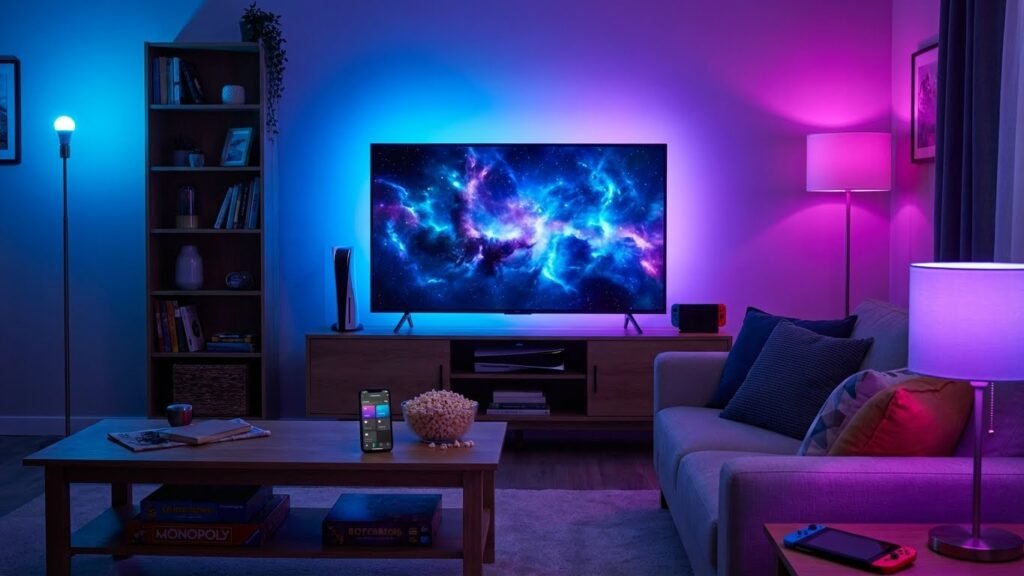
You can highlight objects, change mood quickly, and control light remotely to suit activities. Smart bulbs work best when you plan color, brightness, and placement for the task.
Accent Lighting
Use smart bulbs to draw attention to art, shelves, or architectural features. Place adjustable-color bulbs in track lights or picture lamps to match skin tones or bring out colors in a painting. Set a narrow beam or lower brightness for subtle wash lighting, or increase saturation and angle for a dramatic spotlight.
Schedule scenes so the accent lights come on automatically at dusk. Use grouping in your app to control several fixtures at once. If you have dimmable bulbs, keep them warm (2700–3000K) for cozy displays and cooler (3500–4000K) for sharper contrasts.
Mood Setting for Events
Pick preset scenes to change the room’s mood in seconds. For dinner parties, choose soft amber hues at 30–50% brightness to make faces look natural and food more appealing. For movie nights, program an “ambient” scene that dims front lights to 10–20% and uses a faint backlight to reduce screen glare.
For small gatherings, create a color loop or party scene that shifts slowly between two complementary colors. Use schedules or voice commands to switch scenes without touching controls. Keep safety in mind: avoid overly bright strobe effects if guests are sensitive to flashing lights.
Integrating Smart Bulbs With Smart Home Systems
You can connect smart bulbs to voice assistants and set automations to match daily routines. Pick bulbs that use the same protocol as your hub and check app support for the assistant and automation rules you want.
Voice Assistant Compatibility
Choose bulbs that list compatibility with Alexa, Google Assistant, or Siri (HomeKit) on the box or product page. For Alexa and Google, most Wi‑Fi and Zigbee bulbs work after you install the vendor app and enable the skill or link the account. For Siri, buy bulbs specifically labeled HomeKit compatible; Apple requires that certificate.
Expect different features by assistant: voice color, brightness, and on/off are common. More advanced functions—scenes, effects, and group control—depend on the bulb app and the assistant’s skill. If you have a smart speaker hub (Echo, Nest Hub, or HomePod), add bulbs to that hub for local control and faster response. Keep firmware updated to avoid connectivity bugs.
Automation and Scheduling
Use the bulb maker’s app or your home hub to create schedules, routines, and triggers. Schedule lights to turn on at sunset, dim for movie time, or flash when a security sensor trips. Combine triggers: for example, set hallway lights to 30% at 6:00 AM on weekdays and to full brightness if a motion sensor detects movement after midnight.
Create groups for rooms so one rule controls multiple bulbs. If you use IFTTT or a hub like SmartThings, you can link nonstandard devices and build multi-step automations. Test automations after setup and label routines clearly so you can edit them later.
Considerations for Commercial Spaces
You will need to match lighting to customer experience, energy goals, and building rules. Focus on control, color, and where fixtures and sensors must go to meet both aesthetics and code.
Retail Storefronts
You should use smart bulbs to highlight displays, set color temperature by product type, and control brightness by zone. Use tunable white (2700–6500 K) in dressing rooms and warm accent lighting (2700–3000 K) on featured merchandise. Place bulbs or track fixtures so beams avoid glare on glass and screens.
Program scenes for opening, peak hours, and closing. Tie motion sensors to back-stock and fitting rooms to save energy. Integrate with your POS or store management system to trigger promotions with lighting cues. Check that fixtures meet retail voltage and dimmer compatibility.
Also plan for network layout and security. Use VLANs or separate networks for lighting to prevent interference with guest Wi‑Fi. Keep spare bulbs and a simple app profile so staff can quickly restore scenes.
Restaurants and Cafes
You should design for mood, table comfort, and quick scene changes. Use warm tunable whites (2500–3000 K) for dining areas and brighter, cooler light in kitchens and prep zones. Install separate circuits or groups so servers can dim dining lights without affecting kitchen or emergency lighting.
Program schedules for lunch, dinner, and late-night shifts, and add motion sensors in restrooms and storerooms. Use presets to support daily specials or private events, and keep color rendering index (CRI) above 90 for true food presentation.
Account for restaurant codes and health inspections. Ensure emergency egress lighting remains independent of smart controls. Train staff to use the control app and label groups clearly on wall panels or tablets.
Choosing the Right Smart Bulb Location
Think about what you want the light to do before you install a smart bulb. Use bright, cool-toned bulbs for task areas like kitchens and home offices. Choose warmer tones for living rooms and bedrooms to create a relaxed feel.
Check the fixture size and bulb base so the bulb fits and vents properly. Some smart bulbs need space for heat to escape; tight enclosed fixtures can shorten bulb life. If the fixture is outdoors, pick bulbs rated for outdoor use.
Consider connectivity and range. Place bulbs where your Wi‑Fi or hub signal reaches reliably. If signal is weak, move the router, add a range extender, or use a hub-based bulb system.
Match bulb type to purpose: greens, blues, and tunable white work for mood and circadian lighting. Dimmable whites suit reading and movie-watching. Use color-capable bulbs sparingly where color adds value.
Prioritize safety and convenience. Avoid placing smart bulbs in wet locations unless they’re rated for it. Put motion or dusk-to-dawn bulbs by entries and walkways to boost security and save energy.
Quick checklist:
- Fixture compatibility: base type and size
- Environment rating: indoor vs outdoor
- Signal strength: Wi‑Fi or hub coverage
- Purpose: task, ambient, accent, or security
- Heat and ventilation: avoid fully enclosed fixtures
FAQs
What rooms work best with smart bulbs?
You can use smart bulbs almost anywhere. Bedrooms, living rooms, kitchens, and home offices gain the most from dimming, color, and schedules.
Do smart bulbs save energy?
Yes. Most smart bulbs use LED technology and cut energy use compared with old incandescent bulbs. Savings depend on how often you run them and the features you use.
Will smart bulbs work with my voice assistant?
Many smart bulbs connect to Alexa, Google Assistant, or Siri. Check the bulb’s compatibility before you buy to avoid extra hubs or setup steps.
Do you need a hub or bridge?
Some smart bulbs connect directly to Wi‑Fi or Bluetooth. Others need a hub to access advanced features or link multiple devices. Read the product details to know what’s required.
Can smart bulbs replace regular bulbs in dimmer fixtures?
Not always. Use bulbs labeled “dimmable” and check if your dimmer switch is compatible. Incompatible combos can cause flicker or reduced lifespan.
Are smart bulbs secure and private?
Manufacturers vary. Use strong Wi‑Fi passwords, update firmware, and choose reputable brands to reduce security risks.
How long do smart bulbs last?
Smart LED bulbs often last thousands of hours—many years with normal home use. Lifespan drops if you run color-changing features or high brightness constantly.
What if my bulb loses connection?
First try power-cycling the bulb and restarting your router. Reinstall the bulb in the app if needed. If problems persist, consult the maker’s troubleshooting guide.
Conclusion
Smart bulbs work well in many rooms because they give you control over brightness, color, and schedules. Use them where you want convenience, safety, or mood lighting without rewiring your home.
You can save energy and reduce bulb changes by switching to LED smart bulbs. The U.S. Department of Energy notes LEDs use far less power than incandescents, which helps cut costs over time.
Place smart bulbs in living areas, bedrooms, kitchens, and outdoor fixtures for routines and security. Use dimming and tunable white in reading or task areas, and colorful bulbs for entertainment spaces.
Integrate bulbs with voice assistants or your smart home hub to make routines easier. For setup tips and compatibility info, check manufacturer guides and resources like the Energy.gov lighting page or your device’s support site.
Balance features with cost and privacy when choosing bulbs. Pick bulbs with the controls and connectivity you need, and update firmware to keep your devices secure.