
Master the art of studying anywhere with this complete guide. You’ll learn how to create an effective mobile study station, maintain proper posture, and choose the right tools to stay focused and productive. Transform your couch, floor, or bed into a productive learning environment with our practical, step-by-step advice.
Key Takeaways
- Posture is Paramount: Always support your back and elevate your screen to eye level to prevent neck and back strain, even when studying on a couch or floor.
- Invest in Mobile Ergonomics: A lap desk, laptop stand, or portable monitor arm can transform any surface into a healthy, desk-like workstation.
- Create Defined Zones: Use physical cues like a specific cushion or lamp to signal to your brain that it’s “study time,” helping you focus in non-traditional spaces.
- Master Your Environment: Control noise with headphones, optimize lighting, and keep all essentials in a dedicated bag or caddy to minimize distractions.
- Embrace Active Movement: Schedule frequent micro-breaks to stretch and shift positions, combating stiffness and boosting blood flow to your brain.
- Curate Your Digital Workspace: Use cloud storage, note-taking apps, and distraction blockers to keep your virtual study environment as organized as your physical one.
How to Study Without a Desk: A Complete Guide for Effective Learning
Does the idea of being chained to a desk make you restless? Maybe you’re in a small space, traveling, or simply prefer the comfort of your couch. The good news is you can study effectively without a traditional desk. Learning how to study without a desk is about adaptability, ergonomics, and mindset. This guide will walk you through creating a productive, healthy, and focused study environment anywhere. You’ll learn to turn your living room, library floor, or even a park bench into a powerhouse for your brain.
The Foundation: Mindset and Preparation
Before you grab your books and plop on the bed, let’s set the stage. Studying without a desk requires more intention. Without the built-in structure of a desk, you must create your own.
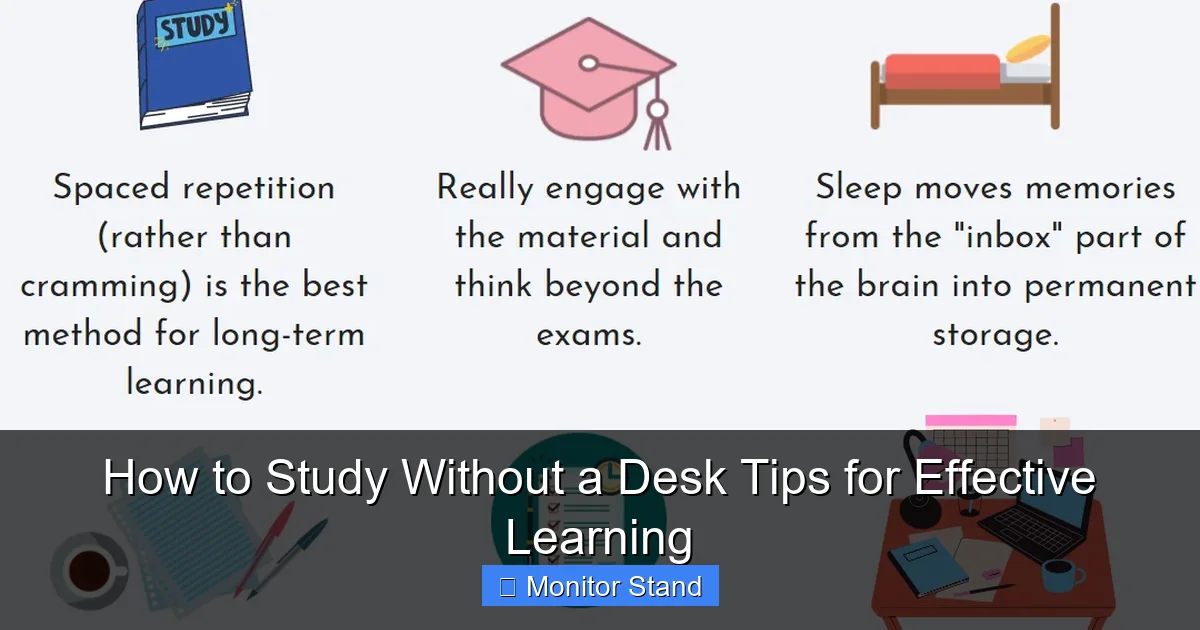
Visual guide about How to Study Without a Desk Tips for Effective Learning
Image source: i.pinimg.com
Shift Your “Study Space” Mentality
Your study space is no longer a fixed location. It’s a portable system. Think of it as a kit or a ritual you can deploy anywhere. This mental shift is your first step to success.
Gather Your Mobile Command Center
Get a dedicated study bag or tote. This holds everything you need to set up shop in under a minute. This includes your laptop, notebook, pens, charger, headphones, and any key ergonomic tools we’ll discuss next.
Essential Gear for the Desk-Free Scholar
The right tools don’t just make studying easier; they make it sustainable for your body. Here’s your shopping list for success.

Visual guide about How to Study Without a Desk Tips for Effective Learning
Image source: i.pinimg.com
1. The Lap Desk: Your Portable Surface
A good lap desk is non-negotiable. It provides a hard, stable surface for writing or using a mouse. Look for one with a cushioned bottom for comfort, a built-in mouse pad, and maybe even a phone slot or a fan. This simple tool elevates your study game from “makeshift” to “professional.”
2. The Monitor Stand (Your Posture Hero)
This is the single most important item in this guide. When you study without a desk, your screen is often in your lap or on a low table. This leads to dreaded “tech neck” – hunching over and straining your cervical spine.
A portable laptop stand or monitor riser lifts your screen to eye level. Paired with a separate keyboard and mouse (or a lap desk), it creates an ergonomic “L-shaped” posture. Your back stays straight, your shoulders relax, and your gaze falls naturally forward. It’s the secret to studying for hours without pain.
3. Supportive Seating and Backrests
Never underestimate the power of proper support. A firm cushion against the small of your back can make a world of difference on a couch or floor. For floor sitting, consider a meditation cushion, a low backrest chair, or even a sturdy bean bag designed for posture.
4. Lighting and Focus Tools
A clip-on reading light ensures you never strain your eyes in dim conditions. Pair this with noise-canceling headphones or a white noise app to create an auditory bubble of focus, no matter where you are.
Step-by-Step: Setting Up Your Study Stations
Let’s apply that gear to specific locations. Here’s how to conquer common desk-free zones.
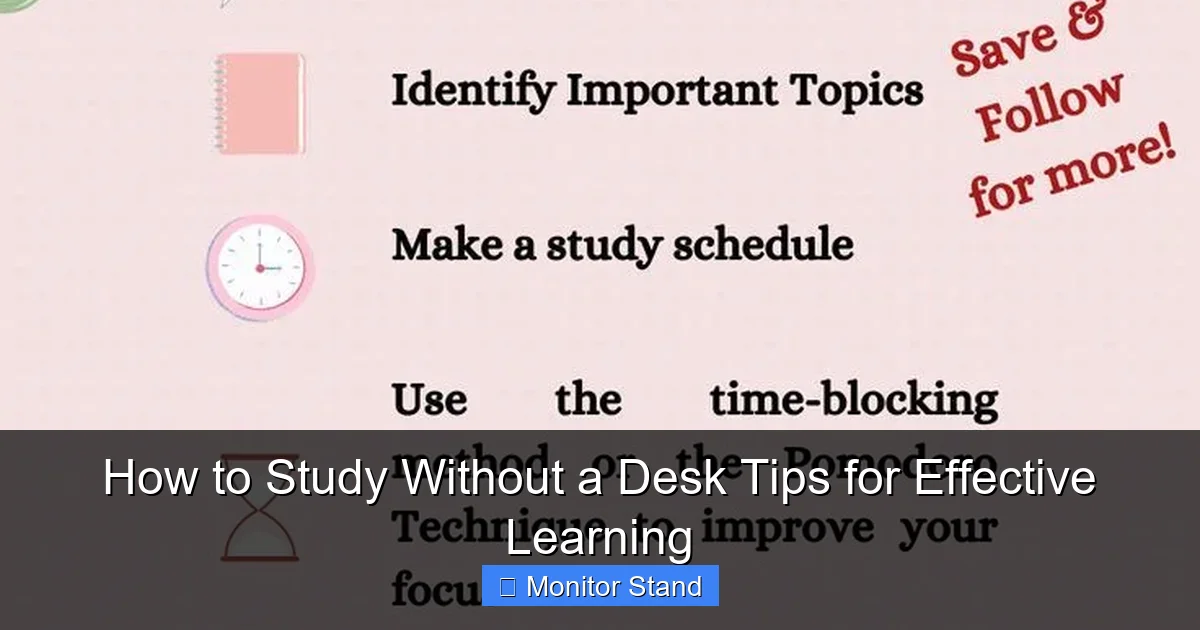
Visual guide about How to Study Without a Desk Tips for Effective Learning
Image source: i.pinimg.com
Station 1: The Couch or Armchair
Step 1: Posture First. Sit back firmly into the seat. Place a cushion behind your lower back to maintain its natural curve. Your feet should be flat on the floor or on a small stool.
Step 2: Elevate Your Screen. Place your laptop stand on a sturdy lap desk. Adjust the stand so the top of your screen is at or slightly below eye level.
Step 3: Accessorize. Connect your wireless keyboard and mouse on the lap desk in front of the stand. Your elbows should be at a 90-degree angle. Clip your reading light onto the stand or couch back.
Station 2: The Floor (Bedroom or Library)
Step 1: Choose Your Base. Use a firm floor cushion, pouf, or low seat. Avoid sitting directly on a soft bed for long periods, as it offers no support.
Step 2: Create a Table. Use a low, wide coffee table, a large storage ottoman, or even a sturdy cardboard box as your “desk” surface. Your lap desk can go on top of this for a perfect height.
Step 3: Build Upwards. Again, use your laptop stand on this surface. Prop textbooks up with book holders or other books to avoid looking down.
Station 3: The Bed (Use with Caution!)
Studying in bed is tricky. It’s best for short reading sessions, not intensive work. Never lie flat. Always sit upright against a headboard or a stack of firm pillows. Use a bed tray or lap desk with legs. The goal is to mimic the seated posture of a chair as closely as possible to avoid drowsiness and backache.
Optimizing Your Routine and Focus
A great setup is useless without great habits. Here’s how to stay on track.
Master the Pomodoro Technique
Work in focused 25-minute blocks followed by a 5-minute break. This is perfect for desk-free study. During the break, stand up and move. Stretch, walk around, look out a window. This combats stiffness and resets your focus.
Create Ritual Cues
Since you lack a permanent desk, create other signals. Always use the same cushion, light the same candle, or play the same focus playlist. These cues tell your brain, “It’s time to concentrate.”
Organize Digitally
Go paper-light where possible. Use apps like OneNote, Google Drive, or Notion. This reduces physical clutter in your mobile setup and means you can access your notes from any device, anywhere.
Troubleshooting Common Problems
Hitting a snag? Here are quick fixes for common issues.
Problem: Neck or Back Pain.
Solution: Immediately check your screen height. Is it at eye level? Are you slouching? Re-adjust your stand and back support. Set a timer to check your posture every 20 minutes.
Problem: Constant Distractions.
Solution: You need stronger environmental control. Put your phone in another room. Use website blockers on your laptop. If noise is the issue, upgrade to high-quality noise-canceling headphones.
Problem: Feeling Unproductive or Sleepy.
Solution: You might be in too relaxed a space. Change locations. Move to a different room, a library, or a cafe. The new environment can provide a needed productivity spark. Also, ensure you have bright, cool-white light, which is more alerting than warm, yellow light.
Conclusion: Embrace Your Freedom to Learn Anywhere
Learning how to study without a desk isn’t about making do with less. It’s about gaining more—more flexibility, more comfort, and more control over your learning environment. By prioritizing your posture with tools like a monitor stand, creating intentional routines, and curating a portable study kit, you unlock the ability to learn effectively in any corner of your world. Ditch the idea that productivity requires a fixed station. Your focus, preparedness, and a few smart tools are the real keys to academic success. Now, grab your lap desk, set up your stand, and go study anywhere inspiration strikes.