
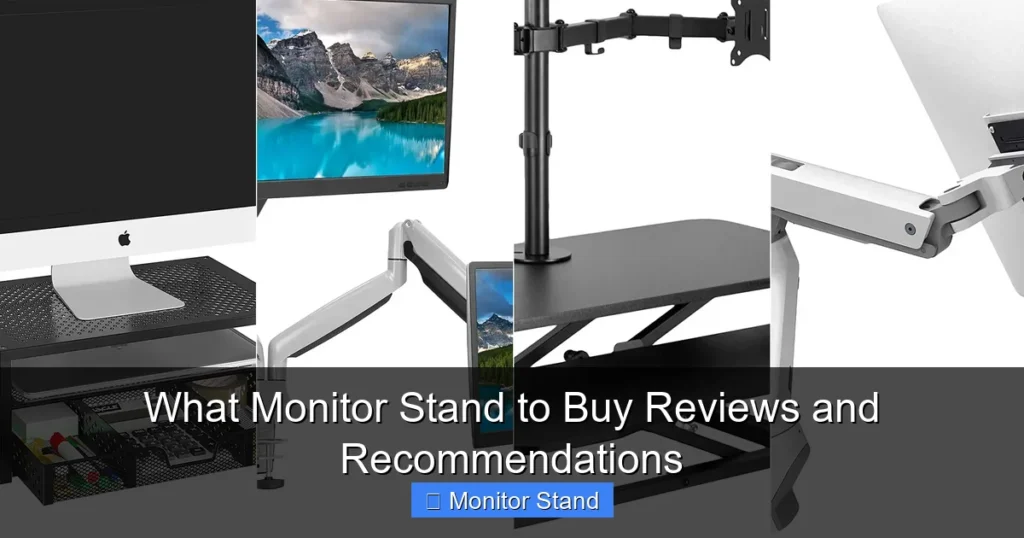
Choosing the right monitor stand can transform your workspace by improving ergonomics and freeing up desk space. This guide breaks down the key factors like type, adjustability, and compatibility to simplify your decision. We also provide top picks and practical advice to ensure you get the best monitor stand for your needs.
Are you tired of neck strain or a cluttered desk? A good monitor stand can be a game-changer. But with so many options, figuring out what monitor stand to buy can feel overwhelming. That’s where this guide comes in. We’ll walk you through everything you need to know, from types and features to top recommendations. By the end, you’ll feel confident picking the perfect monitor stand for your home or office setup. Let’s dive in!
Key Takeaways
- Assess Your Monitor and Desk: Check your monitor’s size, weight, and VESA pattern, and measure your desk’s thickness and material to ensure compatibility.
- Choose the Right Type: Select from clamp, grommet, freestanding, or wall mounts based on your desk setup and space-saving goals.
- Prioritize Adjustability: Look for height, tilt, swivel, and rotation features to enhance comfort and reduce strain during long use.
- Verify VESA Compatibility: Ensure the monitor stand matches your monitor’s VESA mount pattern (e.g., 75x75mm or 100x100mm) for a secure fit.
- Consider Build Quality and Weight Capacity: Opt for sturdy materials like aluminum or steel with a weight capacity that exceeds your monitor’s weight for stability.
- Don’t Overlook Cable Management: Integrated cable clips or channels help keep wires organized and your desk clutter-free.
- Read Reviews and Check Warranties: User feedback and warranty terms provide insights into reliability and customer support for your monitor stand.
Step 1: Understand Your Monitor and Setup
Before buying any monitor stand, take a close look at your current gear. This step saves you from returns and hassle.
Check Your Monitor’s Size and Weight
Grab your monitor’s manual or look up its specs online. Note the screen size (in inches) and weight (in pounds or kilograms). Most monitor stands list a max weight and size they support. For example, a 27-inch monitor might weigh 10 pounds. Choose a stand that handles at least 20% more weight for safety. This ensures your monitor stand won’t sag or fail.
Measure Your Desk
Grab a tape measure. Check your desk’s thickness where you plan to attach the stand. Clamp mounts need desks less than 3 inches thick typically. Also, note the material—glass desks might need special pads. If your desk has a grommet hole (a cable hole), you can use a grommet mount. Measuring first helps you pick a compatible monitor stand.
Identify Your Usage Needs
Think about how you use your monitor. Do you game for hours? You might want quick adjustability. Working from home? Ergonomics are key. Using multiple screens? A dual monitor stand could save space. Jot down your priorities: comfort, space, or style. This guides your monitor stand choice.
Step 2: Explore Types of Monitor Stands
Monitor stands come in several styles. Each has pros and cons. Let’s break them down.

Visual guide about What Monitor Stand to Buy Reviews and Recommendations
Image source: ctopreviews.com
Clamp Mounts
These attach to the edge of your desk with a clamp. They’re great for saving space since no part sits on the desk. But they require a sturdy desk lip. Clamp mounts are popular for single or dual monitors. They often offer full motion adjustment. Just ensure your desk can handle the pressure.
Grommet Mounts
Grommet mounts fit into a pre-drilled hole in your desk. They’re very stable and don’t need clamping. If your desk has a grommet hole, this is a neat option. However, if you don’t have one, drilling a hole might be needed. These monitor stands are sleek and minimal.
Freestanding Stands
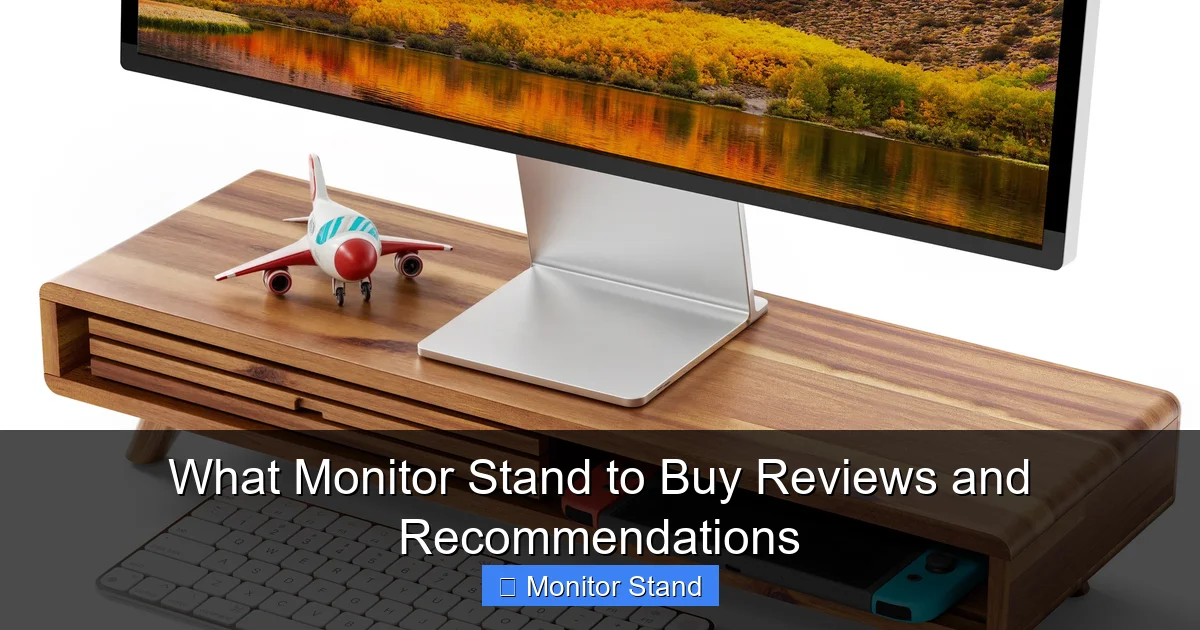
These sit on your desk like a traditional base. They’re easy to move and don’t require installation. But they take up desk space. Freestanding stands are ideal if you can’t modify your desk or want portability. Look for ones with a small footprint.
Wall Mounts
Wall mounts attach to a wall or panel. They free up all desk space and offer a clean look. But they require drilling into walls and permanent placement. Ensure your wall is solid (like drywall with studs) for support. This monitor stand type is best for permanent setups.
Step 3: Key Features to Consider
Not all monitor stands are created equal. Focus on these features to get the best value.
Visual guide about What Monitor Stand to Buy Reviews and Recommendations
Image source: putproductreviews.com
Adjustability: Height, Tilt, Swivel, and Rotation
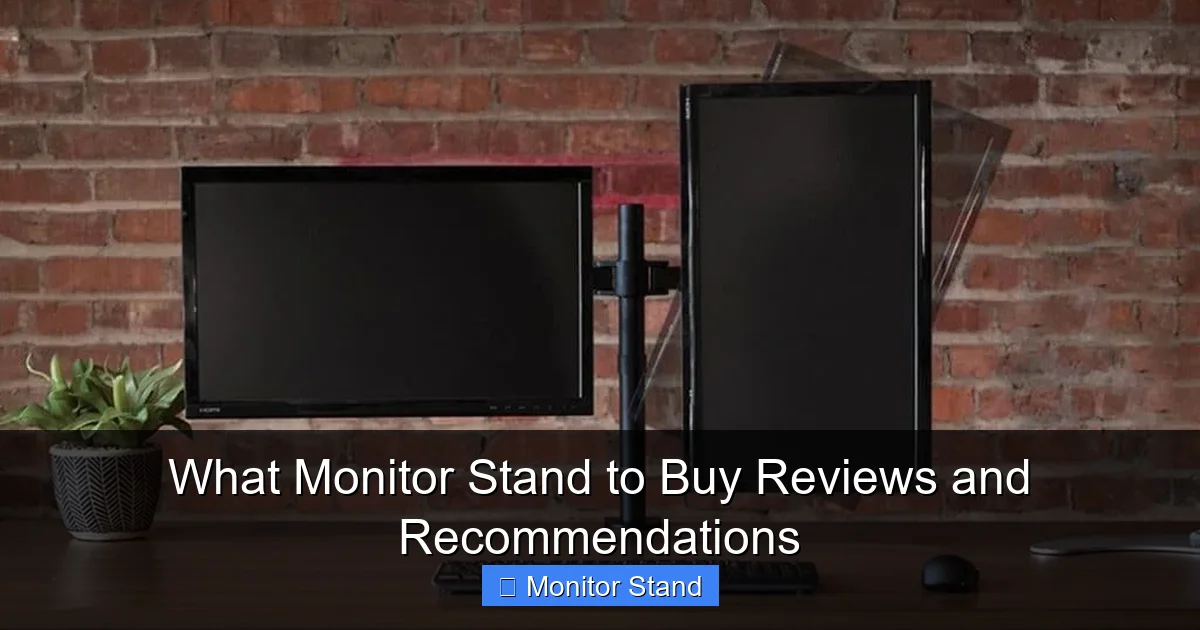
Adjustability is crucial for ergonomics. Height adjustment lets you position the monitor at eye level. Tilt helps reduce glare. Swivel allows side-to-side movement. Rotation (portrait or landscape) is useful for coding or reading. A good monitor stand should offer at least height and tilt. For flexibility, get one with all motions.
VESA Compatibility
VESA is a standard for mounting. Check your monitor’s back for four screw holes in a square pattern. Common sizes are 75x75mm and 100x100mm. Your monitor stand must match this. Some stands include adapters for multiple patterns. Always verify VESA fit before buying.
Weight Capacity and Stability
Weight capacity is the max load the stand can hold. Pick a monitor stand with a capacity higher than your monitor’s weight. For stability, look for wide bases or strong arms. Aluminum and steel are durable materials. A wobbly stand is annoying and unsafe.
Cable Management
Cable management features keep wires tidy. Look for clips, channels, or sleeves built into the stand. This makes your desk look cleaner and prevents tripping hazards. A monitor stand with good cable management is a small but useful perk.
Material and Build Quality
Build quality affects longevity. Metal stands last longer than plastic. Check reviews for comments on sturdiness. A well-built monitor stand might cost more but pays off in durability. Also, consider finish—matte black resists fingerprints.
Step 4: Top Monitor Stand Recommendations
Based on types and features, here are some top picks. These monitor stands cater to different needs and budgets.
Visual guide about What Monitor Stand to Buy Reviews and Recommendations
Image source: assets.wfcdn.com
Best Overall Monitor Stand: AmazonBasics Premium Single
This clamp mount offers excellent adjustability at a reasonable price. It supports up to 27 inches and 22 pounds. With full motion and easy installation, it’s a versatile choice for most users. The monitor stand includes cable management and a sturdy arm.
Best Ergonomic Monitor Stand: Ergotron LX
Ergotron is known for quality. The LX series has smooth height and tilt adjustments. It holds monitors up to 34 inches and 25 pounds. Though pricier, its durability and ease of use make it worth it for daily ergonomics.
Best Budget Monitor Stand: VIVO Single LCD Desk
VIVO offers reliable stands at low cost. This freestanding stand has basic height and tilt. It fits up to 27 inches and 22 pounds. If you need a simple, no-fuss monitor stand, this is a solid pick.
Best Dual Monitor Stand: HUANUO Dual Monitor
This clamp mount supports two monitors up to 27 inches each. It saves space and allows independent adjustment. The gas spring arms make positioning smooth. For multi-taskers, this monitor stand is a lifesaver.
Best for Gaming Setups: North Bayou F80
Gamers need quick adjustments. The North Bayou F80 offers full motion with a strong clamp. It holds up to 32 inches and 19.8 pounds. Its sleek look and fluid movement enhance gaming sessions. This monitor stand is both functional and stylish.
Step 5: How to Install Your Monitor Stand
Installation can be tricky, but with these tips, you’ll set it up fast.
Preparation Tips
Clear your desk area. Have a screwdriver, measuring tape, and level ready. Read the manual first. If using a clamp mount, check desk thickness. For grommet mounts, ensure the hole is clean. Double-check VESA screws match your monitor.
Step-by-Step Installation
First, attach the VESA plate to your monitor. Use the provided screws—don’t overtighten. Then, secure the stand to your desk via clamp, grommet, or base. Adjust the arms or pole to your desired height. Finally, hang the monitor on the stand and manage cables. Test adjustability to ensure it’s firm but movable.
Troubleshooting Common Issues
Even with the best monitor stand, issues can pop up. Here’s how to fix them.
Monitor Doesn’t Stay in Place
If the monitor sags or drifts, tighten the tension knobs on the stand. Most stands have adjustable springs or gas arms. Refer to the manual for specific adjustments. If problems persist, the monitor stand might be underweight for your monitor—check capacity.
Stand Wobbles or Feels Unstable
Wobbling often means the stand isn’t secure. For clamp mounts, tighten the clamp more. Add a padding if the desk is delicate. For freestanding stands, ensure the base is flat and on a level surface. Avoid placing on uneven desks.
Installation Difficulties
Struggling with screws? Ensure you’re using the right ones from the kit. If VESA holes don’t align, an adapter might help. For wall mounts, use a stud finder to anchor securely. When in doubt, consult online videos or customer support for your monitor stand brand.
Conclusion
Choosing the right monitor stand doesn’t have to be hard. Start by assessing your monitor and desk. Then, pick a type that fits your space. Focus on adjustability and compatibility. Consider our recommendations based on your needs. Remember, a good monitor stand boosts comfort and productivity. Take your time, read reviews, and invest in quality. Your neck and desk will thank you! Ready to upgrade? Use this guide to find your ideal monitor stand today.