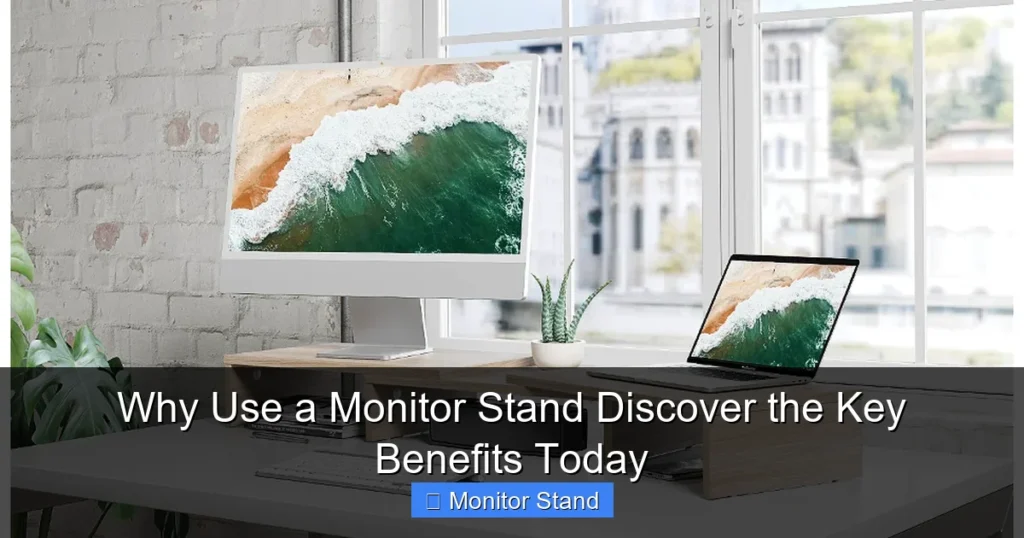
A monitor stand is a simple upgrade that delivers profound benefits for your health and productivity. By lifting your screen to eye level, it promotes proper posture and reduces neck and back strain. It also clears valuable desk space, organizes messy cables, and creates a cleaner, more focused work environment. This guide will show you exactly how to choose and use one effectively.
Key Takeaways
- Ergonomic Health is Paramount: A monitor stand positions your screen at eye level to prevent neck strain, improve posture, and reduce long-term injury risk.
- Desk Space is Reclaimed: Lifting the monitor frees up the area underneath for notebooks, keyboards, and other essentials, decluttering your surface.
- Cable Chaos is Contained: Most stands feature built-in management systems to route and hide unsightly cords for a tidy setup.
- Productivity Gets a Boost: An organized, comfortable workspace minimizes distractions and physical discomfort, helping you focus better for longer.
- Flexibility and Multiple Monitors: Stands, especially arms, offer tilt, swivel, and height adjustments, making dual or triple monitor setups efficient and ergonomic.
- Improved Viewing Experience: The correct height reduces glare and optimizes viewing angles, combating eye fatigue.
- A Professional Aesthetic: A streamlined, elevated monitor setup simply looks more modern, intentional, and professional.
Why Use a Monitor Stand? Discover the Key Benefits Today
Are you sitting at your desk right now? Take a quick look at your monitor. Is the top of the screen at or just below your eye level? If you have to look down, even slightly, you’re missing out on one of the simplest and most effective upgrades for your workspace. A monitor stand is more than just a pedestal for your screen; it’s a tool for better health, efficiency, and comfort.
In this guide, we’ll walk through all the compelling reasons to use a monitor stand. You’ll learn how this one piece of gear can transform your daily computer use from a pain point into a productivity powerhouse. We’ll cover the health benefits, the practical perks, and even how to pick the right one for you. Let’s dive in and elevate your setup, literally and figuratively.
Step 1: Understand the Core Benefit – Ergonomics and Health
The most critical reason to use a monitor stand is your physical well-being. Hours of screen time take a toll, and poor monitor height is a major culprit.

Visual guide about Why Use a Monitor Stand Discover the Key Benefits Today
Image source: archipro.com.au
The Problem: “Monitor Neck” and Poor Posture
When your monitor is too low, you crane your neck forward and down. This strains your cervical spine, tightens your shoulder muscles, and can lead to chronic pain. It also encourages slouching, which compromises your entire back.
The Solution: Achieve Eye-Level Alignment
A monitor stand lifts your screen so that the top third is aligned with your eyes when you’re sitting upright. Your gaze should be level or slightly downward, by about 10-20 degrees. This neutral position keeps your head balanced over your spine.
Practical Tips for Perfect Posture
- Measure First: Sit comfortably in your chair. Measure from your desk surface to your eye level. Choose a stand that lifts your monitor to meet this height.
- Don’t Forget Distance: Your screen should also be an arm’s length away (about 20-30 inches) to prevent eye strain.
- Combine with Good Habits: A stand helps, but remember to take short breaks, stretch, and adjust your chair height for full ergonomic synergy.
Step 2: Reclaim Your Precious Desk Real Estate
Desks have a way of becoming cluttered. A monitor stand is a brilliant space-saving hack.
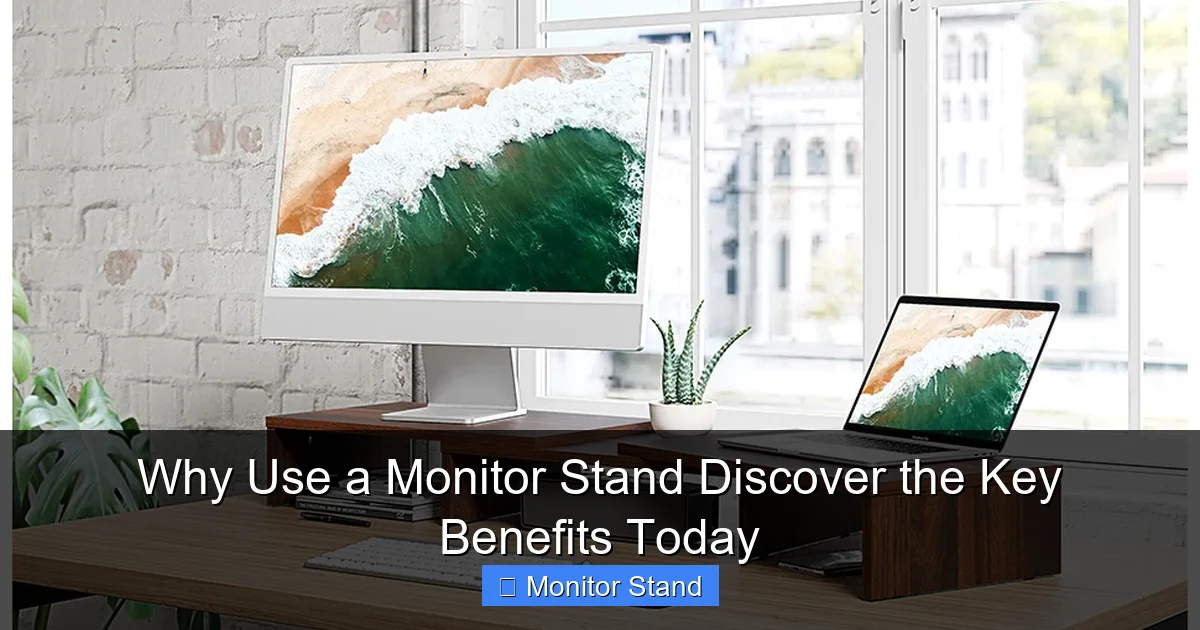
Visual guide about Why Use a Monitor Stand Discover the Key Benefits Today
Image source: m.media-amazon.com
Think about the footprint of your monitor’s default base. Now, imagine that space being free. You can tuck your keyboard away when not in use, store a notebook, or finally have room for a desk pad. The area under the raised monitor also becomes usable for items you need occasionally but not constantly.
This decluttering has a psychological benefit, too. A clear desk promotes a clear mind, reducing visual noise and helping you focus on the task at hand.
Step 3: Tame the Cable Jungle with Built-in Management
Messy cables are an eyesore and a hassle. They collect dust, get tangled, and make it hard to clean.

Visual guide about Why Use a Monitor Stand Discover the Key Benefits Today
Image source: archipro.com.au
How Stands Help
Many monitor stands come with clever cable management solutions. Look for features like:
- Grommets or Pass-Through Holes: These allow you to route power and video cables neatly down the stand’s arm or column.
- Channels or Clips: Built-in clips or channels on the arm keep cables bundled together and out of sight.
- Hidden Compartments: Some larger monitor platforms have hollow bases or compartments to stash power strips and excess cable length.
By centralizing and hiding your cables, you achieve a clean, professional look that’s also safer and easier to maintain.
Step 4: Enhance Your Viewing Experience and Productivity
A well-positioned monitor does more than just feel better—it helps you work better.
Reduce Glare and Optimize Angle
Lifting your monitor makes it easier to position it to avoid window or overhead light glare. Articulating stands (arms) let you tilt and swivel the screen to the perfect angle, reducing reflections and eye fatigue.
Boost Focus and Efficiency
An ergonomic, organized workspace minimizes physical distractions like pain and visual clutter. When you’re comfortable, you can maintain focus for longer periods. Furthermore, for multi-tasking, a monitor arm allows you to easily share your screen with a colleague or switch between a sitting and standing desk position effortlessly.
Step 5: Choose the Right Monitor Stand for Your Needs
Not all monitor stands are created equal. Picking the right one ensures you get the benefits you need.
Types of Monitor Stands
- Fixed-Height Risers: Simple platforms that lift your monitor a set number of inches. Great for basic height correction and space saving.
- Adjustable Risers: Platforms with telescopic legs or multiple height settings. Offers more flexibility to dial in the perfect height.
- Monitor Arms (Articulating): Mount to the desk edge or via a grommet. They offer full motion—height, tilt, swivel, and rotation. Ideal for active workspaces and multiple monitors.
Key Features to Consider
- VESA Compatibility: Ensure the stand’s mount pattern (e.g., 75x75mm or 100x100mm) matches the holes on the back of your monitor.
- Weight Capacity: The stand must support your monitor’s weight. Always check the specs.
- Desk Clamp vs. Grommet Mount: Clamps save space but require a sturdy desk lip. Grommet mounts go through a hole in the desk for a central position.
- Material and Stability: Look for sturdy materials like steel. A wobbly stand defeats the purpose.
Troubleshooting Common Monitor Stand Issues
Ran into a problem? Here are quick fixes for common issues.
Issue: Monitor is Wobbling.
Solution: Tighten all bolts and screws on the arm and clamp. Ensure your desk surface is level and the clamp is secured on a solid part of the desk, not a thin overhang. Distribute the weight evenly.
Issue: Cables Are Still Visible or Pulling.
Solution: Use the provided routing channels fully. Consider velcro straps or adhesive cable clips for any loose wires. Leave a little slack in the cables when routing to allow for full movement of the arm.
Issue: The Height Still Doesn’t Feel Right.
Solution: Re-check your ergonomic positioning. You may need a taller riser or an arm with a greater height range. Remember to adjust your chair height in conjunction with the monitor.
Issue: My Monitor Doesn’t Have VESA Holes.
Solution: You can purchase a universal VESA adapter plate that attaches to your monitor’s existing stand mount. This is a common and effective workaround.
Conclusion: Elevate Your Workspace, Elevate Your Work
Investing in a monitor stand is a small change with a massive return. The benefits are clear and impactful: a healthier posture that wards off chronic pain, a decluttered desk that sparks focus, and a tidy, professional setup that simply works better. Whether you choose a simple fixed riser or a fully articulated arm, you are making a commitment to your comfort and productivity.
Don’t underestimate the power of proper setup. Your body and your work output will thank you. Start by assessing your current monitor height, measure your space, and pick the stand that unlocks these key benefits for you. Discover the difference a monitor stand can make in your daily routine today.