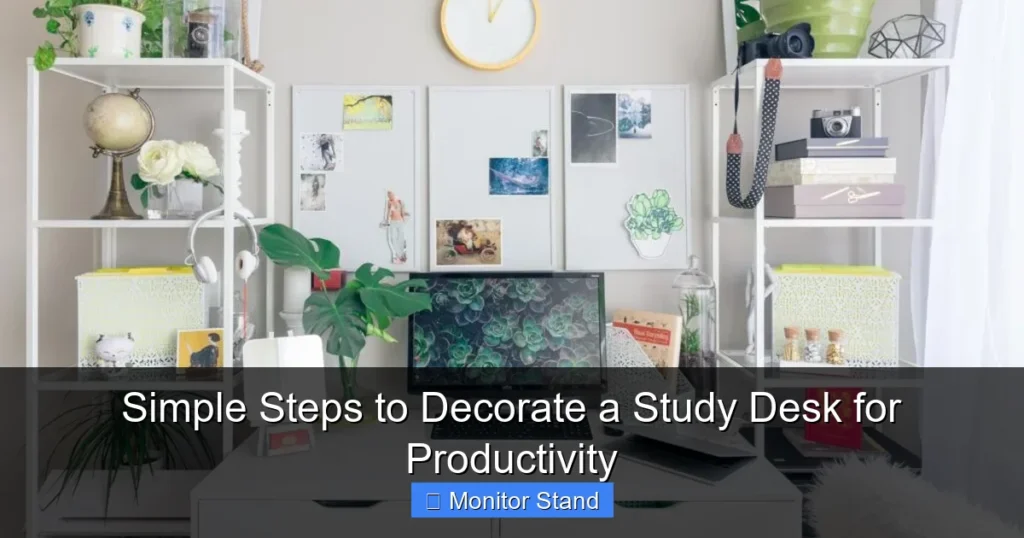
Transform your study desk into a productivity powerhouse with our easy, step-by-step guide. You’ll learn how to optimize your layout for ergonomics and focus, cleverly organize essentials, and add personalized touches that inspire you to do your best work. A well-decorated desk is the foundation of an effective workflow.
Key Takeaways
- Ergonomics Are Non-Negotiable: A healthy, pain-free body is the ultimate productivity tool. Proper monitor height, chair support, and accessory placement are foundational.
- Declutter Before You Decorate: Remove everything, then only reintroduce items that serve a functional or deep inspirational purpose for a clear, focused mind.
- The Monitor is Your Command Center: Investing in a quality monitor stand is crucial for ergonomics, creating valuable storage space, and establishing a clean, tiered aesthetic.
- Functional Beauty Wins: Every item on your desk should either be used daily or spark genuine joy. Choose organizers, lighting, and tools that are both useful and pleasing.
- Personalization Fuels Motivation: Strategic, minimalist personal touches—like one piece of art, a small plant, or a meaningful memento—connect you to your “why” without causing distraction.
- Lighting is a Game-Changer: Layering ambient, task, and bias lighting reduces eye strain, improves mood, and dramatically enhances the functionality and feel of your space.
- Maintenance is Part of the System: A productive desk is a clean desk. A nightly 5-minute reset ritual ensures you start every session with clarity and purpose.
Simple Steps to Decorate a Study Desk for Productivity
Your study desk is more than just a piece of furniture. It’s your command center, your creative studio, and your focus zone. A cluttered, uncomfortable, or uninspiring desk can drain your energy and scatter your thoughts. But a well-decorated study desk does the opposite. It invites you to sit down, minimizes friction, and helps you enter a state of flow.
This guide will walk you through a complete transformation. We won’t just add pretty things. We will build a system. A system designed for productivity, comfort, and personal motivation. Let’s create a workspace where you can do your best work, feel good, and love spending time.
Step 1: The Blank Slate – Clear and Clean
You cannot decorate a study desk effectively if it’s covered in yesterday’s chaos. Start with a completely clean surface.
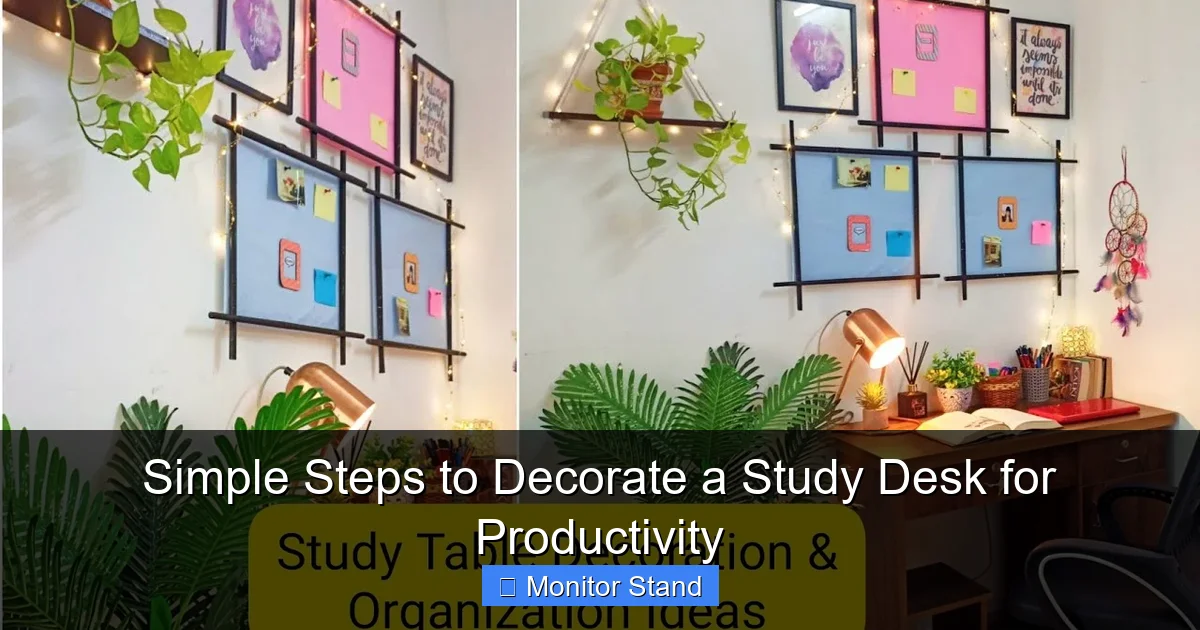
Visual guide about Simple Steps to Decorate a Study Desk for Productivity
Image source: i.ytimg.com
1. Remove Everything
Take every single item off your desk. Yes, even that sticky note you think is important. Place everything on your bed or a large table.
2. Deep Clean the Surface
Wipe down the entire desk with an appropriate cleaner. Dust the monitor, keyboard, and base of your lamp. Clean your mouse pad. Start this process with a physically clean foundation.
3. The Ruthless Sort
This is the most important step. Go through the pile of items you removed. For each one, ask: “Do I use this at my desk every single day?” If the answer is no, ask a second question: “Does this item inspire me so deeply that it must be in my immediate line of sight?”
- Keep Pile: Daily drivers (keyboard, mouse, notebook, 2-3 pens) and 1-3 truly inspirational items.
- Relocate Pile: Items used weekly (like reference books, specialized tools). These go on a nearby shelf or in a drawer.
- Discard/Donate Pile: Broken items, dried-out pens, old receipts, and things you haven’t used in months.
Step 2: Foundation First – Ergonomics and Layout
Before any decoration comes function. Your body will thank you.
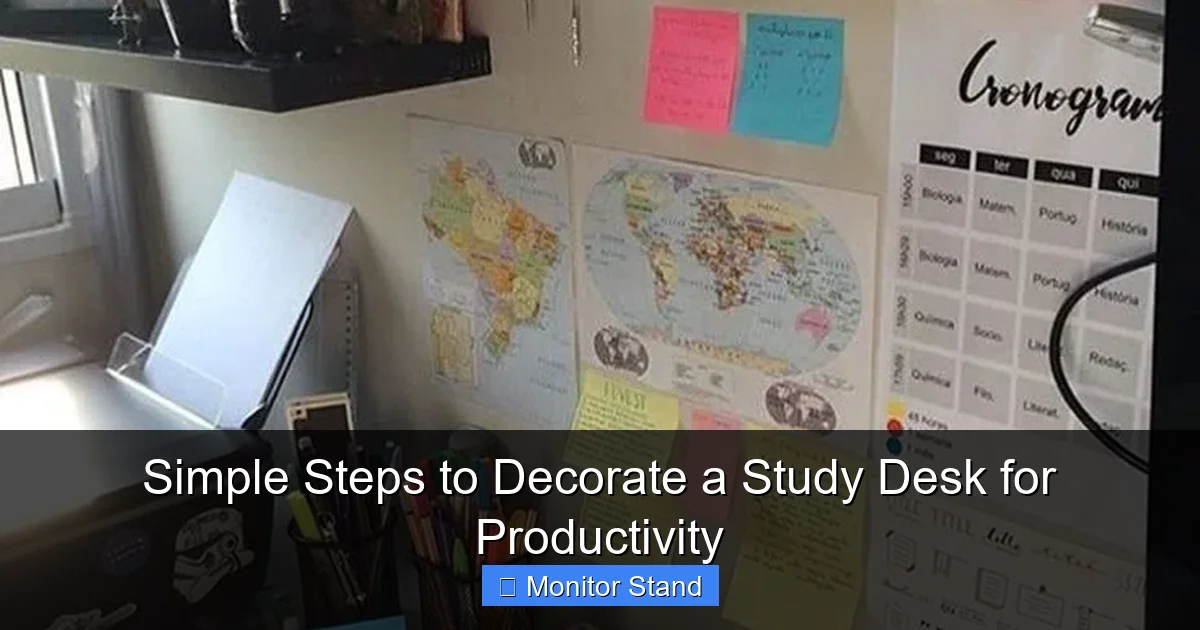
Visual guide about Simple Steps to Decorate a Study Desk for Productivity
Image source: i.pinimg.com
1. Position Your Chair and Desk
Ensure your chair height allows your feet to rest flat on the floor, with knees at about a 90-degree angle. Your elbows should also be at a 90-degree angle when typing.
2. Elevate Your Monitor – The Star of the Show
This is where your monitor stand becomes essential. A monitor stand is not just a riser; it’s the cornerstone of a productive setup.
- Ergonomic Alignment: The top of your screen should be at or slightly below eye level when sitting straight. This prevents neck strain. A monitor stand lets you achieve this perfect height without using makeshift boxes.
- Create Hidden Storage: The space under a monitor stand is prime real estate. It’s perfect for stashing your keyboard when not in use, tucking a notebook, or hiding unsightly cables.
- Improved Airflow and Aesthetics: Lifting your monitor improves ventilation. It also creates a beautiful, layered look on your desk, making it feel more organized and intentional.
Tip: Choose a monitor stand with cable management holes or a solid design that hides clutter. Materials like bamboo add warmth, while metal offers a modern, sleek feel.
3. Apply the “Golden Triangle” Rule
Imagine a triangle on your desk. The points are your monitor, your keyboard/mouse area, and a dedicated space for your notebook or primary textbook. This layout minimizes excessive reaching and keeps your workflow contained and efficient.
Step 3: Strategic Organization – A Place for Everything
Now, let’s systematically return your “Keep Pile” items in an organized way.
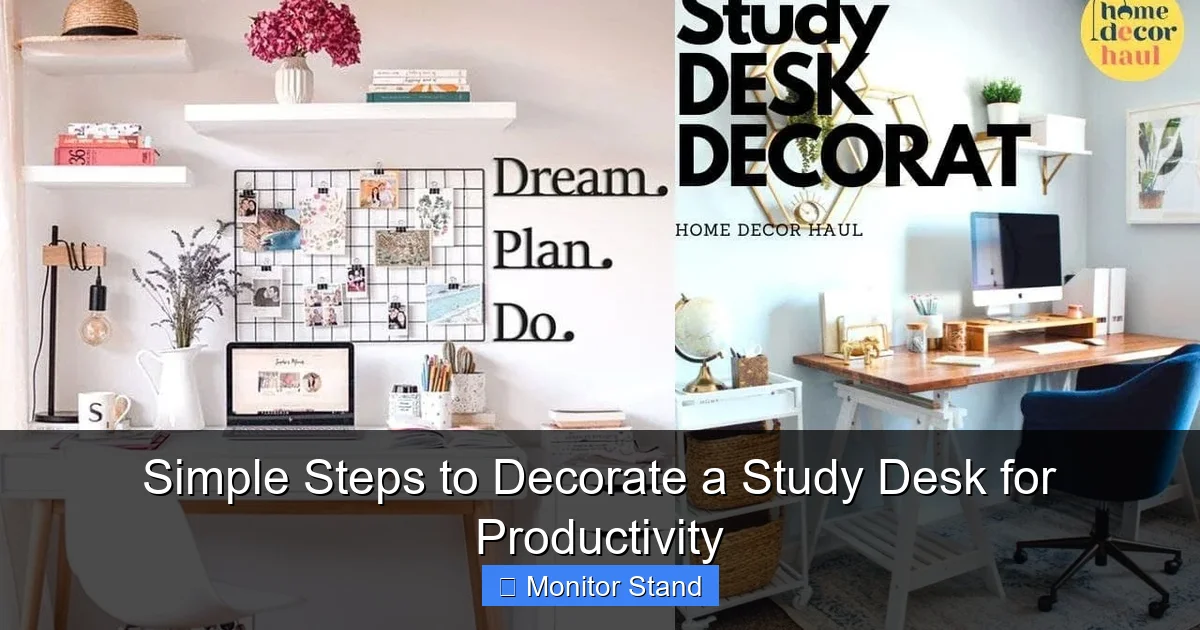
Visual guide about Simple Steps to Decorate a Study Desk for Productivity
Image source: i.ytimg.com
1. Contain the Small Stuff
Use small trays, cups, or bowls to group similar items. Have one for pens and pencils. Use a small tray for paperclips, thumb drives, and staples. This prevents scattered items from creating visual noise.
2. Manage Your Cables
Cables are the number one cause of visual clutter. Use adhesive cable clips under the desk, velcro straps, or a cable management box to gather power strips and excess wire length. Route charging cables through the holes in your monitor stand if it has them.
3. Implement Vertical Storage
Use a desk organizer shelf, a wall-mounted pegboard above the desk, or even a simple letter tray to get items off the main surface. This keeps your primary workspace clear.
Step 4: The Productivity Boosters – Lighting and Tools
These elements directly impact your ability to work effectively.
1. Layer Your Lighting
- Ambient Light: Your main room light. Ensure it’s adequate.
- Task Light: A dedicated desk lamp is non-negotiable. Choose an adjustable one with warm-white to neutral-white LEDs to reduce eye strain during night work.
- Bias Lighting: Place a small LED strip behind your monitor. This reduces contrast between the bright screen and a dark room, easing eye fatigue significantly.
2. Incorporate Productivity Tools
Keep a physical notepad for quick thoughts to avoid digital distraction. A visible clock or timer can help with Pomodoro technique sessions. A small whiteboard for daily priorities is incredibly useful.
Step 5: Personalized Inspiration – The Decorative Touch
Now for the fun part: adding personality without adding clutter.
1. Choose One Statement Piece
This could be a single framed piece of art on the wall in front of you, a beautiful succulent in a nice pot, or an attractive desk clock. Let one item be the focal point.
2. Add Life with Greenery
A small, low-maintenance plant like a pothos, snake plant, or ZZ plant boosts mood, improves air quality, and adds a soft, natural texture. Place it on your monitor stand or to the side.
3. Select a Motivating Color Palette
Choose desk accessories (pen holder, mousepad, notebook cover) within a cohesive color scheme of 2-3 colors. Blues and greens are calming and conducive to focus. A pop of yellow can promote creativity.
4. Include One Personal Memento
One small photo, a souvenir from a meaningful trip, or a token from a loved one. Place it where you can glance at it for a quick motivation boost, but not in the direct line of fire of your primary focus area.
Troubleshooting Common Desk Issues
Problem: “My desk feels cluttered again within days.”
Solution: Institute a 5-minute nightly reset. Before you finish work, return every item to its designated home. This habit is more important than any organizer you can buy.
Problem: “I have a very small desk.”
Solution: Maximize vertical space with a tall, slim organizer. Use a monitor stand with built-in drawers. Mount everything you can to the wall. Choose a small-scale lamp and a slim desk pad instead of a large one.
Problem: “I share this desk with family members.”
Solution: Use portable organization systems like a caddy for your specific items (pens, notebook, headphones) that you can bring to the desk and remove when done. Establish a clear, neutral base setup for everyone.
Conclusion: Your Productive Sanctuary Awaits
Decorating a study desk for productivity isn’t about spending a lot of money on trendy items. It’s a thoughtful process of prioritizing your physical comfort, clearing mental clutter, and intentionally placing tools and inspiration within reach. By starting with the critical foundation of ergonomics—centered on a quality monitor stand—and building up through organization, lighting, and minimal personalization, you create more than a desk. You create a personalized ecosystem for achievement. Your new workspace is now ready to support your goals, one productive session at a time. Sit down, take a breath, and get to work in your new favorite place.