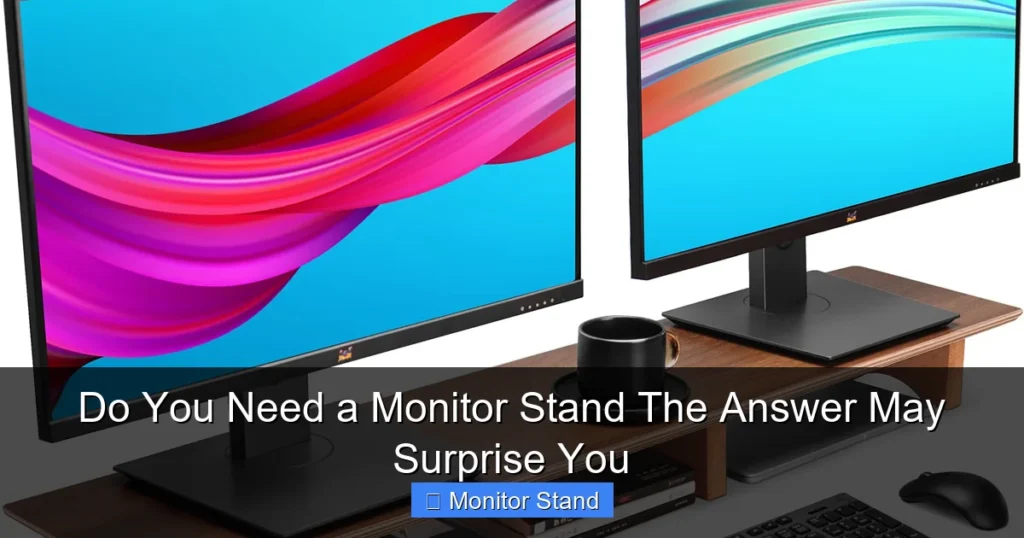
Deciding on a monitor stand isn’t just about aesthetics; it’s about health and efficiency. This guide walks you through the signs you need one, the types available, and how to choose the best fit for your setup. You might be surprised by the impact a simple stand can have.
Key Takeaways
- Ergonomics and Health: A monitor stand can reduce neck, back, and eye strain by promoting proper screen alignment with your natural sightline.
- Space Optimization: It frees up valuable desk real estate by lifting the monitor and often incorporating storage or cable management.
- Improved Productivity: Comfortable viewing angles and less clutter lead to reduced fatigue, allowing for longer, more focused work sessions.
- Cable Management: Many stands include clips or channels to tame wire chaos, creating a cleaner and safer workspace.
- Flexibility and Adjustment: Stands offer height, tilt, swivel, and rotation options, letting you customize your view for any task.
- Aesthetic Appeal: A good monitor stand can modernize your desk, giving it a sleek, organized, and professional look.
- Cost vs. Benefit: Monitor stands are generally affordable upgrades that deliver significant returns in comfort and organization.
Do You Need a Monitor Stand? The Answer May Surprise You
Hey there! If you’re staring at your computer screen right now, wondering if that monitor on your desk could be better, you’re in the right place. A monitor stand might seem like a small add-on. But it can be a game-changer. This guide will help you figure out if you need one. We’ll explore the benefits, the signs you should look for, and how to pick the perfect stand. Let’s dive in and see if a monitor stand is your ticket to a happier, healthier workspace.
Step 1: Assess Your Current Setup
First, let’s take a good look at your workspace. Your current monitor position might be causing problems you don’t even notice.
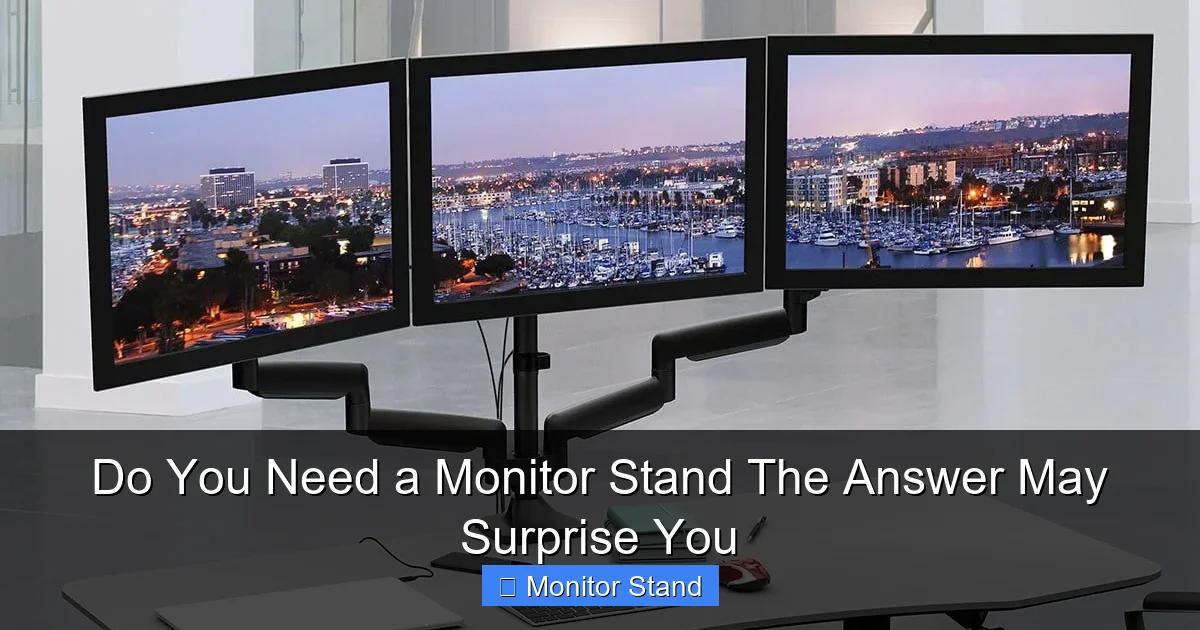
Visual guide about Do You Need a Monitor Stand The Answer May Surprise You
Image source: thegreatdevice.com
Check Your Ergonomics
Sit in your usual working position. Where is the top of your monitor? Ideally, it should be at or slightly below eye level. Your gaze should tilt down about 10-20 degrees. If you’re looking up or straining your neck down, that’s a red flag.
Measure Your Desk Space
Is your desk cluttered? Do you have notebooks, keyboards, and coffee cups fighting for room? A monitor stand can lift your screen and create space underneath. This space is perfect for storing items you use often.
Evaluate Your Comfort
Do you get neck or shoulder pain after long hours? Do your eyes feel tired? Poor monitor height is a common culprit. Write down any discomfort you feel. It will help you decide later.
Step 2: Understand the Benefits of a Monitor Stand
Now, let’s see what a monitor stand can really do for you. The benefits might surprise you.
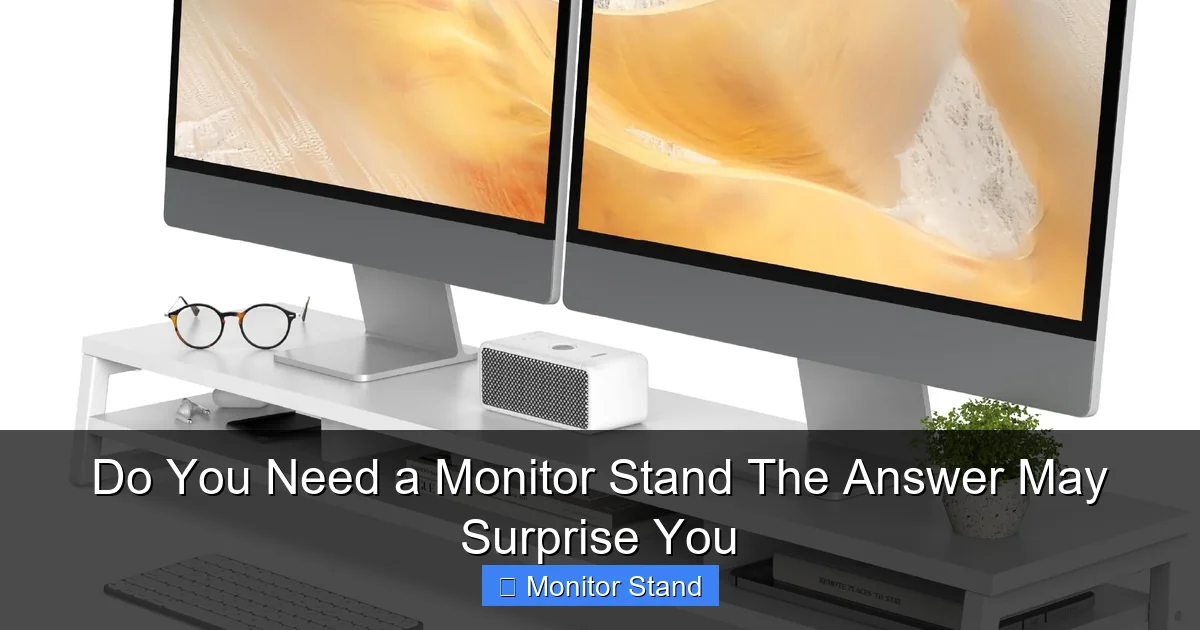
Visual guide about Do You Need a Monitor Stand The Answer May Surprise You
Image source: m.media-amazon.com
Boost Your Health with Better Ergonomics
A monitor stand lets you position your screen correctly. This alignment reduces strain on your neck and back. It also helps minimize eye fatigue. You’ll feel better at the end of the day.
Create More Desk Space
By lifting the monitor, you free up the area underneath. You can slide your keyboard away when not in use. Or store notebooks and pens. A tidy desk means a tidy mind.
Enhance Your Productivity
When you’re comfortable, you can work longer and better. Less pain means fewer breaks. A clear desk helps you focus. A monitor stand is a simple tool for getting more done.
Organize Cables Easily
Many monitor stands have built-in cable management. Clips and holes keep wires neat. No more tangled mess. It looks good and is safer too.
Add Flexibility to Your View
With adjustable stands, you can change height, tilt, or swivel. Share your screen with a colleague easily. Switch between sitting and standing desks. The flexibility is great.
Step 3: Identify Signs You Need a Monitor Stand
Not sure if it’s time for a change? Look for these clear signs.
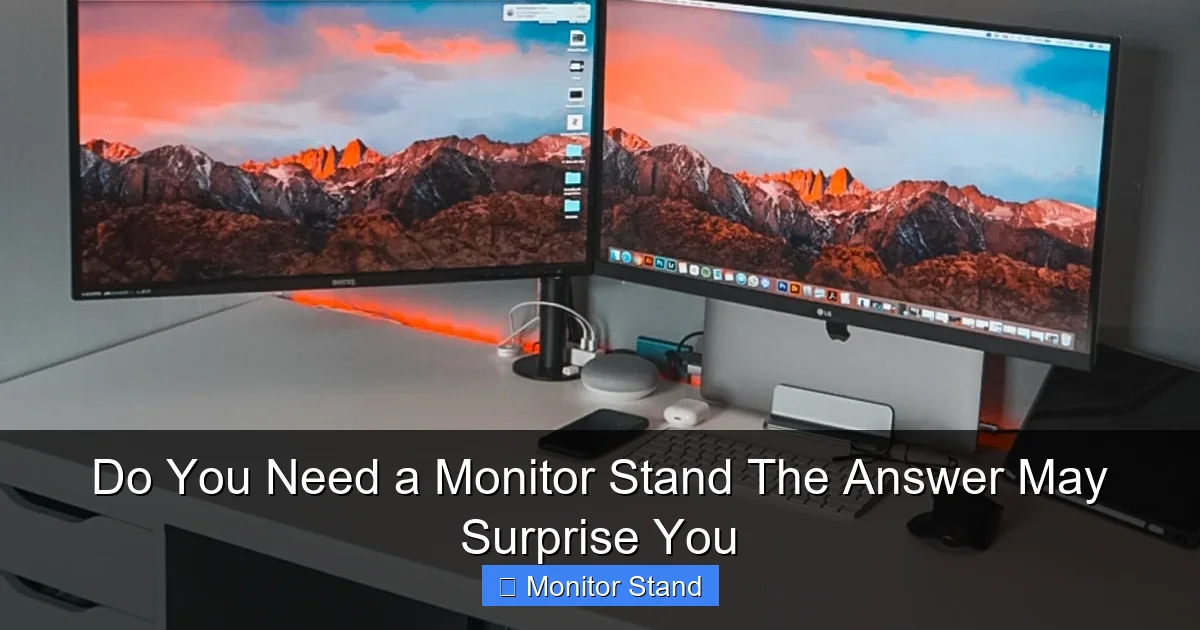
Visual guide about Do You Need a Monitor Stand The Answer May Surprise You
Image source: architecturelab.net
You Experience Physical Discomfort
Neck pain, backaches, or sore shoulders are big signs. So are headaches or eye strain. If your body is complaining, your monitor might be to blame.
Your Desk is Always Messy
If you can’t find space for your mouse, you need help. A monitor stand clears the deck. It gives you room to breathe and work.
You Can’t Adjust Your Monitor Enough
Most stock monitor stands offer limited tilt. If you can’t get the right angle, you need more control. A new monitor stand offers that.
You Use Multiple Monitors
Juggling two or more screens? A multi-monitor stand can align them perfectly. It saves space and looks professional.
You Want a Cleaner Look
If your workspace feels outdated or chaotic, a stand can modernize it. Sleek designs make everything look intentional and sharp.
Step 4: Explore Types of Monitor Stands
Monitor stands come in different styles. Picking the right type is key.
Monitor Risers or Platforms
These are simple stands that lift your monitor a few inches. They often have storage space underneath. Great for basic height adjustment and decluttering.
Monitor Arms or Mounts
These attach to your desk or wall. They offer full motion—height, tilt, swivel, and rotation. Perfect for flexibility and saving space.
Wall-Mounted Stands
These fix your monitor to the wall. They free up all desk space. Ideal for permanent setups or small rooms.
Grommet-Mounted Stands
These clamp through a hole in your desk. They are very stable. Good for heavy monitors or adjustable desks.
Multi-Monitor Stands
They hold two or more screens on one arm. Keeps monitors aligned and organized. A must for traders, programmers, or gamers.
Step 5: How to Choose the Right Monitor Stand
Ready to shop? Here’s how to pick the best monitor stand for you.
Check Your Monitor’s Specs
Know your monitor’s size and weight. The stand must support it. Look at the VESA mount pattern too. Most stands list compatible sizes.
Consider Your Desk
Is your desk thick or thin? Made of glass or wood? Some stands need a certain thickness to clamp. Others work on any surface. Measure before you buy.
Decide on Features
Do you need height adjustment? Tilt? Swivel? Make a list of must-haves. Cable management is a useful feature for most people.
Think About Material and Build
Sturdy metal stands last longer. Plastic might be cheaper but less durable. Read reviews to ensure stability.
Set a Budget
Monitor stands range from $20 to over $200. Simple risers are affordable. High-end arms with lots of features cost more. Choose what fits your needs and wallet.
Step 6: Installation and Setup Tips
Got your stand? Let’s set it up for success.
Follow the Instructions
Every stand is different. Read the manual first. It will save you time and frustration.
Secure the Mount Properly
If clamping, ensure it’s tight and won’t damage your desk. Use padding if needed. For wall mounts, find studs for safety.
Adjust to Your Perfect Height
Once installed, sit down and adjust. Remember the eye-level rule. Your eyes should look slightly down at the screen.
Manage Those Cables
Use the cable channels or clips. Route wires neatly behind the stand. It keeps things clean and safe from tripping.
Test the Movement
Swivel, tilt, and adjust the stand. Make sure it moves smoothly and stays in place. This ensures long-term usability.
Troubleshooting Common Monitor Stand Issues
Having problems? Here are quick fixes.
Stand is Wobbly or Unstable
Check if all screws are tight. Ensure the desk surface is even. For clamp mounts, tighten the grip. Add a stabilizer pad if provided.
Monitor Doesn’t Stay in Position
Some stands have tension adjustments. Look for a knob or screw to increase resistance. Refer to the manual for specific instructions.
Compatibility Problems
If your monitor doesn’t fit, verify the VESA pattern. Adapters are available. Or, return the stand for one that matches your screen.
Cables Are Still Messy
Use extra zip ties or adhesive clips. Plan the cable route before tightening everything. Hide wires behind the monitor arm.
Desk Damage Concerns
For clamp mounts, use a piece of wood or rubber to distribute pressure. Avoid overtightening on glass desks. Consider a grommet mount for heavy setups.
Conclusion: Your Surprising Verdict on Monitor Stands
So, do you need a monitor stand? The answer is likely yes. Even if you think your setup is fine, the benefits are too good to ignore. From better health to more space, a monitor stand is a small investment with big returns. It’s not just for offices—gamers, students, and remote workers can all gain. Assess your needs, pick the right type, and enjoy a transformed workspace. You might be surprised at how much better you feel and work. Take the step today. Your neck and desk will thank you.