
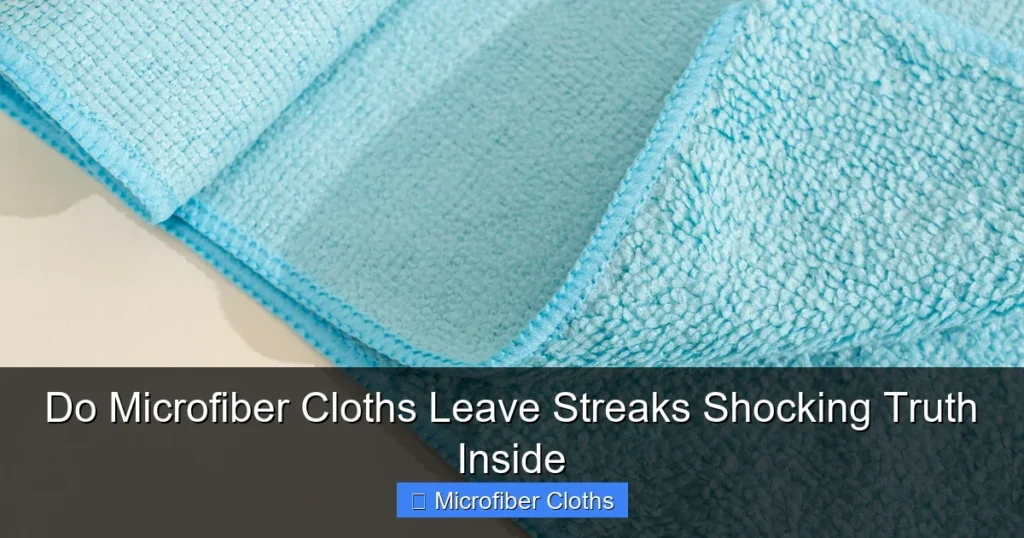
Microfiber cloths themselves rarely cause streaks – it’s usually user error or poor maintenance! You’ll learn the real reasons behind streaks and exactly how to prevent them for crystal-clear results every time. Master the right washing, drying, and wiping techniques to banish streaks forever.
Key Takeaways
- Streaks are rarely the cloth’s fault: Improper washing, drying, or technique are the usual culprits, not the microfiber itself.
- Wash new cloths before first use: Removes manufacturing residues that cause immediate streaking on surfaces.
- Never use fabric softener or dryer sheets: They coat fibers, reducing absorbency and causing streaks; air-dry instead.
- Prep surfaces correctly: Dust or grease on glass/screens transfers to cloth, creating streaks; clean surfaces first.
- Use the right wiping motion: Circular motions or excessive pressure spread residue; use light, straight strokes.
- Replace worn-out cloths: Cloths lose effectiveness after 100+ washes; replace when they feel rough or leave streaks.
- Quality matters: Cheap microfiber (low GSM) sheds fibers and streaks; invest in 300+ GSM cloths for best results.
Do Microfiber Cloths Leave Streaks? The Shocking Truth Inside
You’ve just bought a pack of shiny new microfiber cloths, excited to finally get streak-free windows and sparkling screens. But after your first wipe… streaks. Annoying, blurry streaks everywhere. You might think, “Do microfiber cloths leave streaks?” and feel frustrated. Here’s the shocking truth: high-quality microfiber cloths, when used correctly, are the BEST tool for streak-free cleaning. The streaks you see are almost always caused by how you’re using or caring for the cloth, not the cloth itself. This guide reveals exactly why streaks happen and gives you foolproof steps to achieve perfect, crystal-clear results every single time. Say goodbye to frustration and hello to flawless surfaces!
Why Do Microfiber Cloths Leave Streaks? It’s Not What You Think!
Before we fix the problem, let’s bust the myth. Many people blame the microfiber cloth for streaks, but that’s usually unfair. Microfiber’s tiny fibers (split polyester and polyamide) are designed to grab dirt and moisture without leaving residue. So, do microfiber cloths leave streaks? Only if something interferes with their magic. Here are the real reasons:

Visual guide about Do Microfiber Cloths Leave Streaks Shocking Truth Inside
Image source: media.hillyard.com
The #1 Culprit: Dirty or Improperly Washed Cloths
This is the biggest offender. New microfiber cloths often have manufacturing oils or lint residue. If you use them straight from the package, these contaminants transfer directly to your surface, creating instant streaks. Even used cloths accumulate oils from your skin, cleaning solutions, or previous surfaces. Washing them incorrectly (like using fabric softener) coats the fibers, making them repel water and spread dirt instead of absorbing it.
Surface Prep Failures
Trying to clean a dusty window or a greasy phone screen with a microfiber cloth is a recipe for streaks. The cloth picks up the loose dust or grease, then smears it across the surface as you wipe. Microfiber works best on surfaces that are already free of loose debris.
Wrong Technique: Pressure & Motion Matters
Pressing too hard or using circular motions grinds dirt into the surface and spreads residue. Microfiber needs light pressure and specific strokes to lift and trap particles effectively. Using a dry cloth on a very dirty surface also causes streaking.
Low-Quality or Worn-Out Cloths
Cheap microfiber (often under 200 GSM – grams per square meter) has thicker, less split fibers that don’t trap dirt well and shed lint. Cloths used hundreds of times become matted and lose their split-fiber structure, turning into streak-makers. If your cloth feels rough or leaves fibers behind, it’s time for a new one.
Step 1: Prepare Your Microfiber Cloths Correctly (The Foundation)
Proper prep is non-negotiable for streak-free results. Skipping this step guarantees frustration.
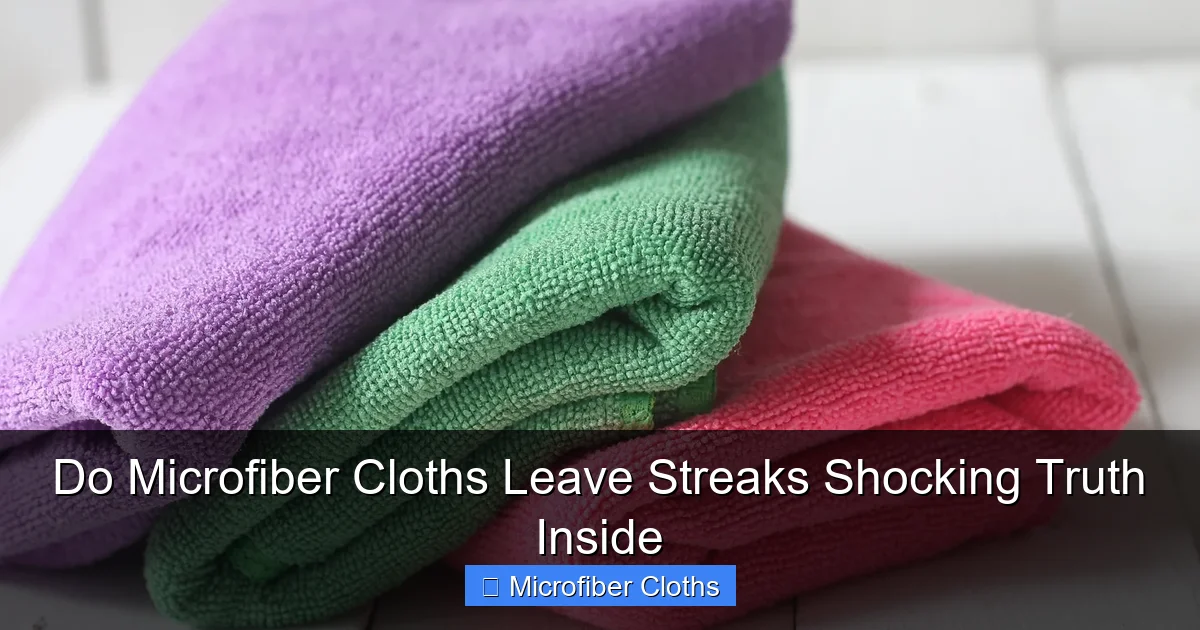
Visual guide about Do Microfiber Cloths Leave Streaks Shocking Truth Inside
Image source: sheknows.com
Wash New Cloths Before First Use
Never use a brand-new microfiber cloth straight from the package! Follow these steps:
- Separate them: Wash microfiber cloths ONLY with other microfiber or cotton items. Never mix with towels, jeans, or fabrics that shed lint.
- Use hot water (140°F/60°C): Hot water breaks down manufacturing residues better than cold.
- Detergent only: Use a small amount of unscented, dye-free liquid detergent. Avoid pods – they often contain softeners.
- NO fabric softener, dryer sheets, or bleach: These are streak KILLERS. They coat fibers, reducing absorbency.
- Extra rinse cycle: Ensures all detergent and residues are flushed out.
- Air dry completely: Tumble drying (even on low) can melt fibers over time. Hang or lay flat to dry. This is crucial!
Pro Tip: Add 1/2 cup white vinegar to the rinse cycle for the first wash. Vinegar cuts through stubborn residues without leaving a smell.
Maintain Used Cloths Religiously
Even after the first wash, proper care prevents streaks:
- Wash after every 3-5 uses: Or immediately if used on greasy surfaces (like kitchen counters).
- Same washing rules apply: Hot water, detergent only, no softeners, extra rinse, air dry.
- Spot clean between washes: For light dust, shake the cloth outdoors or rinse under cold water and air dry.
Step 2: Prepare the Surface You’re Cleaning
A clean cloth on a dirty surface = streaks. Always prep first!
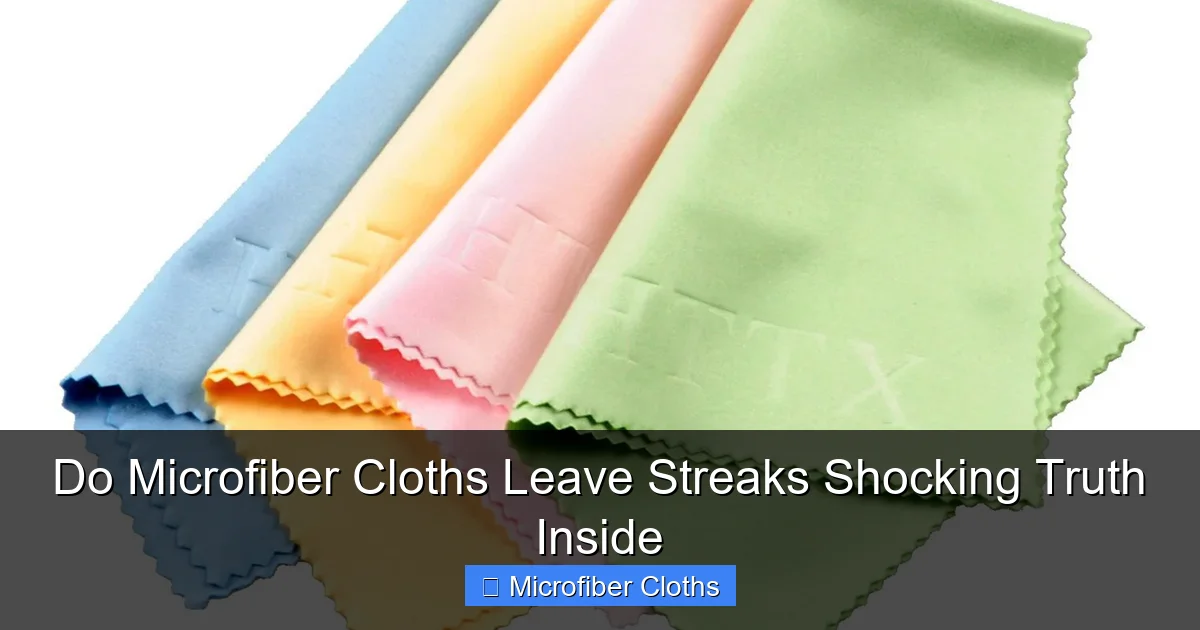
Visual guide about Do Microfiber Cloths Leave Streaks Shocking Truth Inside
Image source: digitaltrends.com
For Windows & Glass
- Dust first: Use a dry microfiber duster or a slightly damp (water only) cloth to remove loose dust, pollen, and cobwebs. Pay attention to corners and edges.
- Pre-treat heavy grime: For bug splatter or hard water spots, spray a small amount of vinegar-water solution (50/50) or dedicated glass cleaner on the spot. Let it sit for 30 seconds, then wipe with your main cleaning cloth.
For Screens (Phones, Tablets, TVs)
- Power off and cool down: Always turn off the device and let it cool.
- Blow away dust: Use a soft brush or compressed air (held upright) to remove loose dust from ports and edges.
- Never spray cleaner directly on the screen: This can seep into the device. Spray your microfiber cloth lightly instead.
For Countertops & Appliances
- Clear the surface: Remove all items.
- Wipe away crumbs/debris: Use a dry cloth or paper towel first.
- Address sticky spots: Dampen a corner of your microfiber cloth with your cleaner and spot-treat.
Step 3: Master the Streak-Free Wiping Technique
How you wipe makes all the difference. Ditch the circular motion!
The Right Way to Wipe
- Use the correct side: Most microfiber cloths have a softer “wiping” side and a slightly rougher “polishing” side. Use the soft side for cleaning.
- Light pressure is key: Let the microfiber do the work. Pressing hard smears dirt.
- Straight strokes, not circles: Wipe in one direction (e.g., top to bottom, left to right). Circles spread residue. For large windows, use an “S” pattern without lifting the cloth.
- Fold and use a clean section: Microfiber has multiple folds. When one section gets dirty, fold to a clean quadrant. This prevents reapplying dirt.
- Dry immediately (for glass/screens): After cleaning with a damp cloth, use a completely dry, clean microfiber cloth to buff in straight strokes. This removes any remaining moisture film that causes streaks.
Pro Tip: For final polishing on glass, use a dedicated “lint-free” microfiber cloth (often labeled for optics or screens) and buff with very light pressure in one direction.
What NOT to Do
- Don’t use excessive cleaner: A slightly damp cloth is enough. Too much liquid leaves a film.
- Don’t wipe when the surface is hot: Sun-heated glass causes cleaner to evaporate too fast, leaving streaks.
- Don’t reuse a dirty cloth section: This is the fastest way to streak.
- Don’t use on surfaces that need abrasive cleaning: Microfiber isn’t for scrubbing baked-on grease.
Troubleshooting: When Streaks Still Appear (Fix It Fast!)
Even with good habits, streaks happen. Here’s how to diagnose and fix:
Problem: Streaks appear immediately after wiping
- Likely Cause: Dirty cloth, too much cleaner, or poor surface prep.
- Fix: Ensure cloth is clean and only slightly damp. Re-dust the surface. Use less cleaner. Wipe with a dry cloth immediately after.
Problem: Hazy film or “squeaky” feel
- Likely Cause: Residue from detergent, fabric softener, or hard water minerals.
- Fix: Wash cloths again with vinegar rinse. For the surface, wipe with a vinegar-water solution (50/50) followed by a dry microfiber buff.
Problem: Streaks only on one type of surface (e.g., only windows)
- Likely Cause: Surface-specific issue (e.g., old window sealant residue, specific cleaner reaction).
- Fix: Try a different cleaner (pure water often works best for glass). Ensure thorough surface prep. Test a small area first.
Problem: Cloth leaves lint or fibers
- Likely Cause: Low-quality cloth or cloth is worn out.
- Fix: Replace with a higher GSM (300+) microfiber cloth. Wash new cloths multiple times before use.
Choosing the Right Microfiber Cloth: Quality is Key
Not all microfiber is created equal. Investing in quality prevents streaks:
- GSM (Grams per Square Meter): Aim for 300 GSM or higher for cleaning. 200-250 GSM is too thin and prone to streaks. 400+ GSM is excellent for polishing.
- Split Fiber Construction: Look for “split fiber” or “microfiber” (not just “polyester”) on the label. Split fibers create more surface area to trap dirt.
- Edge Binding: Cloths with sewn edges last longer and don’t fray.
- Dedicated Cloths: Use separate cloths for glass/screens (lint-free), kitchen, and bathrooms to avoid cross-contamination.
Avoid: “Microfiber” cloths sold in bulk packs for $5 – they’re usually low GSM and poorly constructed. Stick to reputable brands for cleaning tasks.
Conclusion: Banishing Streaks for Good
So, do microfiber cloths leave streaks? The answer is a resounding “not if you use them right!” The shocking truth is that streaks are almost always a sign of improper cloth care, poor surface preparation, or incorrect technique – not a flaw in the microfiber itself. By washing new cloths thoroughly, avoiding fabric softeners, prepping surfaces correctly, mastering the light-pressure straight-stroke wipe, and using quality cloths, you’ll achieve streak-free results on windows, screens, and surfaces every single time. Remember, microfiber is a tool, and like any tool, it needs the right handling to perform its best. Ditch the frustration, follow these steps, and enjoy the crystal-clear clarity that proper microfiber cleaning delivers. You’ve got this!
🎥 Related Video: How to properly apply ceramic coating!
📺 Mile High Customs