
Yes, most modern Roomba robot vacuums are designed to work on carpet. Their performance varies by model, with features like carpet boost and auto-adjusting cleaning heads making a significant difference. This guide will show you how to optimize your Roomba for the best results on all carpet types, from low-pile to high-pile.
Key Takeaways
- Most Models Are Capable: The vast majority of iRobot Roomba models can transition and clean on low to medium-pile carpet effectively.
- Features Matter for Deep Cleaning: For optimal performance on medium and high-pile carpets, look for models with Carpet Boost or Dirt Detect technology.
- Preparation is Key: Picking up clutter, securing loose cords, and checking for tassels ensures your Roomba runs smoothly and doesn’t get stuck.
- Maintenance is Non-Negotiable: Regularly emptying the bin and cleaning brushes and sensors is crucial for maintaining suction power and navigation on carpet.
- Adjust Your Expectations: While excellent for maintenance cleaning, a Roomba is not a replacement for a deep-clean from a traditional upright vacuum or carpet cleaner.
- Troubleshooting is Simple: Common carpet-related issues like getting stuck or leaving lines can usually be solved by checking brushes, cleaning sensors, or using Virtual Wall barriers.
Can Your Roomba Handle Carpet Cleaning? A Complete How-To Guide
You’ve got a shiny new Roomba. Or maybe you’re thinking about getting one. A big question pops up. Can this little robot really handle my carpets? The short answer is a resounding yes. But there’s more to it. Not all carpets are the same. And not all Roombas are the same. This guide will walk you through everything. You’ll learn how different models work on carpet. You’ll get step-by-step tips to set it up for success. We’ll cover maintenance and troubleshooting, too. By the end, you’ll be a pro at getting your Roomba to give your carpets a great clean.
Understanding How Your Roomba Tackles Carpet
First, let’s see how it works. A Roomba doesn’t just push dirt around. It uses a combination of suction and agitation. Most models have a three-stage cleaning system. A side brush pulls debris from edges. The rolling brush, or extractors, agitate the carpet fibers. This loosens the dirt and pet hair. Then, powerful suction pulls it all into the dustbin. For carpets, the agitation is key. It’s like how a traditional vacuum uses a beater bar. Higher-end models take it further. They have sensors that detect when they roll onto carpet. They automatically increase suction power. This feature is often called Carpet Boost or Deep Clean. It gives you a much more thorough clean.

Visual guide about Can Your Roomba Handle Carpet Cleaning
Image source: theawesomer.com
The Role of Suction and Brushes
Suction power is measured in Pascals (Pa). Many Roombas have strong suction, over 2000 Pa. But on hard floors, they don’t always need full power. On carpet, that power is essential. The brushes are just as important. The dual multi-surface rubber brushes are designed to not tangle as easily as older bristle brushes. They flex to adjust to different floor heights. This helps them grab dirt from deep within carpet piles.
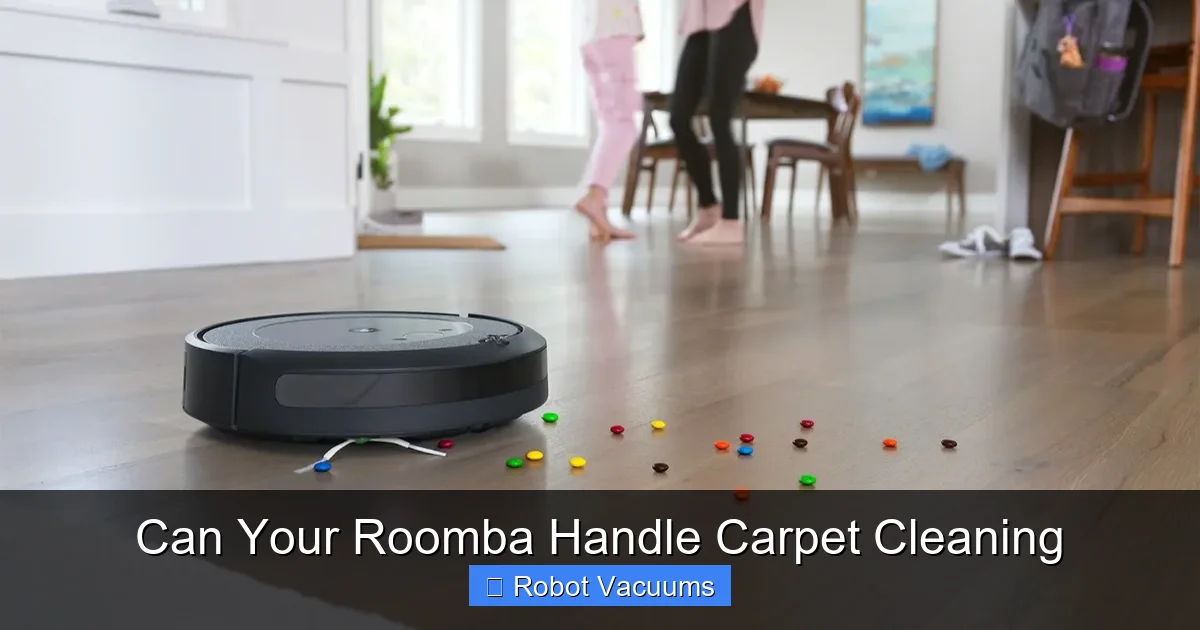
Step 1: Know Your Roomba Model and Your Carpet Type
Your success starts here. Check which Roomba model you have. Look at the underside or check the app. Then, look at your carpet.
Visual guide about Can Your Roomba Handle Carpet Cleaning
Image source: sm.pcmag.com
Roomba Models and Carpet Features
- Entry-Level (e.g., Roomba 600 series): These will clean low-pile carpet adequately. They may struggle with deeper piles or thick rugs. They lack automatic suction boost.
- Mid-Range (e.g., Roomba i3/i4, j7): These often include a feature like Carpet Boost. The suction increases automatically on carpet. This is a game-changer for medium-pile carpets.
- High-End (e.g., Roomba s9+, j9+): These are carpet powerhouses. They have the strongest suction and perfect brush systems. The s9+ has a unique D-shaped design for corners. They handle high-pile carpets and rugs with ease.
Identifying Your Carpet Pile
- Low-Pile: Flat, short fibers (like Berber). All Roomba models handle this well.
- Medium-Pile: Plush, common in living rooms. Best for models with Carpet Boost.
- High-Pile/Shag: Long, loose fibers. Can be a challenge. Requires top-tier models and may need setting adjustments.
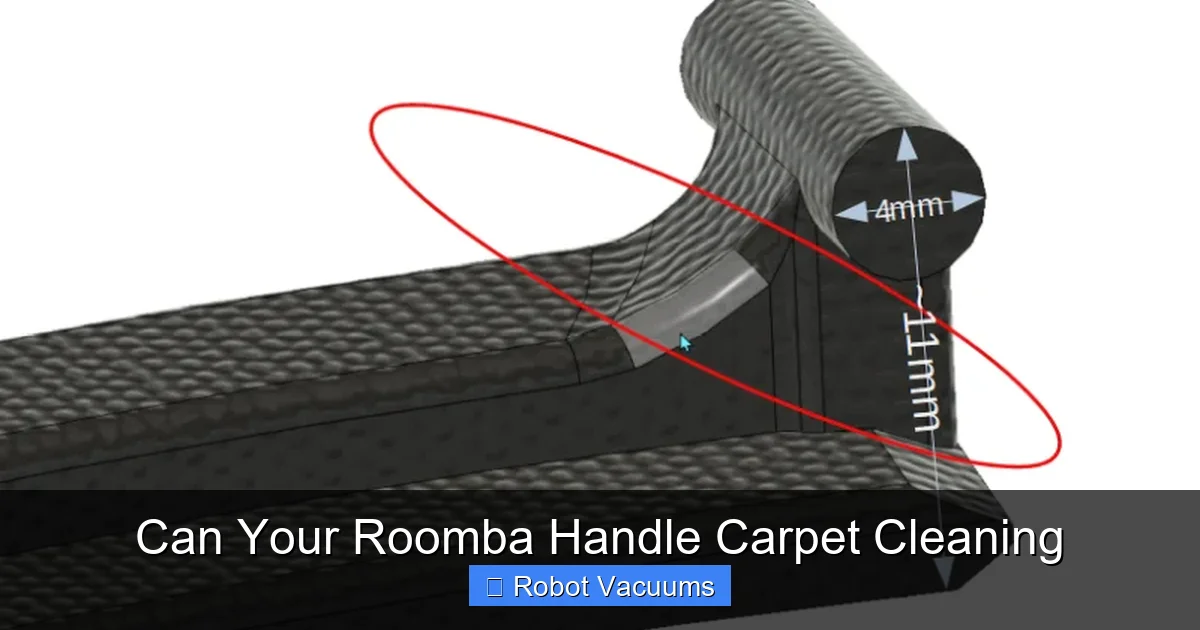
Step 2: Prepare Your Roomba and Your Space
A little prep prevents most problems. Do this before every clean for best results.
Visual guide about Can Your Roomba Handle Carpet Cleaning
Image source: schmelzmanufaktur.de
Roomba Preparation Checklist
- Empty the Bin: A full bin means zero suction. Start with it empty.
- Clean the Brushes: Remove any wound hair or threads from the extractors and side brush.
- Check the Filter: Tap it out or replace it if it’s dirty. A clogged filter kills suction.
- Charge the Battery: A full charge ensures it can finish the job, especially on power-draining carpet.
Room Preparation Checklist
- Pick Up Clutter: Socks, cords, and toys are Roomba’s biggest enemies.
- Secure Loose Cords: Drape lamp or curtain cords over furniture.
- Check Rug Tassels and Fringes: These can get tangled. Use a piece of tape to secure them flat or use a Virtual Wall to block off the fringe area.
- Close Doors: To rooms you don’t want cleaned or that have problematic carpets.
Step 3: Optimize Settings for Carpet Cleaning
Now, let’s make sure your Roomba is set up to win.
Using the iRobot HOME App
If your model is Wi-Fi connected, the app is your control center.
- Schedule Cleans: Set it to clean high-traffic carpeted areas daily or every other day. Frequent cleaning prevents dirt from settling deep.
- Select “Eco” or “Quiet” Mode with Caution: These modes reduce suction to save battery. They are not ideal for carpets. Use “Automatic” or “Max” mode for carpeted rooms.
- Use Room-Specific Settings (on compatible models): You can tell your Roomba to use “Deep Clean” or “Carpet Boost” only when it’s in the living room, for example.
Manual Run Tips
If you’re starting a clean manually, place your Roomba on the carpet. Start it there. This ensures it begins with the right settings. For very thick rugs, you can sometimes help by placing it on the hard floor right next to the rug. Let it climb on by itself.
Step 4: Essential Maintenance for Carpet Performance
Carpet cleaning is hard work. Your Roomba needs care to keep up.
After-Every-Clean Tasks
- Empty the dustbin. Carpet cleaning fills it fast.
- Quickly check the main brushes for hair wraps.
Weekly Tasks
- Fully remove the brushes and clean the brush compartments.
- Wipe the charging contacts and the front bumper with a dry cloth.
- Clean the cliff sensors (the small windows on the underside) with a clean, dry cotton swab.
Monthly Tasks
- Wash the filter (if reusable) or replace it.
- Check the wheels for debris.
- Give the entire unit a gentle wipe-down.
Troubleshooting Common Carpet Issues
Even with prep, things can happen. Here’s how to fix them.
Problem: Roomba Gets Stuck on the Carpet or Rug
Solution: This often happens on high-pile carpets or rugs with thick edges. First, check if the brushes are tangled. If not, the carpet may be too thick. Use a Virtual Wall barrier to block off that specific rug. You can also try placing a hard floor mat at the edge for it to transition over.
Problem: Roomba Leaves Visible Lines or Doesn’t Pick Up Well
Solution: This usually means low suction. Empty the bin, clean the filter, and clear any brush blockages. Ensure you are not using a quiet mode. For persistent lines, the brushes may be worn out and need replacement.
Problem: Roomba Avoids a Dark Carpet
Solution: Roomba uses cliff sensors to avoid stairs. Very dark, solid-colored carpets can sometimes trick these sensors. You can cover the sensors with clear tape for a test run (remember to remove it afterward). A more permanent fix is to place a light-colored border or runner near the edge.
Conclusion: A Powerful Partner for Carpet Care
So, can your Roomba handle carpet cleaning? Absolutely. It may not be a professional carpet steamer, but it’s a fantastic maintenance tool. It keeps your carpets looking fresh between deep cleans. The key is understanding your specific model’s strengths. Pair that with proper room preparation and diligent maintenance. Your Roomba will tirelessly fight dirt, dust, and pet hair on your carpets. It gives you one less thing to worry about. That’s the real magic of a robot vacuum. Now, set a schedule, sit back, and let your little robot helper keep your carpets clean.
🎥 Related Video: Does Roomba Work on Carpet?
📺 VacuumStyle
Welcome to our latest video, “Does Roomba Work on Carpet?”! Have you ever wondered if your Roomba can handle the …