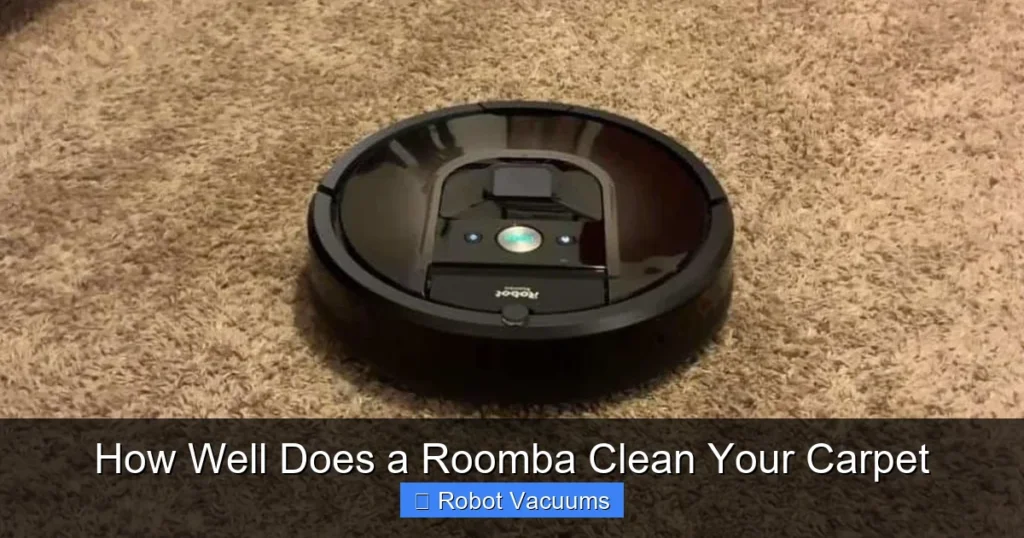
Roomba robot vacuums are generally effective at cleaning low to medium-pile carpets, with performance varying by model and carpet type. Success depends on proper setup, regular maintenance, and understanding your Roomba’s features. This guide walks you through optimizing your device for the best carpet cleaning results.
Hey there! So, you’ve got a Roomba or you’re thinking about getting one, and you’re staring at your carpet wondering, “Can this little robot really handle it?” It’s a smart question. After all, carpets trap more dirt and require more suction than hard floors. The short answer is yes, but how well it works depends on a few things. In this guide, we’ll dive deep into how Roombas tackle carpets, give you a step-by-step plan to get the best results, and solve any problems that pop up. You’ll learn how to turn your Roomba into a carpet-cleaning champ.
Key Takeaways
- Roomba Models Matter: Newer models with high-efficiency filters and dual rubber brushes offer superior carpet cleaning compared to older ones.
- Preparation is Crucial: Clearing floors of cords and clutter prevents tangles and ensures uninterrupted carpet cleaning cycles.
- Maintenance Maintains Suction: Regularly emptying the bin and cleaning brushes and filters is essential for consistent power on carpets.
- Carpet Type Influences Results: Low-pile and flat-weave carpets are cleaned most effectively, while high-pile or shag carpets may pose challenges.
- Scheduling is Your Friend: Frequent, automated cleanings prevent dirt buildup and keep carpets looking fresher between manual vacuums.
- Troubleshooting is Straightforward: Common issues like getting stuck or losing suction often have simple fixes, like resetting the device or cleaning sensors.
- It’s a Maintenance Tool: A Roomba excels at daily upkeep but isn’t a complete replacement for occasional deep cleans with an upright vacuum.
How Roomba Vacuums Work on Carpets
First, let’s understand the basics. A Roomba isn’t magic—it’s smart engineering. It uses a combination of sensors, brushes, and suction to clean. On carpets, this system gets a real workout.
The Technology Behind the Clean
Your Roomba navigates using sensors that detect dirt, avoid stairs, and map your room. On carpets, its dirt detect sensors kick into high gear. When it senses a concentrated dirty spot, it does a little back-and-forth dance to clean it thoroughly. This is great for high-traffic carpet areas where crumbs and pet hair collect.
Suction Power and Brush Systems
This is the heart of carpet cleaning. Suction pulls dirt from the carpet fibers. Most modern Roombas have adjustable suction that automatically increases when they roll onto carpet. The brush system is equally important. Older models had bristle brushes that could tangle with hair. Newer ones, like the iSeries and jSeries, use dual rubber brushes that don’t tangle as easily and are excellent at agitating carpet fibers to loosen dirt.
Factors Affecting Roomba’s Carpet Cleaning Performance
Not all carpets or Roombas are created equal. Here’s what influences how clean your floors get.

Visual guide about How Well Does a Roomba Clean Your Carpet
Image source: cleansefy.com
Carpet Pile Height and Density
Think of pile height as how tall the carpet fibers are. Low-pile carpets (like Berber or office carpet) are a Roomba’s best friend. The robot can glide easily and suction works well. Medium-pile is common in homes and usually works fine. High-pile or shag carpets are tricky. The fibers can be so long that the Roomba struggles to move or gets its brushes tangled. Always check your Roomba’s manual for carpet recommendations.
Roomba Model Differences
If you have an older Roomba 600 series, it will clean carpets, but not as powerfully as a Roomba i7 or s9. Higher-end models boast stronger suction, better navigation for complete room coverage, and self-emptying bins. For mostly carpeted homes, investing in a model designed for carpets pays off.
Debris Types and Carpet Conditions
Pet hair, sand, and fine dust are common carpet villains. Roombas with rubber brushes handle pet hair superbly. For sand, strong suction is key. If your carpet is old, matted, or very dirty, the Roomba might need multiple passes or a manual pre-vacuum for the first deep clean.
Step-by-Step Guide to Set Up Your Roomba for Carpets
Ready to optimize your robot? Follow these steps to ensure it cleans your carpets effectively from day one.
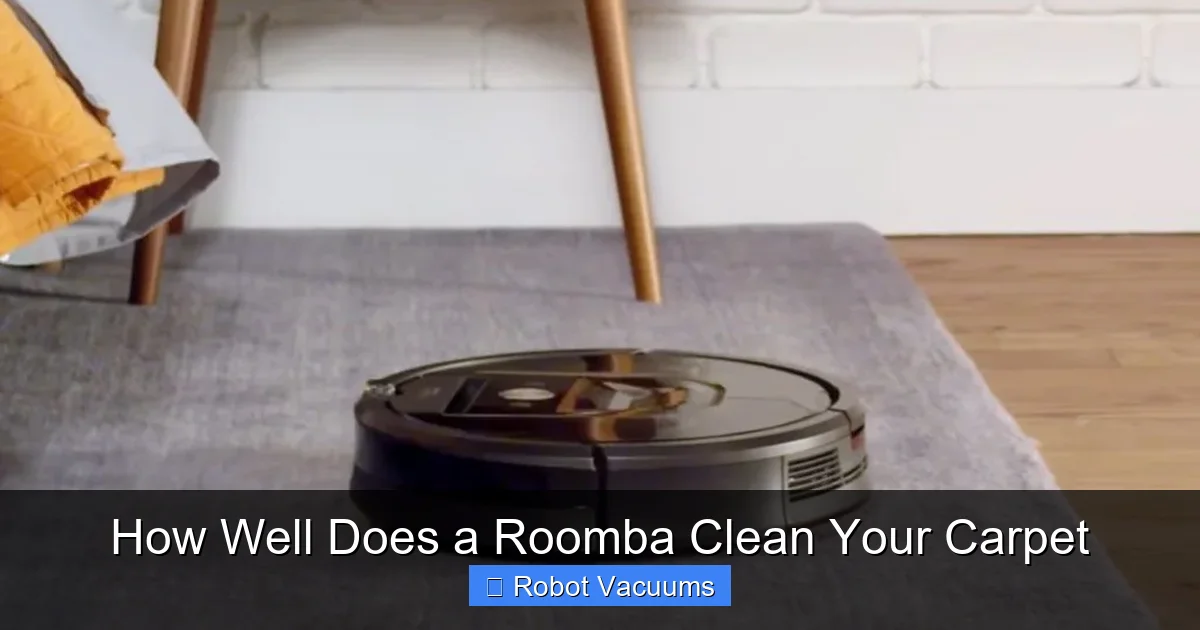
Visual guide about How Well Does a Roomba Clean Your Carpet
Image source: live.staticflickr.com
Step 1: Unboxing and Initial Setup
Start by charging your Roomba fully. Install the cleaning head module (the brushes) correctly. For carpets, ensure the brushes spin freely. Download the iRobot HOME app and connect your Roomba. This app is your control center for everything.
Step 2: Configuring Settings for Carpet Cleaning
In the app, set your preferences. Enable Carpet Boost if your model has it (like the i3 or i7). This automatically increases suction on carpets. Set cleaning passes to “2x” for areas with carpets if you want a more thorough job. You can also create a cleaning schedule—daily quick cleans help maintain carpet freshness.
Step 3: Creating an Optimal Cleaning Environment
Before its first run, prep your space. Pick up loose items like socks, toys, and cables. Use Virtual Wall barriers or Keep Out Zones in the app to block off areas with delicate rugs or high-pile carpets that might cause issues. This guides the Roomba to focus on carpets it can handle.
Maximizing Cleaning Efficiency on Carpets
With setup done, these practical tips will keep your Roomba running smoothly on carpets.
Pre-Cleaning Preparations
Give your Roomba a fighting chance. Do a quick walk-through to remove large debris. For best results on carpets, occasionally fluff the carpet edges where it meets the wall, as dirt collects there. Ensure your Roomba’s bin is empty and its filter is clean before starting a cycle.
During Cleaning Tips
Let the Roomba do its job. It might take longer on carpets as it navigates and uses more power. Observe its first few runs. Does it get stuck on a particular rug? Adjust your virtual walls accordingly. If it seems to miss spots, try repositioning the home base to a more central location for better room coverage.
Post-Cleaning Maintenance
This is non-negotiable for carpet cleaning. After each run, empty the bin—carpets hold more dirt, so it fills up faster. Every week, remove the brushes and clear any wrapped hair or threads. Tap out the filter against a trash can to remove fine dust. A clean Roomba is a powerful Roomba, especially on carpets.
Troubleshooting Common Carpet Cleaning Issues
Hit a snag? Don’t worry. Here are solutions to frequent carpet-related problems.
Roomba Gets Stuck on Carpets or Rugs
If your Roomba keeps getting stuck on a thick rug or carpet fringe, first try using a Virtual Wall to block that area. For rugs that curl at the edges, you can buy rug tape to secure them flat. Some higher-pile carpets may just be too plush; in that case, the Roomba might not be suitable for that specific carpet.
Poor Suction or Leaves Debris Behind
If you see dirt trails on the carpet, check the bin—it might be full. Next, inspect the brushes for obstructions and clean the filter. A clogged filter drastically reduces suction. Also, ensure the Carpet Boost feature is enabled in the app. For persistent issues, the brushes might be worn out and need replacement.
Navigation Errors on Carpeted Floors
Sometimes, a Roomba might act confused on dark or very patterned carpets. Clean the cliff sensors on its underside with a dry cloth. If the problem continues, you can place a light-colored mat under the home base to help it recognize the area better. Persistent navigation issues might require a factory reset via the app.
How Roomba Compares to Traditional Vacuums for Carpets
It’s fair to ask how a Roomba stacks up against your upright vacuum. A traditional vacuum typically has more raw suction power and is better for deep, intensive cleaning sessions. A Roomba, however, wins on consistency. Its daily automated cleans prevent dirt from embedding deep into carpet fibers. Think of it as a maintenance tool that keeps your carpets visibly cleaner between your weekly manual vacuums. For most homes, using both is the perfect combo.
Conclusion: Final Verdict and Recommendations
So, how well does a Roomba clean your carpet? Pretty darn well, especially for daily upkeep. With the right model and proper care, it can keep your low to medium-pile carpets free of surface dirt, dust, and pet hair. It’s a fantastic time-saver. Just remember to manage your expectations for very thick carpets and commit to regular maintenance. Follow the steps in this guide, and you’ll enjoy cleaner carpets with minimal effort. Happy automated cleaning!
🎥 Related Video: Roomba i7+ cleaning really, really thick rug
📺 afterdawncom
Roomba i7+ robovac is the first one we’ve ever reviewed that doesn’t have any problems, whatsoever, with extra thick rugs and …