
Specs are compiled from manufacturer listings and verified buyer reviews and can change over time — please confirm the key details on the product page before buying.
Sticky notes pile up and notebooks fill faster than you can buy them. A digital writing pad replaces all of that with one reusable surface, but you need to decide between a simple 10-inch sketch board and a full paper tablet that syncs to your phone. This guide sorts the 9 strongest options by what they actually do, from budget-friendly doodle boards to premium E Ink writing tablets that feel like paper.
I’m Maruf — the founder and writer behind HomeYarr. This guide is built by comparing the manufacturers’ published specifications and the patterns across verified customer reviews, so you get each pick’s real strengths and trade-offs instead of marketing spin.
If you write lists, sketch ideas, or take notes all day, this breaks down the digital writing pad that fits your routine, your bag, and your budget.
Our Picks at a Glance

How To Choose The Best Digital Writing Pad
The biggest mistake buyers make is treating every pad the same. A kids’ doodle board is not a professional note-taking tablet, and a premium E Ink device is overkill if you just want a grocery list pad. Match the technology to the job.
Know the difference between LCD and E Ink
LCD pads are the budget-friendly workhorses. They show a single-color line, erase with a button, and often need no power except for that one clear. E Ink tablets are the premium tier: they store hundreds of pages, sync with apps, and their screens read like printed paper even in sunlight, which is why they cost more.
Quick Comparison
| Model | Best For | Display Size | Technology | Strokes | Amazon |
|---|---|---|---|---|---|
| TEKFUN 15″★ Best Overall | Kids’ learning & travel | 15 inches | LCD | — | Amazon |
| K KYSTAR 11.5″Precision Pick | Drafting & precise notes | 11.5 inches | LCD | 120,000+ | Amazon |
| JSJGETYI 10″Smart Value | Everyday memos | 10 inches | LCD | — | Amazon |
| Amoretti Sonnet 11.5″ | Slim portable notes | 11.5 inches | LCD | — | Amazon |
| Boogie Board Jot | Home lists & fridge notes | 8.5 inches | LCD | — | Amazon |
| Geniatech Kloudnote | Budget E Ink reading & writing | 10.3 inches | E Ink | — | Amazon |
| Penstar eNote2 | Students & heavy PDF users | 10.3 inches | E Ink | 8192 levels | Amazon |
| reMarkable Paper Pure | Focused writing & sketching | 10.3 inches | E Ink | 21 ms | Amazon |
| reMarkable Paper Pro | Color notes & premium feel | 11.8 inches | Color E Ink | — | Amazon |
In‑Depth Reviews
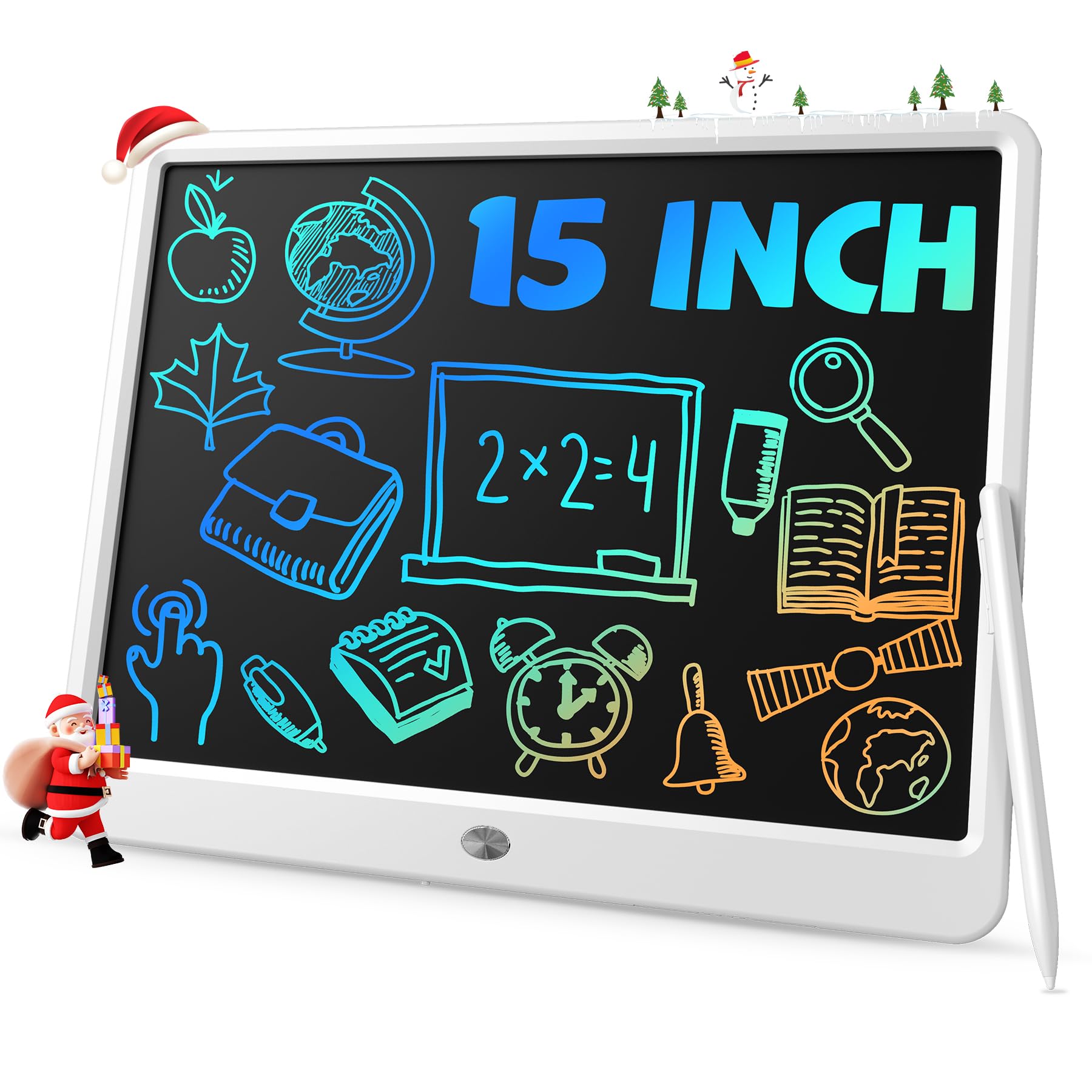
1. TEKFUN 15″ LCD Writing Tablet
Our pick — over 4.5★ from 5,500+ verified ratings; the strongest balance of quality and price.
The big-sky doodle board that turns car rides into quiet time.
This is the pad parents reach for when they need a boredom killer that fits on a lap. The 15-inch screen dominates the lineup here, giving kids room to practice spelling, math, and drawing without the mess of paper. It is built around ABS plastic, which keeps it tough enough for restaurant tables and waiting rooms, and it is light enough to slide into a backpack for a road trip.
What wins people over is the joy factor — hundreds of owners say it keeps kids busy for hours. The lock feature is the quiet hero: flip it on and a toddler mashing the screen can’t erase your grocery list. A few buyers report the display could be brighter and the writing is single-color, but for a learning tool that sells at this size, those are minor quibbles.
It works for adults too, filling in as a quick memo board, and its waterproof build means spills at the kitchen counter are not a panic moment. This is the best-overall pick for its huge surface, genuine durability, and price that makes one per kid easy.
Why parents love it
- 15-inch screen gives kids real writing room
- Lock function prevents accidental erases
- Waterproof ABS frame survives daily use
- Lightweight enough for travel and car rides
What to know
- Writes in a single color, not rainbow sections
- Display brightness is modest in dim rooms
Ideal for: families who want one durable, large pad for kids’ homework, drawing, and travel.
Reconsider if: you need to save your notes digitally — this pad has no memory or app.
2. K KYSTAR 11.5″ Erasable Writing Tablet
The drafting-table scribbler with a superfine line for serious clarity.
If your notes end up as math equations or precise sketches, the K KYSTAR is built for you. Its ultra-fine tip produces a crisp monochrome blue-green line that keeps small handwriting legible, and the active surface spans 63.85 square inches so you are not squinting over cramped boxes. It arrives packed with a leather case, which folds around the board for tote-bag travel.
The clever part is the magnetic clasp that holds the stylus, so the pen stops wandering off. Erasing works two ways: hit the button on the back or tap the stylus end against the front button. The pad is rated for over 120,000 write-erase cycles, outlasting most paper notebooks.
The honest catch is battery longevity — a few owners found the battery drained in about a week after roughly six months of use, and readability can fade compared to brighter pads. For a work bag companion that saves paper daily, the fine-line clarity and included case make it a solid mid-range choice.
Sharp by design: the superfine line is the standout here, ideal for math, equations, and precise sketching where thick markers blur detail.
Planning for: buyers who want a free-floating stylus holder and instant, two-way erase controls, not a fancy app.
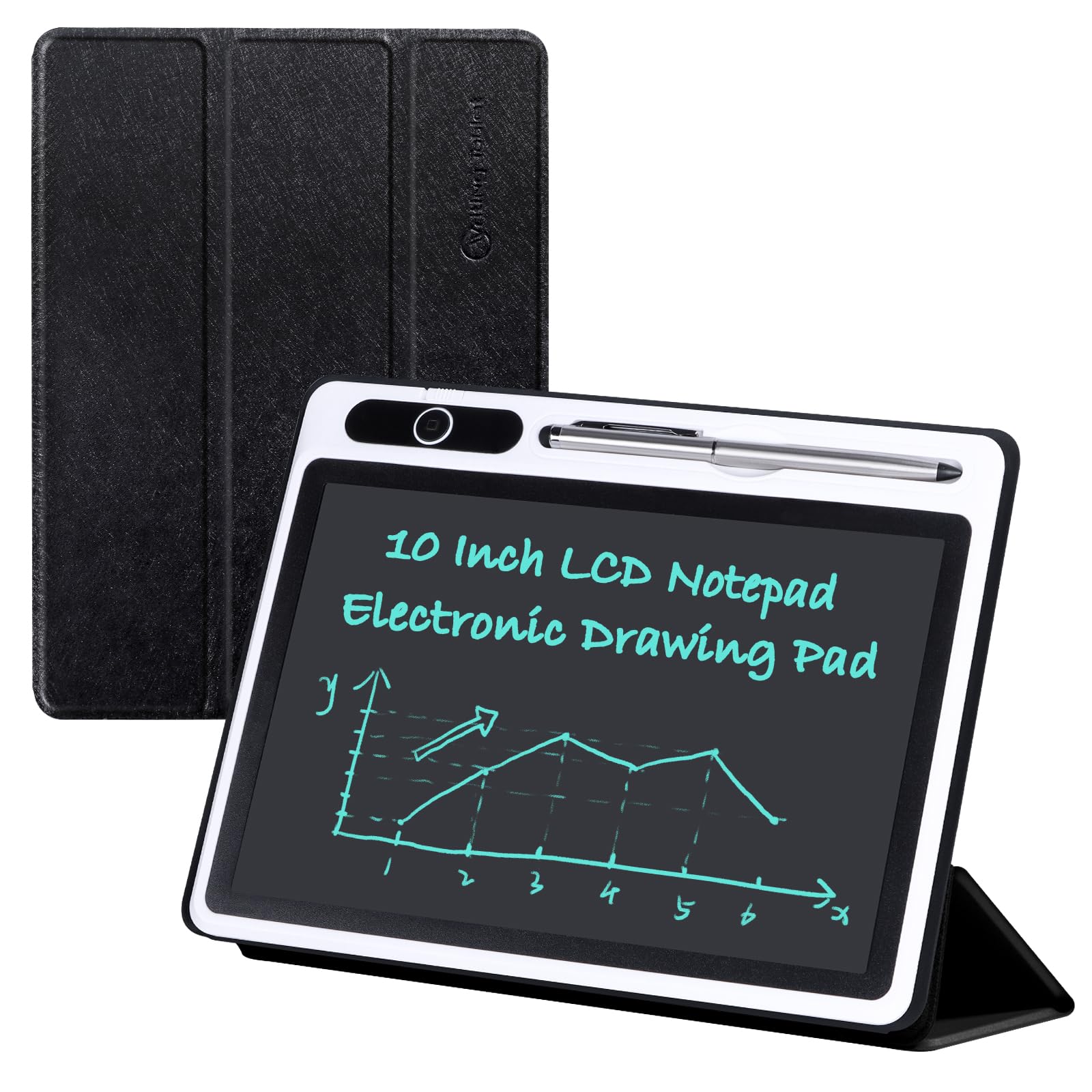
3. JSJGETYI 10″ LCD Writing Tablet
The homework helper that turns a cover into a hands-free stand.
This 10-inch pad is the everyday workhorse for households that want a scratch board handy. The new-generation flexible screen produces brighter, thicker lines in a monochrome blue-green, which makes it readable at a glance. It weighs 300 g, light enough to pass between kid and parent for quick math examples.
The foldable PU cover does double duty: it wraps the board for protection and props into a stable stand for writing or viewing. The lock switch stops accidental erases, and the one-key delete wipes the draft in a second. It explicitly cannot connect to a phone or computer, so you will photograph the screen to save anything.
Quality feedback is mixed here — some owners find it light and slightly cheap-feeling, and the cover has drawn flimsy comments. A few report the on/off clip failing. It is a decent budget-tier pad for simple memos, but those wanting a long-term device should look at the sturdier picks above.
Reach for it if: you want a cheap, portable pad for kids’ homework and notes that folds into a stand.
Look elsewhere: if you need sturdy build quality — owners flag the cover and switch as weak points.
4. Amoretti Sonnet 11.5″ LCD Writing Tablet
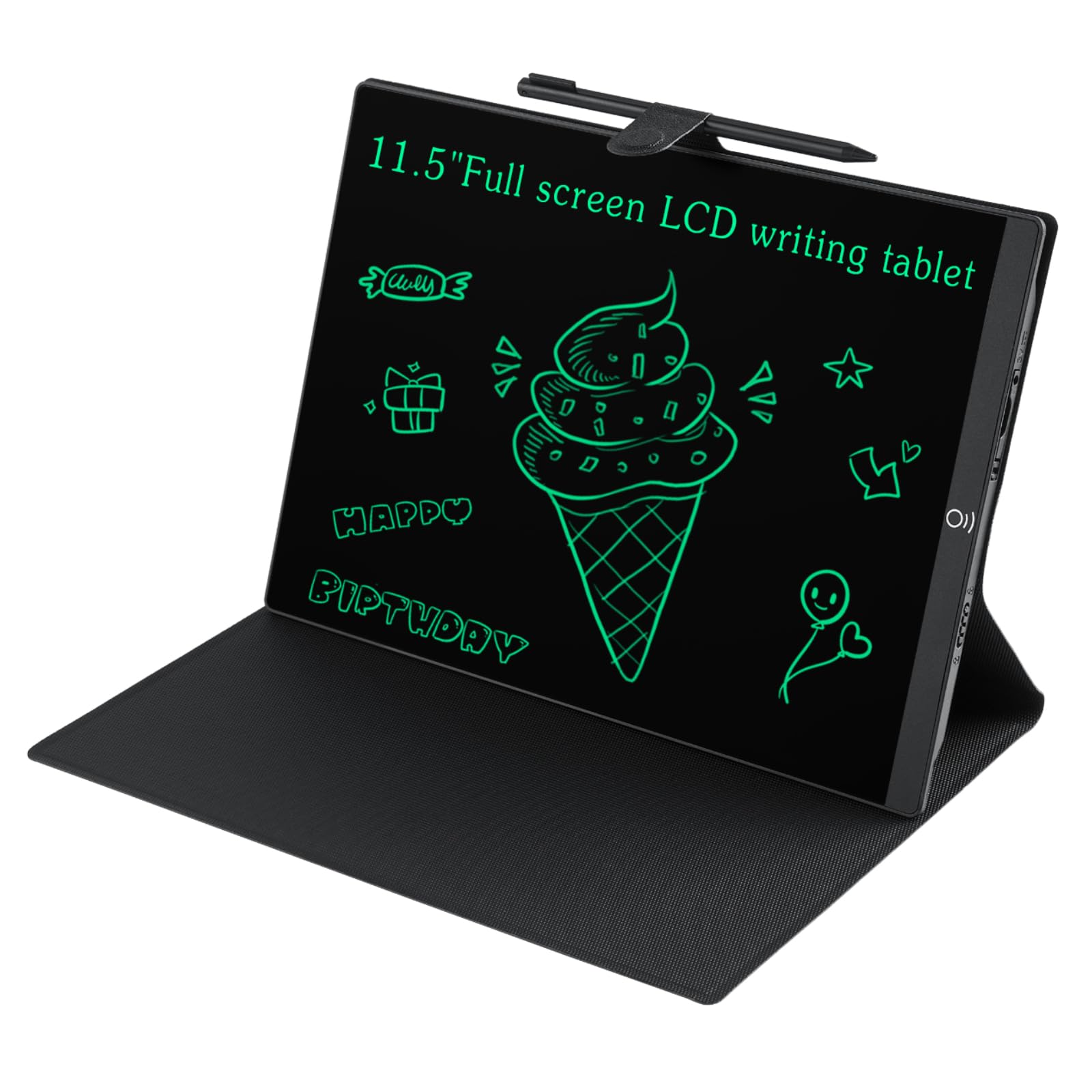
A bezel-free slate that slides into a bag like a slim notebook.
This pad makes a serious style statement with an edge-to-edge screen that gives you more writing space than most 13-inch tablets because there are no wasted borders. At 0.2 inches thin, it feels like a smartphone in your hand, and it weighs just 0.39 kg, so it disappears into a backpack for meetings or classes. Writing on it is smooth — owners compare the feel to a ballpoint pen gliding on paper.
The design team clearly thought about daily friction. Rest your palm on the screen and it registers only the stylus tip, so no accidental marks. A flush erase button prevents mid-thought wipes, and the included foldable case keeps it safe when it is not in use. The replaceable battery lasts months, backed by a 1-year warranty.
The recurring gripe is sizing — the 11.5-inch measurement is the diagonal frame, and some owners found the actual writing area smaller than a standard notebook. Erasing is whole-page only, and brightness is best in well-lit rooms. For a slim, portable note-taker, this is a strong mid-range option.
What stands out
- Bezel-free screen boost usable writing space
- Palm rejection keeps notes clean
- Flush erase button prevents accidental clears
Check before buying
- Actual writing area runs smaller than listed
- No selective erase — only whole-page clears
Who it beats: the Boogie Board on thinness and modern design, though it falls behind that legacy pick on long-term battery reports.
Who it is not for: anyone expecting a true 11.5-inch A4-sized writing surface.
5. Boogie Board Jot Reusable Writing Tablet

The sticky-note assassin that hangs on the fridge and erases in a click.
Boogie Board is the name most people know in reusable writing, and the Jot earns the reputation. At 8.5 inches, it is the smallest pick here, but it is also the most versatile. Built-in magnets let it cling to the fridge for shopping lists, and the kickstand props it on a desk for game-night scorekeeping. You can write with the included stylus, a pen cap, or even your fingernail.
Erasing is Boogie Board’s signature move. Push the button on top and its Quick Clear technology instantly wipes the board — no erasers, no paper towels, no mess. Owners mention a decade of heavy workplace use on the original battery. The pressure-sensitive screen produces vivid green marks that stay crisp.
The trade-off is the same as other LCD pads: no saving to a device, just whole-board erases, and edges can blur or shift color under pressure. The brand’s customer service gets credit for quick replacements when units fail. If you want a grab-and-go list pad that outlasts trends, this is the proven pick.
Built to last: owners describe a decade of daily use with the original battery — that is the durability benchmark of this category.
Keep in mind: there is no storage, so scan with the companion app if you need a record of your scribbles.
6. Geniatech Kloudnote Slim 10.3″ Digital Notebook

The cheapest real E Ink notepad that still reads like print.
Stepping up from LCD, the Kloudnote Slim is a true digital notebook with an electronic ink screen. Its 10.3-inch display runs at 1404×1872 resolution with 227 pixels per inch, which makes text look sharp like a printed page. Inside, a 1.8GHz quad-core processor, 2GB RAM, and 64GB of storage give it room to grow with your notes, and the 3000mAh battery delivers 40 hours of work time.
This is a reading and writing hybrid. It loads 39 note templates, supports OCR (optical character recognition that turns handwriting into text), and handles document encryption and email management. The companion app syncs notes to the Kloudnote cloud with 500MB free space, plus third-party options like Microsoft OneDrive and Dropbox. At 390 g and 5.3mm thin, it is easy to hold for long reading sessions.
The praise focuses on smooth, lag-free writing and a premium feel for the price. The caution is long-term software stability — a few owners reported glitches after a year, including PDF issues and lag. No backlight means you need ambient light to read. This is a smart entry into E Ink for note-takers who want to ditch paper without the flagship price.
Why go E Ink here
- 40-hour battery outlasts any LCD pad by weeks
- 227ppi screen reads like a printed book
- Cloud sync to OneDrive and Dropbox
Expect to manage
- Software updates can be slow to arrive
- No backlight, so bright rooms are required
Best if: you want to read and write on E Ink without paying flagship prices — this undercuts rivals while keeping core features.
Think twice if: you need rock-solid software for daily professional use; buy the reMarkable for that assurance.
7. Penstar eNote2 E-Ink Digital Notebook

The college companion that eats PDFs and writes like a real notebook.
Penstar built the eNote2 for students and heavy document users. It strips out the touch layer to make the E Ink screen whiter and punchier, so text sits closer to the surface and reads clearly even under sunlight. The updated 8192-level pressure sensitivity gives precise control, and owners say it feels like writing on paper with minimal lag between pen and stroke.
The storage is enormous at 128GB, easily holding semesters of annotated PDFs, textbooks, and notebooks. A real-time AI voice-to-text feature converts speech into notes, and handwriting converts to typed text. The bundle is generous: two B5 pens with spare nibs, a 10-nib spare kit, a magnetic folio cover, and a charging cable. Battery life stretches to about 2 weeks per charge.
What wins people over is the distraction-free design — students call it a favorite study tool for writing on PDFs without the noise of a tablet. The trade-offs: functionality feedback is mixed, with some owners reporting pen issues, and the calendar lacks Google or Outlook sync. The device focuses on writing, not apps, so it suits the serious note-taker, not the app-collector.
Paper-replacement power: the 128GB storage and two-pen bundle make this the best value for students who live in PDFs.
Honest limit: do not expect a full Android tablet experience — this is a focused writing tool with limited app support.
8. reMarkable Paper Pure with Marker Plus
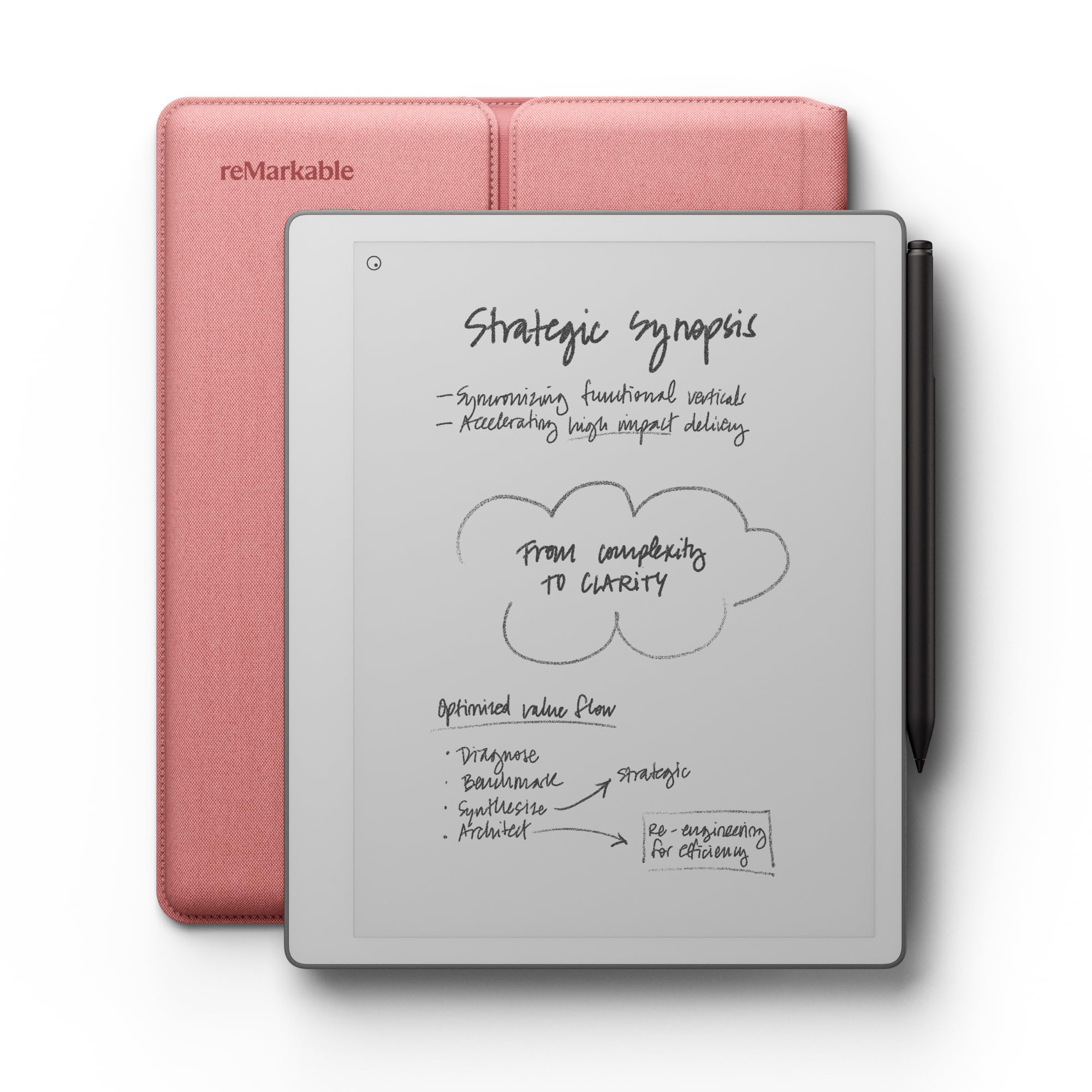
The minimalist’s paper tablet with ink that appears in 21 milliseconds.
reMarkable is the category benchmark, and the Paper Pure is its best black-and-white version yet. The third-generation 10.3-inch display is whiter with more contrast than before, and digital ink appears in just 21 ms — faster than a blink, so your strokes feel immediate. It weighs only 360 g, light enough to hold like a real notebook for hours.
The writing experience is the headline: put the Marker Plus to the surface and it feels like pen on paper. Owners describe it as the device that replaced all their sketchbooks, notebooks, and scraps of paper. It converts handwriting to text, organizes notes with tags and folders, and syncs with Google Drive, Dropbox, and Microsoft Word through the reMarkable apps.
The catch is the subscription: basic features like search require the paid Connect plan. An occasional unit arrives with a screen that stops responding, though the brand is known for replacements. If you want the purest, most focused writing experience with no app distractions, this is the one — and it pairs perfectly against the cheaper Geniatech if you are weighing your first E Ink purchase.
Why it leads
- 21 ms ink latency feels instant
- 360 g weight suits long writing sessions
- Syncing with Google Drive and Dropbox is native
Weigh the cost
- Search feature needs the paid subscription
- No color display, so sketches stay gray
Pick this if: you want the most paper-like, distraction-free writing tool and will use the sync features daily.
skip it if: you want a cheaper E Ink entry — the Geniatech above covers the basics for less.
9. reMarkable Paper Pro with Marker Plus
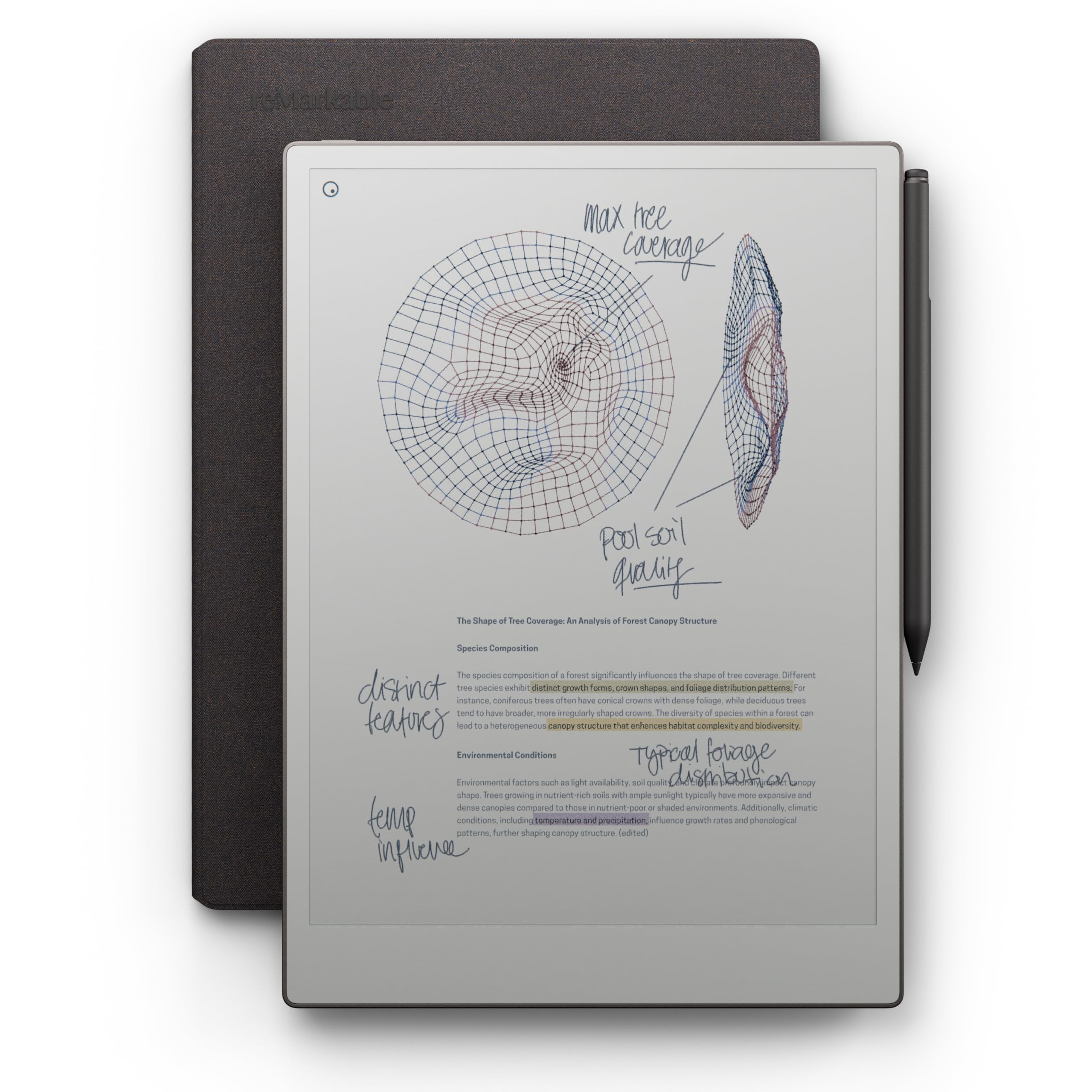
The first reMarkable that writes, sketches, and reads in full color.
This is the top tier of the digital writing pad world, and it earns the premium spot. The Paper Pro brings a full-size 11.8-inch Canvas Color display, the first color screen on a reMarkable, so your notes, sketches, and highlighted documents finally have hues. The included Marker Plus has a built-in eraser, and the bundle adds 6 spare tips, a Book Folio in premium Mosaic weave, and a USB-C cable.
Owners consistently say writing on it feels like using a pen in a notebook. If you color-code notes, the color display is a revelation, and the adjustable reading light lets you keep working after sunset — something the standard Paper Pure cannot do. Battery life stretches to about 2 weeks, and the 1872×1404 resolution (the number of pixels on screen) keeps everything sharp. It handles PDFs natively, so you can write directly on documents and convert handwriting to typed text.
The honest truth: owners love the hardware but note the software holds it back. Colors render somewhat pastel and dull, pen tips wear fast, and handwriting search is missing. A few buyers received defective units and called the exchange process bureaucratic. This is the flagship for those who want color and premium build — and are willing to pay for it.
The premium payoff
- Color display for notes, sketches, and PDF markup
- Adjustable reading light works day or night
- 2-week battery for travel freedom
Where it stumbles
- Colors render pastel, not vivid
- Pen tips wear out fast with heavy use
- Software features lag behind the hardware
Reach for the top: this is the definitive choice for color-obsessed note-takers who want the best writing feel on the market.
Save the money: if color is nice-to-have, not essential, the Paper Pure delivers the same writing magic for less.
Understanding the Specs
LCD vs E Ink displays
LCD pads are cheap, responsive, and perfect for quick lists, but they only show one color and erase everything at once. E Ink screens use electronic ink that reads like printed paper, hold hundreds of pages, and sip power so a single charge can last weeks instead of days.
Pressure sensitivity
This is what makes writing feel natural. A pad with 8192 levels of pressure (like the Penstar eNote2) picks up the lightest stroke and the heaviest press, so your handwriting looks like your handwriting. Cheaper pads register pressure too, but with fewer levels, the line weight varies less.
FAQ
Can I save my notes from a digital writing pad to my computer?
How long does the battery last on a digital writing pad?
What is the difference between an LCD writing tablet and an E Ink notebook?
Is the writing pressure-sensitive on these pads?
Can I use a digital writing pad to read books?
What screen size should I choose for note-taking?
Do these pads work in the dark?
Will a digital writing pad replace my paper notebook?
Is a digital writing pad safe for kids to use?
Final Thoughts: The Verdict
Across the board, the digital writing pad winner is the TEKFUN 15-inch because it pairs a huge writing surface with waterproof durability and a lock function at a price that makes it a no-brainer for families. If you want to go paperless with cloud sync, grab the reMarkable Paper Pure for the most natural writing feel on the market. And for color-coded notes on a premium device, the reMarkable Paper Pro is the one to reach for.
How We Picked
We do not accept paid placement. Every pick is matched to a real buyer and a real use-case; we do not hands-on test units.
Sources & Methodology
Specifications: manufacturer listings and product documentation. Review insights: verified customer reviews, as of August 2026. Pricing: not shown on this page (it changes often); check the current price via the retailer link.