
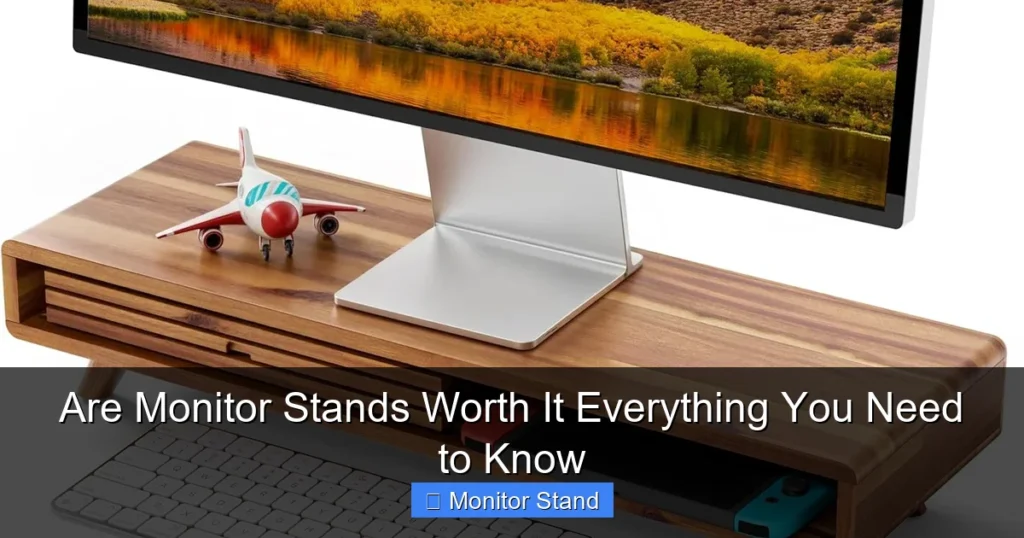
Monitor stands are often worth the investment for improved ergonomics, desk space, and productivity. This guide breaks down the key benefits, from reducing neck strain to organizing your setup, and helps you choose the right type—from simple risers to full-motion VESA arms. You’ll learn how to assess your needs, install a stand correctly, and maximize its value for a healthier, more efficient workspace.
Key Takeaways
- Major Ergonomic Upgrade: A monitor stand allows you to position your screen at the proper eye level, significantly reducing neck, shoulder, and back strain during long work sessions.
- Desk Space Revolution: By lifting the monitor off the desk, stands free up valuable real estate for notebooks, peripherals, or just a cleaner, less cluttered workspace.
- Not All Stands Are Equal: Options range from simple fixed risers to fully adjustable single or dual monitor arms, each serving different needs and budgets.
- VESA Compatibility is Key: Ensure your monitor has a VESA mount pattern (like 75x75mm or 100x100mm) on its back to use most advanced arms and stands.
- Installation is Manageable: While some arms require careful assembly and clamping, most stands can be set up in under 30 minutes with basic tools.
- Long-Term Value: The initial cost is typically outweighed by the lasting benefits to your posture, comfort, and workspace efficiency, making it a worthwhile investment for most users.
Are Monitor Stands Worth It? Everything You Need To Know
Is your neck sore after a long day at the computer? Is your desk so cluttered you can barely find your mouse? You might have heard that a monitor stand could be the solution. But is it just another gadget, or a genuine upgrade? This guide will walk you through every detail. We will explore the real benefits, the different types of stands, and how to pick the perfect one. You will learn how to set it up and fix common problems. By the end, you will have a clear answer and know exactly what to do next. Let’s dive in and reclaim your desk and your posture.
Step 1: Understand the Core Benefits – Why Bother?
First, let’s talk about why people buy monitor stands. The reasons go deeper than just looks.
Visual guide about Are Monitor Stands Worth It Everything You Need to Know
Image source: m.media-amazon.com
Ergonomics: Your Body Will Thank You
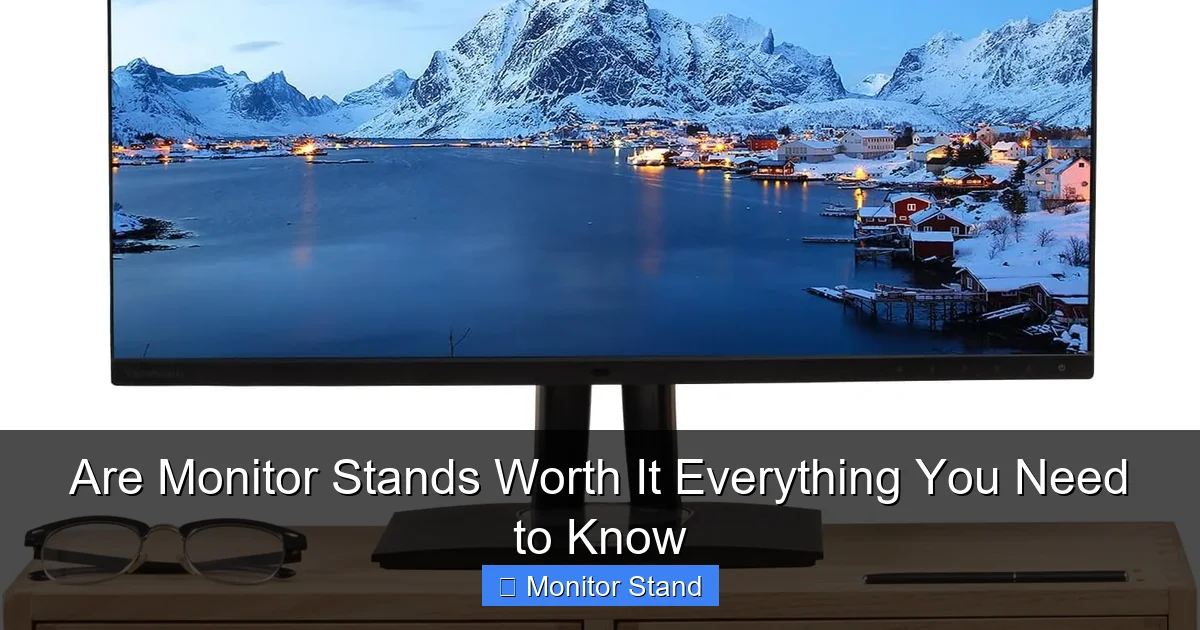
Most monitor bases sit too low. This forces you to look down. Your neck bends forward for hours. This is called “text neck.” It causes strain and pain. A good monitor stand lets you raise the screen. The top of the monitor should be at or just below your eye level. Your gaze should be slightly downward. This neutral position is a game-changer. It can prevent long-term injuries. Your shoulders and back will feel more relaxed too.
Maximize Your Desk Space
Look at your desk right now. How much space does the monitor’s bulky base take? A stand lifts the monitor up. This creates open space underneath. You can store your keyboard, notebook, or tablet there. It makes your desk feel bigger and more organized. A clean desk can lead to a clear, focused mind.
Improved Cable Management
Many high-quality monitor arms have a clever feature. They have channels or clips to route cables. You can bundle the power cord, video cable, and USB wires together. They run neatly down the arm. This eliminates the tangled mess behind your desk. It looks professional and makes cleaning easier.
Enhanced Viewing Flexibility
With a fixed stand, you are stuck. If glare hits your screen, you must move your whole body. With an adjustable arm, you can tilt, swivel, and rotate the monitor. You can easily share your screen with a colleague. You can pull it closer for detailed work. You can push it back for a broader view. This flexibility reduces eye strain and adapts to different tasks.
Step 2: Explore the Different Types of Monitor Stands
Not all stands are the same. Your choice depends on your needs. Here are the main categories.
Visual guide about Are Monitor Stands Worth It Everything You Need to Know
Image source: scube-ergo.com
1. Monitor Risers or Stands (Fixed Height)
These are the simplest and most affordable options. They are like a shelf or platform for your monitor. You just place your monitor on top of them.
Pros: Very cheap, easy to set up, no installation needed, often includes extra storage shelf underneath.
Cons: No adjustability after placement, may not fit all monitor sizes securely.
Best for: Users on a tight budget who only need a height boost and some desk space.
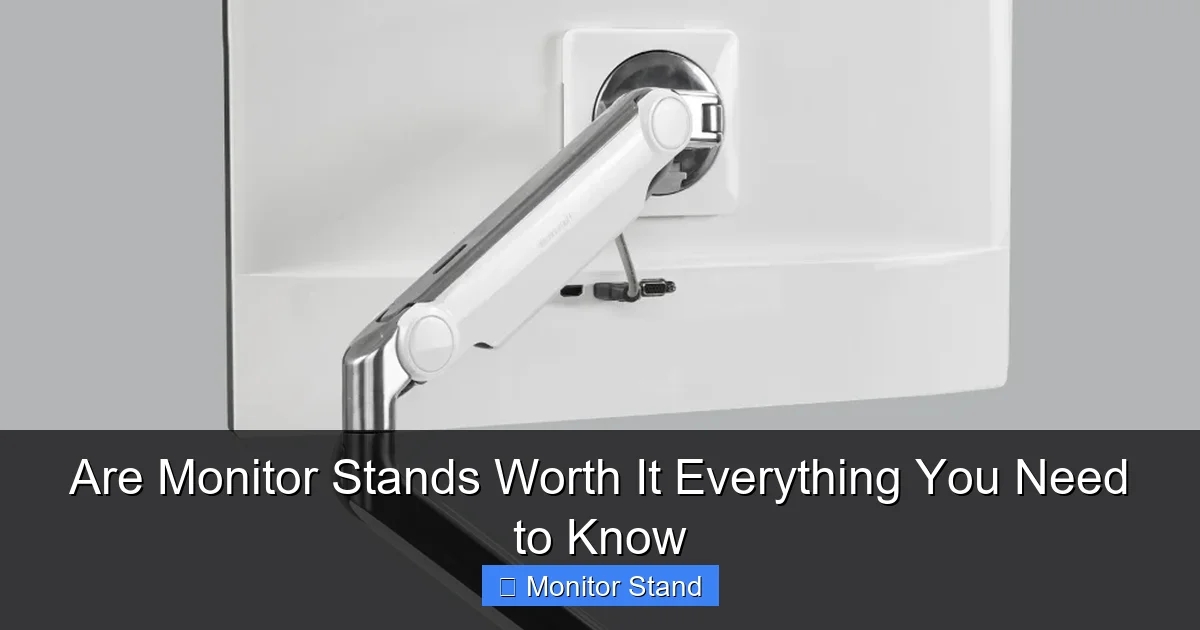
2. Monitor Arms with Clamp or Grommet Mount
This is the most popular type for serious users. The arm attaches to your desk with a sturdy clamp or through a hole (grommet).
Pros: Full range of motion (height, tilt, swivel, rotation), saves the most space, very sturdy, professional look.
Cons: More expensive, requires installation, needs a VESA-compatible monitor.
Best for: Anyone wanting maximum ergonomic adjustment and a clean, floating monitor look.
3. Monitor Arms with Standalone Base
This arm has a heavy base that sits on your desk. It does not clamp to the edge.
Pros: Good for desks with thick, rounded, or glass edges that can’t be clamped. Still offers good adjustability.
Cons: The base itself takes up desk space, can be less stable than a clamp if bumped hard.
Best for: Users with desks unsuitable for clamping.
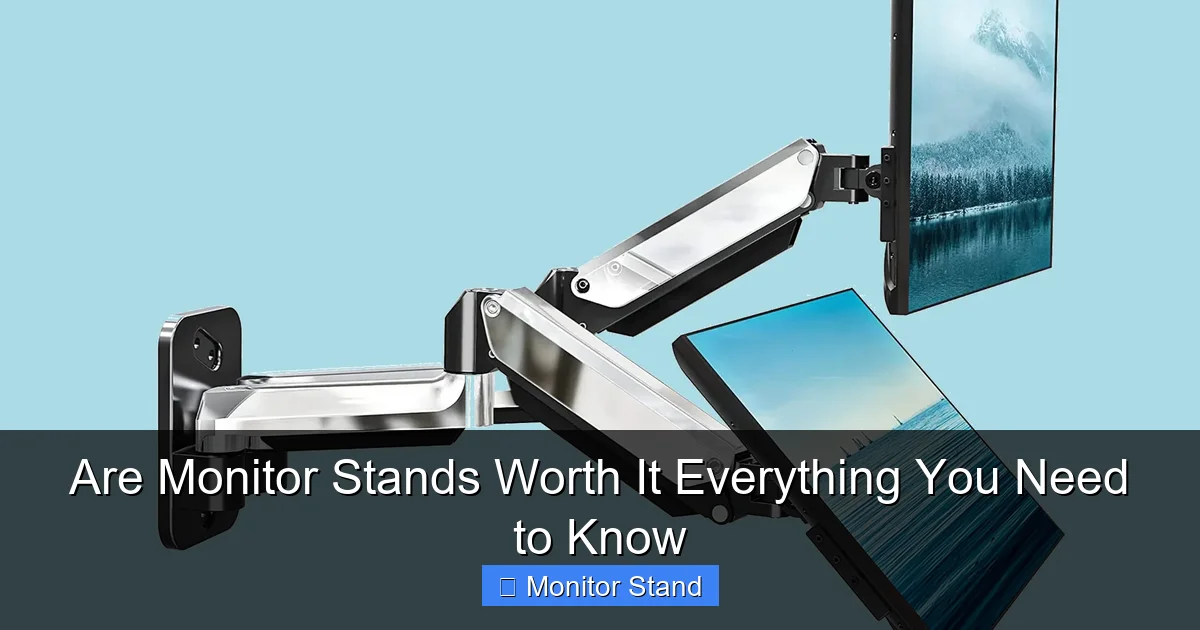
4. Dual Monitor Arms
These arms hold two monitors on a single mounting point. They come in various configurations.
Pros: Incredible space savings for multi-monitor setups, allows perfect alignment of both screens, often more cost-effective than two single arms.
Cons: Installation can be trickier, total weight limit is crucial, requires more desk real estate for the mount itself.
Best for: Streamers, programmers, traders, and anyone using two or more monitors professionally.
Step 3: How to Choose the Right Stand for You
Now, let’s find your perfect match. Ask yourself these questions.
Visual guide about Are Monitor Stands Worth It Everything You Need to Know
Image source: popsci.com
What is Your Budget?
Prices range from $20 for a basic riser to $300+ for a premium dual arm. Set a realistic budget. Remember, this is an investment in your health and workspace.
What is Your Monitor’s Spec?
Check two things: Weight and VESA Pattern. Find your monitor’s weight (usually on the back or in the manual). The stand must support it. Then, look for four screw holes in a square pattern on the back. Measure the distance between them (in millimeters). Common sizes are 75×75 and 100×100. Your stand must match this.
What is Your Desk Like?
Measure your desk thickness. Most clamps fit desks up to 3 inches thick. Is your desk made of glass, particleboard, or a unusual shape? A standalone base or a grommet mount might be safer.
How Much Adjustment Do You Need?
Do you just want it higher and that’s it? A riser is fine. Do you want to constantly adjust for comfort, collaboration, or different tasks? You need a fully adjustable arm.
Single or Multiple Monitors?
For two monitors, a dual arm is usually best. It keeps them unified. For more than two, you may need a combination of arms.
Step 4: Installing Your Monitor Stand – A Simple Guide
Don’t be scared by the box of parts. Installation is straightforward.
Gather Your Tools
You will usually only need the tools provided (allen keys). Have a screwdriver handy. Clear your desk completely.
Assemble the Arm
Lay out all parts. Follow the instruction manual step-by-step. Tighten all joints firmly, but don’t over-tighten. Leave the main clamping bolt loose for now.
Attach the VESA Plate to Your Monitor
This is the small metal plate that connects to your monitor’s back. Use the provided screws. Make sure they are snug and secure.
Mount the Arm to Your Desk
For a clamp: Position it on the edge. Place the included protective pad. Tighten the clamp firmly underneath. For a grommet mount: Insert the bolt through the hole and tighten from below.
Attach the Monitor
This is a two-person job for larger monitors. One person holds the monitor. The other connects the VESA plate to the arm. Click or screw it into place. Ensure it’s locked.
Cable Management & Final Adjustments
Run your cables through the arm’s channels. Plug everything in. Now, adjust the monitor’s tension. Most arms have a knob or screw. Adjust it so the monitor stays put where you move it but is still easy to move. Find your perfect height and angle.
Step 5: Troubleshooting Common Issues
Ran into a problem? Here are quick fixes.
The Monitor is Sagging or Won’t Stay Up
The arm’s gas spring or friction tension is too loose. Locate the tension adjustment knob (usually on the main arm joint). Turn it clockwise to increase tension. Do it in small increments.
The Arm is Wobbly or Shakes When I Type
The clamp or grommet attachment isn’t tight enough. Double-check the main clamping bolt underneath the desk. Ensure the desk is strong enough to handle the leverage.
My Monitor Doesn’t Have VESA Holes
Don’t worry! You can buy a “VESA adapter plate” for many monitors. It attaches to the monitor’s original stand mount point and provides a standard VESA pattern. Check online for your specific monitor model.
Cables Are Snagging or Limiting Movement
You didn’t use the cable management. Unplug the monitor. Re-route the cables neatly through every clip and channel on the arm. Leave a little slack at the pivot points for movement.
Conclusion: So, Are Monitor Stands Worth It?
The answer for most people is a strong yes. The value is clear. Think about the cost compared to the benefits. For less than the price of a high-end chair, you can solve neck pain. You can organize a messy desk. You can create a more professional and flexible workspace. A simple riser offers a great entry point. A full-motion arm is a transformative upgrade. Assess your needs, check your monitor’s specs, and pick the type that fits your life. The small investment of time and money will pay you back daily in comfort and efficiency. Your future self, free from strain and clutter, will thank you for taking this step.