

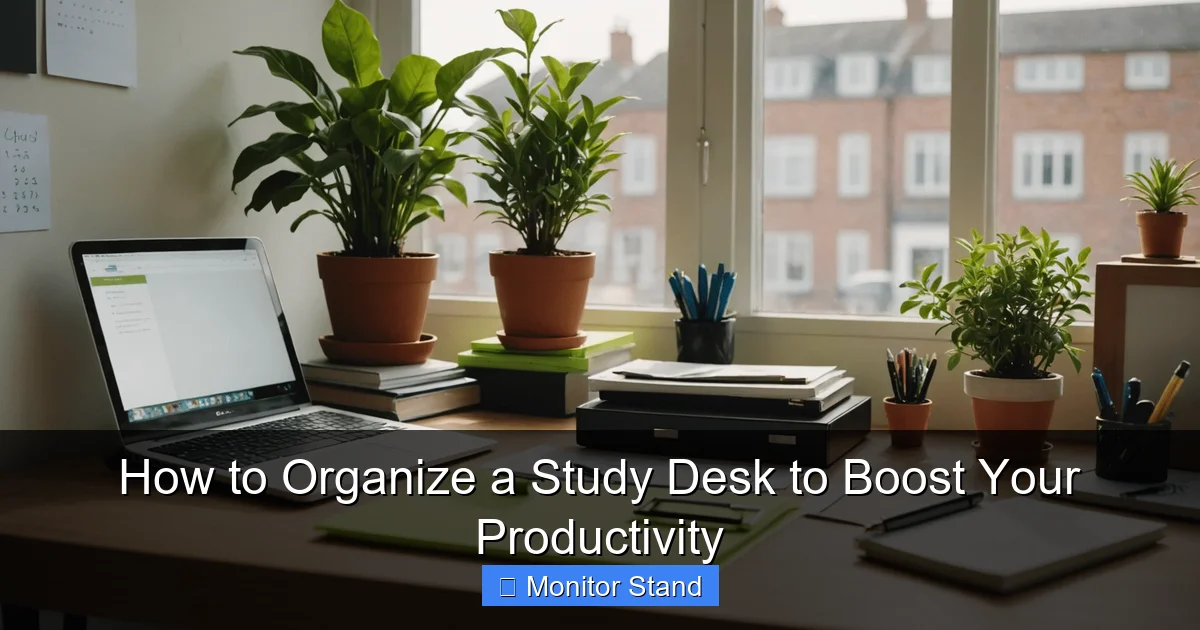
Organizing your study desk is a proven way to enhance focus and efficiency. This guide walks you through a complete process, from clearing clutter to integrating a monitor stand for ergonomics and space. Follow these steps to create a personalized, productive environment that supports your goals.
Does your study desk look like a tornado hit it? Are you constantly shuffling papers, digging for pens, or struggling with a stiff neck? You’re not alone. A disorganized desk can silently sabotage your focus, drain your energy, and slash your productivity. But here’s the good news: transforming that chaos into a calm, efficient command center is easier than you think. This guide will show you exactly how to organize a study desk to boost your productivity. We’ll walk through a simple, step-by-step process that includes smart tools like a monitor stand to enhance your setup. By the end, you’ll have a workspace that not only looks great but actually helps you study smarter and achieve more. Let’s dive in!
Key Takeaways
- Declutter Ruthlessly: Begin by removing everything from your desk. Only return items that are essential for your daily tasks to minimize distractions and create a clean foundation.
- Leverage a Monitor Stand: Elevating your monitor to eye level with a stand reduces neck strain, improves posture, and frees up valuable desk real estate for other organizers.
- Master Cable Management: Use simple tools like adhesive clips, cable sleeves, or under-desk trays to bundle and route wires. This cuts visual clutter and prevents accidents.
- Designate Functional Zones: Create specific areas on your desk for writing, computing, and reference materials. This systematic layout streamlines your workflow and reduces time searching for items.
- Prioritize Ergonomic Principles: Arrange your chair, keyboard, mouse, and lighting to support a comfortable, healthy posture. This reduces fatigue and allows for longer, more productive study sessions.
- Commit to Regular Maintenance: Spend 5 minutes at the end of each day tidying your desk. A consistent routine prevents clutter from accumulating and sustains a productive environment.
Step 1: The Great Clean Slate – Clear and Clean Your Desk
You cannot build an organized desk on a foundation of clutter. This first step is all about starting fresh. Think of it as hitting the reset button for your workspace.
Remove Everything
Yes, everything! Take all items off your desk surface and out of the drawers. Place them on your bed, the floor, or a large table. This includes your computer, papers, books, stationery, cups, and those random knick-knacks. Seeing everything in one pile is eye-opening. It shows you exactly what you’ve been working with.
Deep Clean the Surface
Now that your desk is bare, give it a proper clean. Wipe down the surface with a suitable cleaner for the material (wood, glass, etc.). Don’t forget the edges, legs, and any drawers. Use a microfiber cloth to dust off your monitor, keyboard, and other electronics. A clean desk feels new and inviting. It sets the tone for an organized space.
Sort Items into Piles
As you look at your pile of stuff, sort it into three categories: Keep, Donate/Trash, and Relocate. The Keep pile is for items you use daily or weekly at your desk. The Donate/Trash pile is for broken things, old notes, or duplicates you don’t need. The Relocate pile is for items that belong somewhere else in your room or home, like a library book or a coffee mug that should go to the kitchen. Be ruthless! If you haven’t used it in the last month, it probably doesn’t deserve prime desk real estate.
Step 2: Blueprint for Success – Assess Your Needs and Items
Before you put anything back, think about how you use your desk. This step ensures your organization system matches your actual habits.

Visual guide about How to Organize a Study Desk to Boost Your Productivity
Image source: i.pinimg.com
Identify Your Core Activities
Do you mostly use a laptop for online research? Do you need space for writing by hand or drawing? Maybe you juggle textbooks and a tablet. List your primary tasks. This helps you decide what tools must be within arm’s reach.
Categorize Your “Keep” Items
Take your “Keep” pile and group similar items together. Common categories include:
- Writing Tools: Pens, pencils, highlighters, markers.
- Paper Products: Notebooks, notepads, sticky notes, printer paper.
- Electronics: Laptop, charger, tablet, phone, headphones.
- Reference Materials: Textbooks, dictionaries, binders.
- Essentials: Water bottle, glasses, desk lamp.
This categorization is the key to creating logical storage zones later.
Measure Your Desk and Space
Grab a tape measure. Note the dimensions of your desk surface and the vertical space above it. Also, check the location of power outlets. This information is crucial when selecting organizers, especially a monitor stand, to ensure everything fits perfectly.
Step 3: Gear Up – Invest in Essential Organizers
With a clear plan, it’s time to gather your tools. The right organizers turn chaos into order. Since our category is Monitor Stand, we’ll give it special attention.
Visual guide about How to Organize a Study Desk to Boost Your Productivity
Image source: blog.viking-direct.co.uk
The Centerpiece: Choose a Monitor Stand
A monitor stand is a game-changer for desk organization. It’s not just for raising your screen. Look for a stand with these features:
- Height Adjustment: Allows you to position the top of your screen at or slightly below eye level.
- Storage Shelf or Drawer: Many stands have space underneath to stow your keyboard, notebook, or small supplies.
- Cable Management Ports: Built-in holes to thread cables through, keeping them neat.
- Sturdy Base: Ensures stability for your valuable monitor.
Using a monitor stand instantly frees up desk space. The area underneath becomes valuable storage. It also promotes better posture, which is vital for long study sessions.
Contain the Small Stuff: Desk Organizers
Use trays, cups, or small bins to corral your stationery. A pen holder, a tray for sticky notes, and a bin for paper clips can make a huge difference. Consider a desk organizer caddy that combines several functions in one unit.
Solve the Paper Puzzle: Document Management
Papers can quickly create clutter. Use a vertical letter tray for incoming and outgoing documents. A wall-mounted file holder or a simple binder can store reference sheets. For active projects, use a clear document stand placed next to your monitor.
Tame the Wires: Cable Management Solutions
Loose cables are tripping hazards and eyesores. Invest in:
- Cable Clips or Ties: To bundle cords together.
- Cable Sleeves or Raceways: To conceal multiple wires along desk legs.
- Under-Desk Cable Tray: A basket mounted underneath to hold power strips and excess cable length.
Label each cord with a small tag if you have many devices. This makes troubleshooting easier.
Maximize Vertical Space: Shelving and Wall Units
If your desk is small, look up! Install a floating shelf above your desk for books or decor. Use pegboards for hanging scissors, rulers, and headphones. This keeps the desk surface clear for active work.
Step 4: Assembly for Efficiency – Arrange for Ergonomics and Flow
Now, let’s put it all together. This step is about placing items in a way that supports your body and your workflow.

Visual guide about How to Organize a Study Desk to Boost Your Productivity
Image source: cdn.autonomous.ai
Position Your Monitor and Stand
Place your monitor stand towards the back center of your desk. Set your monitor on it. Adjust the height so that when you sit up straight, your eyes gaze slightly downward at the top third of the screen. Your neck should be neutral, not craned up or down. The ideal viewing distance is about an arm’s length away. If you use a laptop, consider a stand to raise its screen and use an external keyboard and mouse.
Set Up Your Input Devices
Place your keyboard and mouse directly in front of you, on the desk surface (or on the keyboard tray if your stand has one). Your elbows should be at about a 90-degree angle, with your wrists straight. This prevents strain.
Create Dedicated Zones
Divide your desk into zones based on your categorized items:
- Primary Work Zone: Directly in front of you. This is for your monitor, keyboard, and mouse.
- Writing Zone: To the side of your dominant hand. Place a notebook, pen cup, and desk lamp here.
- Reference Zone: On the other side or on a shelf above. Keep current textbooks or files here.
- Essential Zone: A corner for your water bottle and perhaps a plant. Keep it separate to avoid spills on electronics.
This zoning method streamlines your movements. You’ll know exactly where everything is.
Optimize Lighting
Good lighting reduces eye strain. Position your desk lamp (preferably with adjustable, warm white light) to illuminate your work surface without casting a glare on your monitor. Natural light from a window is great, but use blinds to control direct sunlight.
Personalize Minimally
Add one or two personal items, like a photo or a small plant. These can boost mood but avoid clutter. Keep them in a designated spot, like on the monitor stand or a corner shelf.
Step 5: Keep It That Way – Implement a System for Maintenance
An organized desk only stays organized if you maintain it. Build simple habits to preserve your productivity boost.
The 5-Minute Daily Tidy
At the end of each study session, take five minutes to reset your desk. Return items to their designated zones, file away papers, and wipe the surface. This prevents clutter from building up again.
Weekly Review and Reset
Once a week, do a quick check. Are any new items creeping onto the desk? Do cables need re-securing? Empty your trash bin and recycling. This weekly habit keeps your system running smoothly.
Seasonal Deep Clean
Every few months, repeat Step 1 on a smaller scale. Clear off the desk, dust everything, and reassess your items. Your needs might change, and your organization should evolve with them.
Troubleshooting Common Desk Organization Problems
Even with the best plans, challenges pop up. Here’s how to solve them.
Problem: My Desk is Too Small
Solution: Embrace vertical space. Use a tall monitor stand with storage, wall-mounted shelves, and hanging organizers. Consider a desk hutch or a rolling cart beside your desk for extra supplies. Keep only the absolute essentials on the surface.
Problem: I Have Too Many Cables for Multiple Devices
Solution: Use a powered USB hub to reduce the number of cords going to your computer. Combine this with a under-desk cable tray to hide the power strip and all excess wiring. Label each cable clearly.
Problem: I Get Distracted by Visual Clutter
Solution: Opt for closed storage. Use drawers, boxes with lids, or organizers with covers. Choose a monitor stand with a solid back or side panels to hide cables and create a cleaner look. Stick to a neutral color palette for your organizers.
Problem: My Desk is Shared with Others
Solution: Create personal caddies or bins for each user that can be easily moved. Use a monitor stand that is adjustable for different heights. Establish clear rules about cleaning up after use.
Conclusion: Your Productive Sanctuary Awaits
Organizing your study desk isn’t just about aesthetics; it’s a powerful investment in your productivity and well-being. By following these steps—clearing clutter, assessing needs, investing in key tools like a monitor stand, arranging for ergonomics, and maintaining the system—you’ve built more than a tidy desk. You’ve created a personalized environment designed to support focus, efficiency, and success. A well-organized study desk reduces stress, saves time, and helps you do your best work. Start today, and experience the boost in productivity that comes from a space that truly works for you.