
Many people ask if a monitor stand can hold a TV, and the answer is often yes—but only under specific conditions. This guide dives into the crucial factors like weight capacity, VESA mount compatibility, and stand stability to ensure a safe setup. Follow our step-by-step instructions to avoid pitfalls and make an informed decision.
Key Takeaways
- Weight Capacity is Non-Negotiable: Monitor stands are designed for lighter monitors, so always check if your TV’s weight is within the stand’s limit to prevent damage or collapse.
- VESA Compatibility is Key: Both your TV and monitor stand must have matching VESA mount patterns (e.g., 100x100mm or 200x200mm) for a secure fit.
- Stand Design Matters for Stability: Monitor stands may have smaller bases or less robust arms, which can lead to wobbling or tipping with a heavier, larger TV.
- Safety Should Always Come First: Improper mounting risks damaging your TV, stand, or causing injury; never skip safety checks and use appropriate tools.
- Cost-Effectiveness Can Be Misleading: While using a monitor stand might save money, investing in a dedicated TV stand or wall mount often offers better support and peace of mind.
- A Step-by-Step Assessment is Essential: Systematically evaluate your TV and stand specs before attempting mounting to avoid common mistakes.
- Alternatives Exist for a Reason: If a monitor stand isn’t suitable, consider TV-specific stands, wall mounts, or adapter plates for a safer solution.
Can a Monitor Stand Hold a TV? Let’s Find Out!
You might be looking at your monitor stand and thinking, “Can this hold my TV?” It’s a common question. With TVs getting lighter and stands more versatile, the idea seems tempting. Maybe you want to save space or money. But the truth is surprising. Yes, a monitor stand can hold a TV, but it’s not always a good idea. In this guide, you’ll learn everything you need to know. We’ll cover weight limits, VESA mounts, and safety tips. By the end, you’ll be able to decide if your monitor stand can hold a TV safely. Let’s get started!
Understanding Monitor Stands and TV Stands: The Basics
Before you try mounting a TV on a monitor stand, know the differences. Monitor stands are made for computer monitors. These are usually smaller and lighter. TV stands are built for televisions. They are sturdier and handle more weight. But sometimes, the lines blur. Modern monitors can be big. TVs can be slim. So, can a monitor stand hold a TV? It depends on key factors. We’ll explore them below.
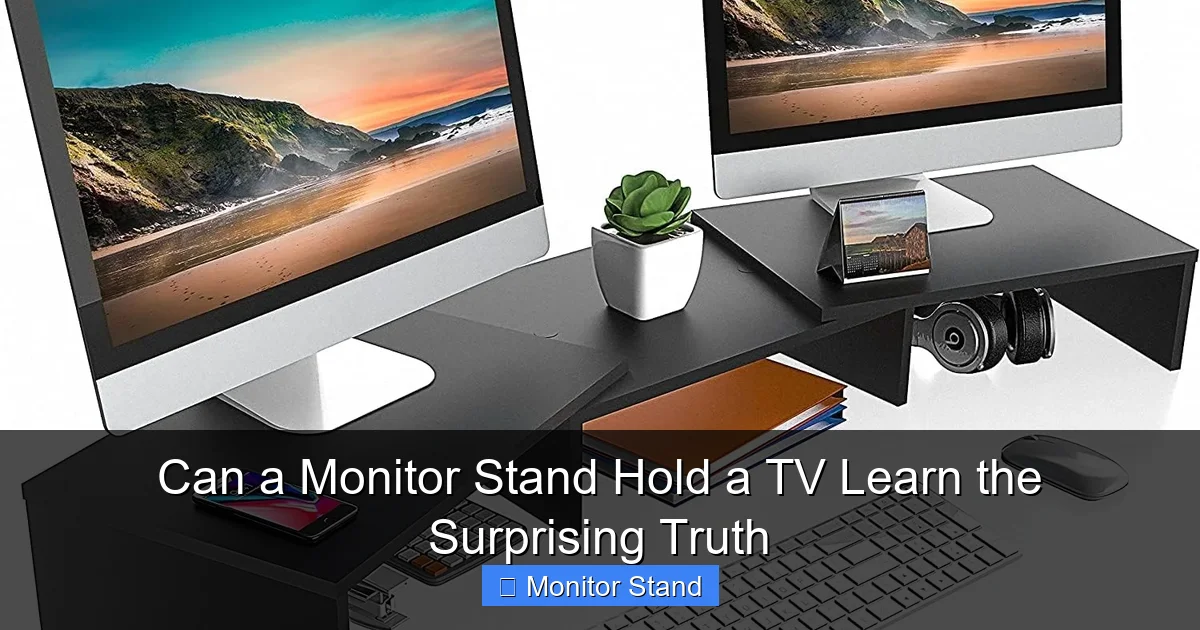
Visual guide about Can a Monitor Stand Hold a TV Learn the Surprising Truth
Image source: m.media-amazon.com
Weight Capacity: The Biggest Factor
Weight capacity is the most important thing. Every stand has a weight limit. Monitor stands often hold 10 to 20 pounds. Some gaming stands go up to 30 pounds. TVs, even slim ones, can weigh 15 to 50 pounds. For example, a 32-inch TV might weigh 20 pounds. A 55-inch TV could be 40 pounds. Always check your TV’s weight. You can find it in the manual or online. Then, check your monitor stand’s weight limit. If the TV is heavier, don’t risk it. The stand could break. Your TV could fall. That’s a disaster you want to avoid.
VESA Mount Standards: The Connection Point
VESA mounts are a standard for attaching screens to stands. VESA stands for Video Electronics Standards Association. They set patterns for screw holes. Monitors and TVs often have VESA patterns. Common sizes are 75x75mm, 100x100mm, and 200x200mm. Your monitor stand must match your TV’s VESA pattern. If not, you can’t attach them. Some stands come with adapters. But not always. So, check both devices. Look at the back of your TV. Measure the distance between screw holes. Do the same for the stand. Matching patterns mean you can proceed. But remember, VESA compatibility alone isn’t enough. Weight still matters.
Step-by-Step Guide to Assessing Compatibility
Now, let’s walk through how to check if your monitor stand can hold a TV. Follow these steps carefully. Don’t skip any. Safety is key.
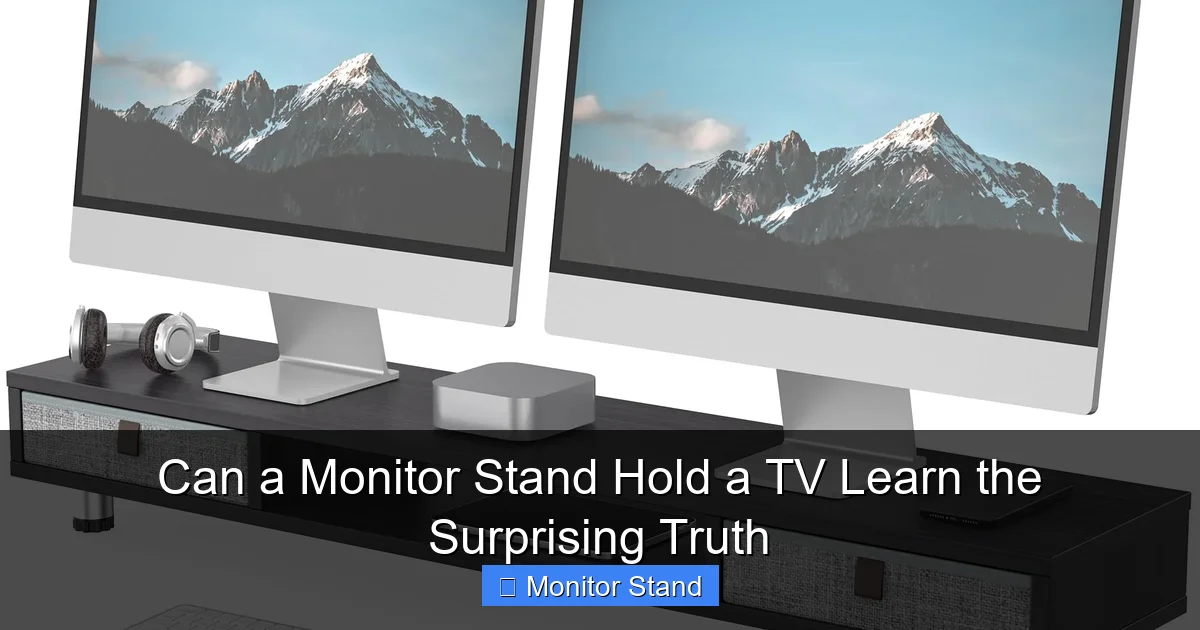
Visual guide about Can a Monitor Stand Hold a TV Learn the Surprising Truth
Image source: m.media-amazon.com
Step 1: Check Your TV’s Specifications
Start with your TV. Find its weight and VESA pattern. You can usually find this in the user manual. If you lost the manual, search online. Use the model number. Write down the weight in pounds or kilograms. Then, note the VESA pattern. For example, “VESA 200x200mm.” Also, measure the TV’s size. Larger TVs are heavier and harder to balance. This info is crucial for the next steps.
Step 2: Examine Your Monitor Stand’s Specifications
Next, look at your monitor stand. Find its weight capacity. This is often on the box or in the manual. If not, search the model online. Also, check its VESA compatibility. Most stands list supported patterns. Also, look at the stand’s design. Is it a simple pole? Does it have arms? A heavy TV on a flimsy arm can tip over. Think about stability. A wide base is better. Narrow bases can wobble. Take notes on all this.
Step 3: Compare the Numbers
Now, compare your TV’s weight to the stand’s weight limit. Is the TV lighter? If yes, that’s good. If not, stop here. The stand can’t hold the TV safely. Next, compare VESA patterns. Do they match? If yes, great. If not, you might need an adapter. But adapters add weight. They can also change the balance. Be cautious. Finally, consider the stand’s design. Can it handle a wider TV? Monitor stands are made for smaller screens. A big TV might overhang. This can cause tipping. If everything looks good, you can move to mounting.
How to Mount a TV on a Monitor Stand: A Detailed Tutorial
If your assessment says it’s safe, let’s mount the TV. But go slow. Follow these sub-steps. Use the right tools. Have a friend help you. It makes things easier.
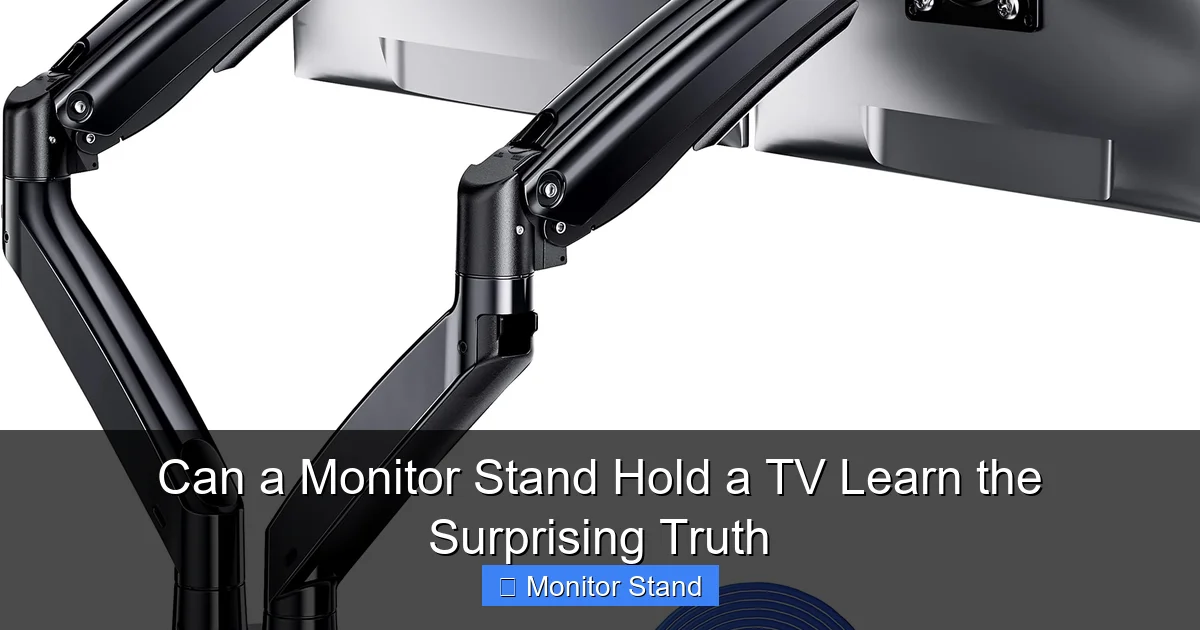
Visual guide about Can a Monitor Stand Hold a TV Learn the Surprising Truth
Image source: m.media-amazon.com
Preparing Your Equipment
Gather what you need. You’ll need a screwdriver. Probably a Philips head. Check the screw sizes. Your stand should come with screws. But they might be for monitors. TV screws can be longer. Use the screws that fit snugly. Don’t force them. You might need a VESA adapter plate. This helps if patterns don’t match perfectly. Also, have a soft cloth. Place it under the TV to avoid scratches. Clear your workspace. You need room to move.
Mounting Process
First, attach the VESA plate to the TV. If your stand has a plate, use it. Line up the holes. Screw it in tightly. But don’t overtighten. You could strip the screws. Then, attach the plate to the monitor stand. This part varies by stand. Some stands have a clamp. Others have a bolt. Follow the stand’s instructions. Secure everything firmly. Once attached, lift the TV onto the stand. Do this carefully. Have your friend support the TV. Slowly place it on the stand. Ensure it’s centered. Adjust the stand’s height or tilt if possible. But do this gently. Sudden moves can strain the stand.
Safety Checks After Mounting
After mounting, do safety checks. Gently wobble the TV. Is it stable? If it shakes a lot, something is wrong. Check all screws. Tighten them if needed. Ensure the TV isn’t leaning forward. The stand should be on a flat surface. Carpets can be uneven. Use a hard floor if possible. Also, check the weight distribution. The TV should not overhang the base. If it does, it might tip. Finally, test it for a day. Watch for any signs of stress. Listen for creaks. If all seems well, you might be good. But stay alert.
Troubleshooting Common Issues
Sometimes, things don’t go smoothly. Here are common problems and how to fix them.
TV Doesn’t Fit the Stand
If the TV is too big, it might not fit on the stand. The base could be too small. Or the arms might not extend enough. In this case, don’t force it. Consider a different stand. Maybe a TV stand with a larger base. Or use a wall mount. Forcing a fit can damage both devices.
Stand Wobbles or Feels Unstable
Wobbling is a red flag. It means the stand can’t handle the weight. First, check the surface. Is it level? Use a level tool. If the surface is fine, tighten all screws. If it still wobbles, the stand is likely overloaded. Remove the TV immediately. You need a stronger stand. Don’t ignore wobbling. It can lead to a fall.
VESA Holes Don’t Align
If the VESA holes don’t align, you might have the wrong pattern. Double-check your measurements. You can use a VESA adapter. These plates convert one pattern to another. But they add weight and complexity. Ensure the adapter is rated for your TV’s weight. If not, it’s safer to get a compatible stand.
When to Avoid Using a Monitor Stand for a TV
There are times when you should not use a monitor stand for a TV. Here are clear signs. First, if the TV is heavier than the stand’s limit. Never exceed the weight limit. Second, if the TV is much larger. A 55-inch TV on a monitor stand is risky. Third, if the stand is old or damaged. Cracks or wear mean it’s weak. Fourth, if you have kids or pets. They might bump into it. A TV on a monitor stand could topple easily. In these cases, choose a TV stand or wall mount. Safety always comes first.
Conclusion: Making the Right Choice for Your Setup
So, can a monitor stand hold a TV? The surprising truth is yes, but with big caveats. It all depends on weight, VESA compatibility, and stand design. Follow our step-by-step guide to assess your gear. If it checks out, mount with care. But remember, monitor stands are not made for TVs. They might work in a pinch. For long-term use, consider dedicated TV stands. They offer better stability and peace of mind. We hope this guide helped you learn the facts. Now, you can decide wisely. Happy mounting!
