
Monitor stands are not universally compatible. The key to a perfect fit lies in understanding your monitor’s VESA mounting pattern, its weight, and the stand’s adjustment range. Checking these specifications before purchase is essential to avoid frustration and ensure a stable, ergonomic setup.
Key Takeaways
- VESA is the Universal Language: Compatibility hinges on the VESA mounting pattern (e.g., 75x75mm or 100x100mm), a standardized grid of screw holes on the back of most monitors.
- Weight is a Critical Limit: Every stand has a maximum weight capacity. Exceeding it risks damage to your monitor, the stand, or both.
- Size and Tilt Matter: The stand’s base must physically support your monitor’s screen size, and its arm must handle the monitor’s thickness and center of gravity without excessive sagging.
- Desk Clamp vs. Grommet Mount: Ensure your desk can accommodate the chosen mounting style, checking for thickness limits and the presence of a grommet hole if required.
- Ergonomic Range is Key: A stand’s value comes from its ability to adjust height, tilt, swivel, and rotation to your perfect viewing angle, so verify its range matches your needs.
- Adapters Can Bridge the Gap: Non-VESA monitors can often be adapted using manufacturer-specific plates or universal brackets, expanding your stand options.
- Always Consult the Manual: The definitive source for your monitor’s VESA pattern, weight, and any mounting restrictions is its official user manual or spec sheet.
Do Monitor Stands Fit All Monitors? Discover the Truth
You’ve just bought a sleek new monitor stand. You picture a clean, elevated desk. You imagine perfect posture. But when you go to attach it, panic sets in. The holes don’t line up. The arm seems too weak. The truth is, monitor stands are not one-size-fits-all. Buying the wrong one is a common headache. This guide will cut through the confusion. You will learn the exact steps to find a stand that fits your monitor perfectly. We’ll cover standards, measurements, and smart fixes. Let’s build your ideal, ergonomic workspace.
Step 1: Understand the Universal Mounting Standard – VESA
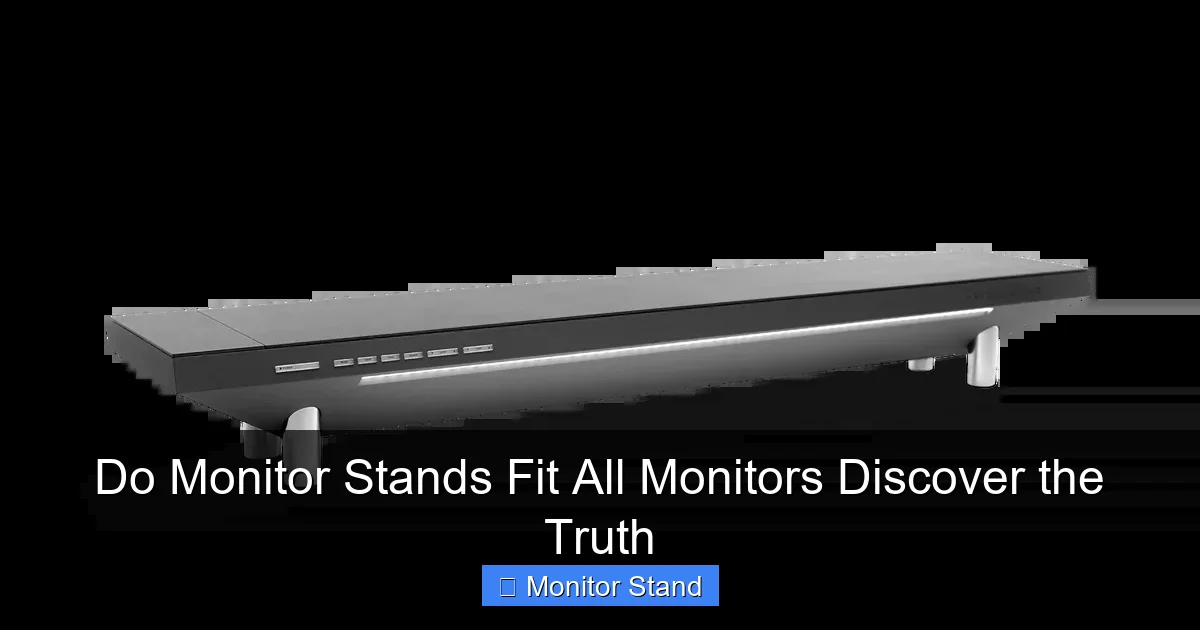
This is the most important step. VESA stands for Video Electronics Standards Association. They created a mounting interface standard. This is what makes compatibility possible. Look at the back of your monitor. You’ll likely see four screw holes in a square pattern. This is a VESA mount.
Visual guide about Do Monitor Stands Fit All Monitors Discover the Truth
Image source: hexcal.com
How to Identify Your Monitor’s VESA Pattern
Measure the distance between these holes, both horizontally and vertically, in millimeters. The most common patterns are:
- 75 x 75mm: Common for smaller monitors, typically under 24 inches.
- 100 x 100mm: The most popular standard for 24-inch to 32-inch monitors.
- 200 x 200mm: Often used for large, heavy gaming monitors or professional displays.
- 300 x 300mm: Typically for very large or ultra-wide monitors.
Pro Tip: The measurement is from the center of one hole to the center of the opposite hole. Use a ruler or a VESA pattern template found online.
What If My Monitor Has No VESA Holes?
Don’t worry! Some slim or budget monitors have proprietary stands with no visible holes. You have two options:
- Check for a Hidden VESA Pattern: Sometimes, you must remove the original stand to reveal the VESA holes.
- Use a VESA Adapter Plate: You can buy an adapter specific to your monitor model. It clips onto the monitor where the old stand attached and provides a standard VESA pattern on the back.
Step 2: Check the Weight and Size Limits
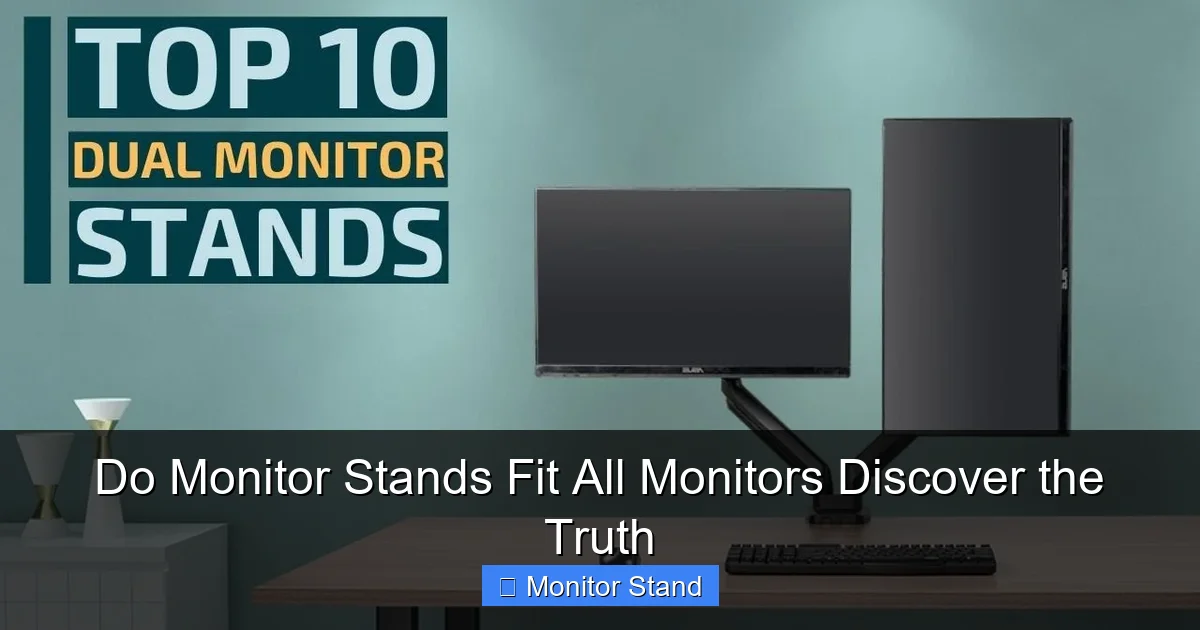
Even if the holes line up, the stand must safely hold your monitor. This is a two-part check.
Visual guide about Do Monitor Stands Fit All Monitors Discover the Truth
Image source: i.ytimg.com
Monitor Weight vs. Stand Capacity
First, find your monitor’s weight without its original stand. Check the manual or the manufacturer’s website. Next, look at the monitor stand’s specifications. It will list a “Maximum Weight Capacity.” Your monitor’s weight must be less than this number. For safety and stability, experts recommend leaving a 10-20% buffer. For example, if your monitor weighs 18 lbs, look for a stand rated for at least 22 lbs.
Monitor Size and Physical Fit
Stands also list a “Maximum Screen Size” (e.g., “up to 32 inches”). This is about physics. A larger screen can lever more force on the arm, causing sag. The stand’s base must also be wide and heavy enough to counterbalance a big monitor without tipping. Always match the stand’s size rating to your monitor’s diagonal screen size.
Step 3: Choose the Right Mounting Type for Your Desk
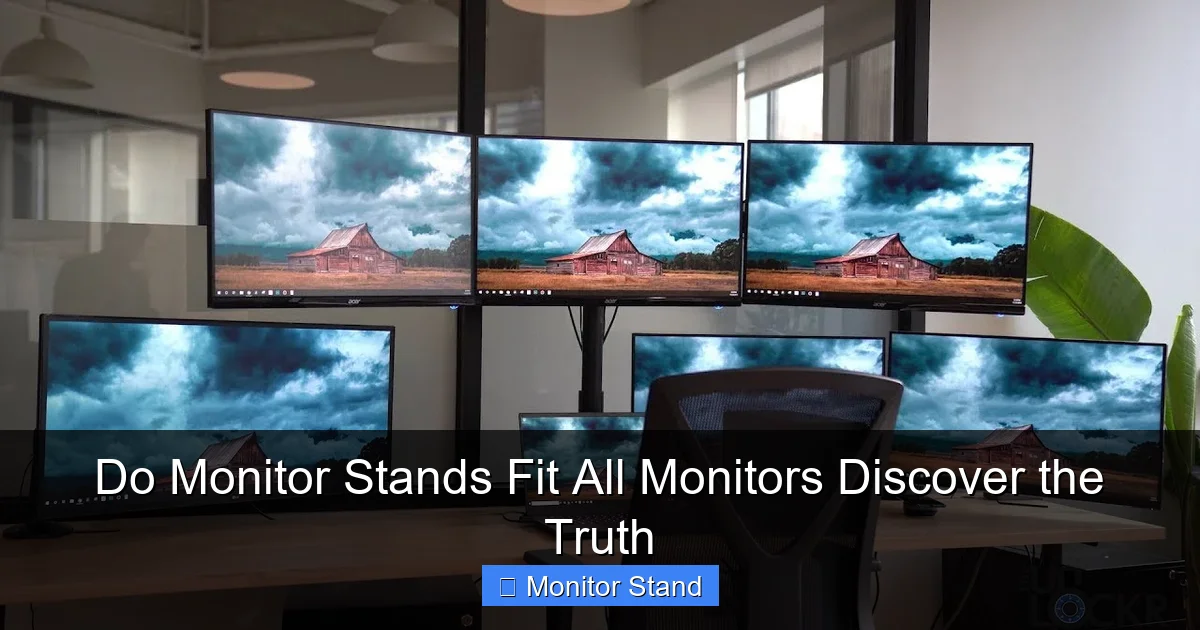
How the stand attaches to your desk is crucial. The main types are:
Visual guide about Do Monitor Stands Fit All Monitors Discover the Truth
Image source: i.ytimg.com
- Desk Clamp (C-Clamp): Attaches to the edge of your desk. It’s very stable but requires a lip or edge to clamp onto. Check your desk’s thickness against the clamp’s maximum range.
- Grommet Mount: The stand’s pole goes through a hole in your desk (a grommet hole). This is incredibly stable and saves space but requires you to have (or drill) a hole.
- Standalone Base: The stand has a heavy flat base that sits on your desk. No installation needed, but it consumes the most desk space.
Consider your desk material too. A heavy monitor on a clamp might damage a cheap particle board desk. For glass desks, you must use a stand specifically designed for glass.
Step 4: Match the Ergonomic Features You Need
A good stand is about movement. Here’s what to look for:
- Height Adjustment: Can you move the monitor up and down? The top of the screen should be at or slightly below eye level.
- Tilt: Can you angle the screen forward or backward? This helps reduce glare.
- Swivel: Can you turn the screen left and right? Great for sharing your screen or multi-desk setups.
- Rotation (Pivot): Can you rotate the screen 90 degrees into portrait mode? Essential for coders, writers, and social media managers.
Decide which movements are important for your work. A fixed-height stand is cheaper, but an adjustable arm offers long-term comfort.
Step 5: The Final Compatibility Checklist
Before you click “buy,” run through this list:
- VESA Pattern Match: Does the stand support your monitor’s pattern (e.g., 100x100mm)?
- Weight Check: Is your monitor’s weight less than the stand’s max capacity (with a buffer)?
- Size Check: Is your monitor’s screen size within the stand’s recommended range?
- Desk Compatibility: Does your desk support the mount type (clamp thickness, grommet hole)?
- Feature Check: Does the stand offer the ergonomic adjustments you want?
Troubleshooting Common Monitor Stand Problems
Problem: Monitor is Too Heavy, and the Arm Sags
Solution: The stand is under-spec. You need a stand with a higher weight capacity. Tightening the tension arm (if available) might help slightly, but replacement is the safest fix.
Problem: Holes Almost Line Up, But Not Quite
Solution: You likely have a less common VESA pattern (like 75×100). Some stands include adapter plates for multiple patterns. If not, you can purchase a universal VESA adapter bracket.
Problem: The Desk Clamp Won’t Fit My Thick Desk
Solution: Many clamps have a removable spacer. Check if removing it increases the range. If not, look for a stand specifically designed for thicker desks or switch to a grommet mount.
Problem: My Ultra-Wide Monitor Tilts Forward Too Easily
Solution: The monitor’s center of gravity is too far forward. Ensure the stand is rated for both the weight and size of an ultra-wide. You may need to tighten the tilt tension knob severely or invest in a heavier-duty arm designed for large formats.
Conclusion: The Truth About Universal Fits
So, do monitor stands fit all monitors? The clear answer is no. There is no truly universal stand. But there is a universal process to find the perfect match. It starts with your monitor’s VESA pattern and weight. It considers your desk’s limits and your body’s need for movement. By following the steps in this guide, you move from guesswork to certainty. You can confidently choose a stand that lifts your screen, clears your desk, and supports your health. Don’t just buy a stand. Buy the right stand. Your neck, your eyes, and your clean desktop will thank you.