
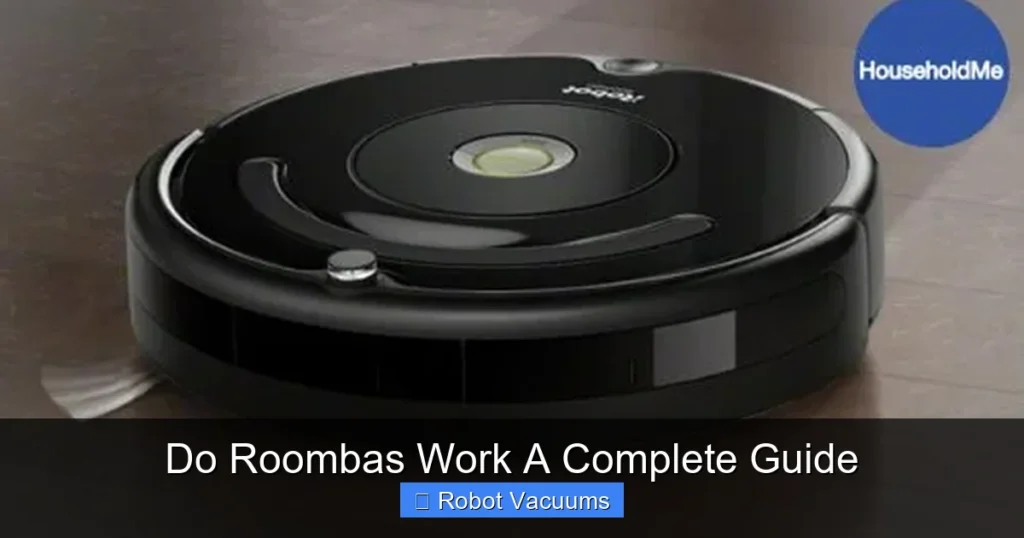
Yes, Roombas do work effectively for daily maintenance cleaning of hard floors and low-pile carpets. They use a system of sensors, brushes, and suction to autonomously navigate and clean your home. While not a replacement for deep, manual cleaning, they excel at keeping dust, pet hair, and debris under control between more thorough vacuums.
Key Takeaways
- Roombas excel at maintenance: They are designed for frequent, automated cleaning to keep your floors consistently tidy, not for deep-cleaning heavy messes.
- Navigation is key to performance: Higher-end models with smart mapping and room recognition work more efficiently and thoroughly than basic, random-path models.
- Setup and preparation are crucial: A successful Roomba experience requires tidying cords, picking up clutter, and setting up virtual boundaries.
- Regular maintenance is non-negotiable: To keep your Roomba working, you must empty its bin, clean its brushes and sensors, and replace parts like filters and batteries as needed.
- They handle pet hair well: Most models, especially those with rubber extractors, are excellent tools for daily pet hair pickup on accessible floors.
- They work on most common surfaces: Roombas transition well between hard floors and low- to medium-pile rugs, but may struggle with very high-pile carpets, dark floors, or thick tassels.
Do Roombas Work? A Complete Guide
You see the ads. A cute little disc glides silently around a pristine home. It dodges furniture and sucks up dirt. You think, “That looks amazing, but does it really work?” The short answer is yes, but with some important details. A Roomba is a fantastic tool, but it’s not magic. This guide will show you exactly how Roombas work, what they do best, and how to set yours up for success. You will learn how to prepare your home, run your first clean, and keep your little robot helper running smoothly for years.
How Roombas Actually Work: The Tech Behind the Clean
Understanding the technology helps you know what to expect. A Roomba is more than just a vacuum on wheels.
Visual guide about Do Roombas Work A Complete Guide
Image source: householdme.com
The Three-Stage Cleaning System
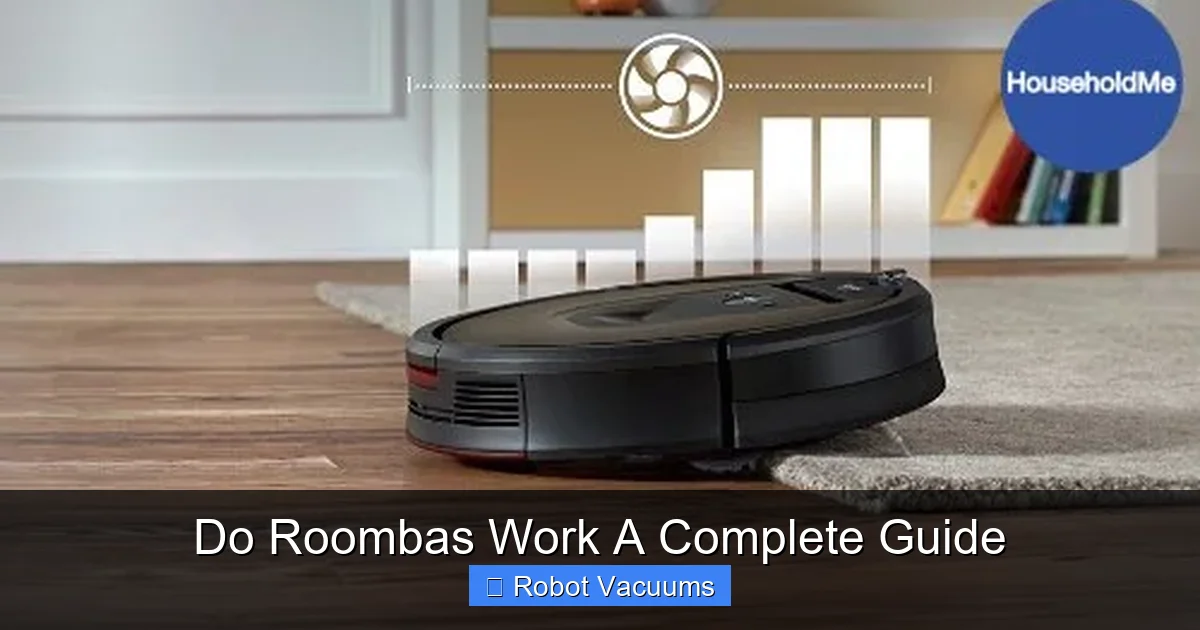
Most Roombas use a similar physical process. First, a side brush spins and sweeps debris from edges and corners into the robot’s path. Then, one or two main brushes (either bristle or rubber) agitate the floor to loosen dirt. Finally, powerful suction pulls the dirt up into a dustbin.
The Brains: Navigation and Sensors
This is where models differ greatly. Basic models use a random “bump and go” method. They bounce around a room until their sensors say they’ve covered the area. Newer, smarter models use vSLAM (visual Simultaneous Localization and Mapping). A camera on top builds a map of your home. This lets the Roomba clean in efficient, back-and-forth rows. It can also remember different rooms and clean specific ones on command from your phone.
All models have a suite of sensors. Cliff sensors prevent falls down stairs. Wall-following sensors help clean along edges. Obstacle sensors help it avoid furniture (most of the time).
What Roombas Are Good At (And What They’re Not)
Setting realistic expectations is the key to happiness with your robot vacuum.
Visual guide about Do Roombas Work A Complete Guide
Image source: householdme.com
Roombas Excel At:
- Daily Maintenance: Keeping floors free of dust, crumbs, and pet hair between big cleans.
- Hard Floors and Low-Pile Rugs: They transition seamlessly and clean these surfaces very well.
- Pet Hair Pickup: Models with rubber extractors are champions at grabbing cat and dog hair.
- Convenience: Scheduling cleans while you’re at work or asleep is their biggest selling point.
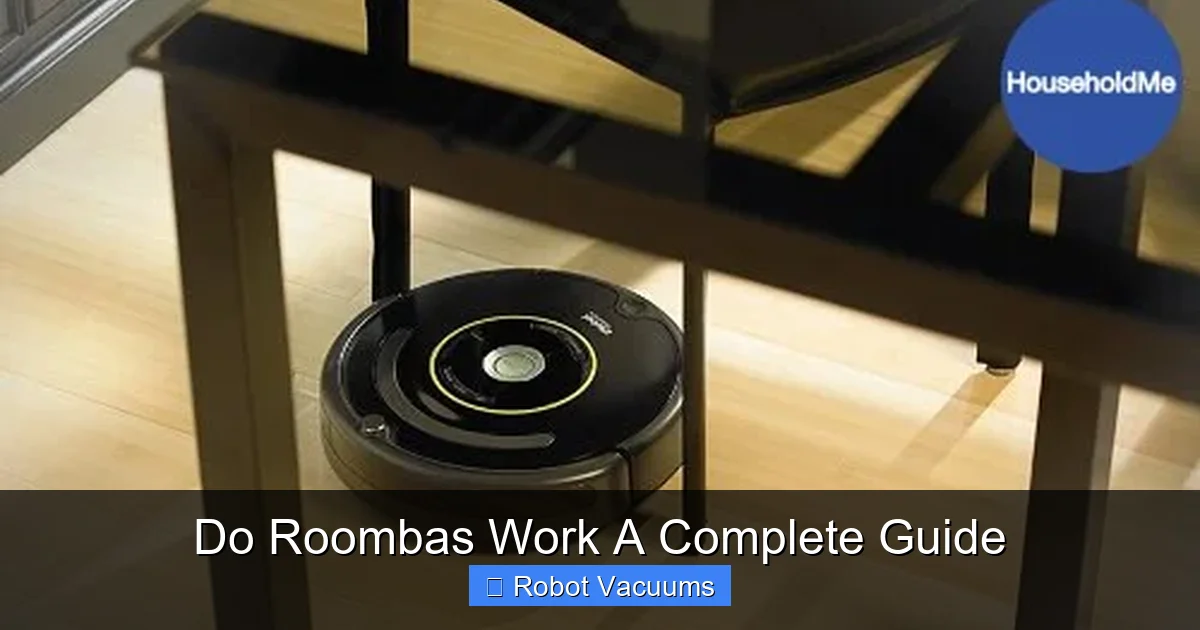
- Under-Furniture Access: They can get under beds and sofas where a regular vacuum can’t fit.
Roombas Struggle With:
- Deep Cleaning Carpets: They cannot match the deep-down power of a full-sized upright vacuum.
- Large Debris: Cereal spills, LEGO pieces, or piles of dirt will clog it. Always spot-clean big messes first.
- Very Dark or Shiny Floors: Cliff sensors can mistake these for a drop and avoid the area.
- High-Pile Carpets and Tassels: Thick rugs can strain the motor, and tassels will get tangled.
- Whole-Home Cleaning in One Charge: Larger homes may require the Roomba to recharge and resume.
Step-by-Step: How to Set Up Your Roomba for Success
Follow these steps to ensure your first clean goes smoothly.
Visual guide about Do Roombas Work A Complete Guide
Image source: householdme.com
Step 1: Unbox and Charge
Take your Roomba and its charging dock out of the box. Place the dock on a level surface against a wall, with about 3 feet of clear space on either side and 4 feet in front. Plug it in. Place the Roomba on the dock and let it charge fully. This can take a few hours. A full charge is essential for the first run.
Step 2: Prep Your Home (Robot-Proofing)
This is the most important step. A clear floor is a clean floor.
- Pick up clutter: Shoes, socks, toys, and cords are your Roomba’s biggest enemies.
- Deal with cords: Lift phone chargers, lamp cords, and blind cords off the floor.
- Check for hazards: Secure loose rug corners and tassels. Block off areas you don’t want it to go with physical barriers.
- Empty the floor: Make sure pet bowls, trash cans, and small chairs are out of the way.
Step 3: Install the App and Connect
Download the iRobot HOME app. Create an account and follow the instructions to connect your Roomba to your Wi-Fi. For smart models, this will also initiate the first mapping run. The app is your control center for scheduling, viewing maps, and checking cleaning history.
Step 4: Run Your First Clean
Start with a simple “Clean All” command from the app or by pressing the button on the robot. Stay home and watch it work! This helps you see where it might get stuck or what you missed in your prep. Don’t expect perfection on the first run, especially for mapping models, which are learning.
Practical Tips for Best Performance
Become a Roomba power user with these tips.
- Schedule Daily Cleans: Consistency is key. A quick daily clean prevents dirt from building up.
- Use Virtual Walls and Keep-Out Zones: In the app, draw lines or zones where the Roomba shouldn’t go, like around a pet food area or a delicate floor lamp.
- Empty the Bin Often: For best suction, empty the dustbin after every clean, especially with pets.
- Clean the Contacts: Wipe the metal charging contacts on the dock and robot every few weeks with a dry cloth.
- Let it Finish: Allow the Roomba to complete its cycle and return to the dock on its own. Interrupting it can confuse the map.
Essential Maintenance: Keeping Your Roomba Working
A little care goes a long way. Do these tasks regularly.
After Every Clean
- Empty the dustbin.
- Check the main brushes for hair and thread wraps. Remove them.
Weekly
- Remove and clean the filter by tapping it gently against your trash can. Do not wash it unless the manual says you can.
- Clean the side brush and its spindle.
- Wipe the sensors and charging contacts with a soft, dry cloth.
Every Few Months
- Replace the filter (more often if you have allergies or pets).
- Check the wheels for hair wraps.
- Inspect brushes for wear and replace them if they look frayed or damaged.
Every 1-2 Years
- Consider replacing the battery if you notice a significant drop in run time.
Troubleshooting Common Roomba Problems
If your Roomba stops working well, try these fixes.
- Roomba is stuck or beeping: Check for and remove any debris, hair, or thread tangled in the wheels or brushes. Clear any blockages in the vacuum pathway.
- Roomba won’t charge: Clean the metal contacts on both the robot and the dock with a dry cloth. Ensure the dock is plugged in and the robot is properly seated on it.
- Roomba misses spots or cleans randomly: For smart models, ensure the map is saved and hasn’t been deleted. For all models, make sure the front bumper and sensors are clean. Ensure the room is well-lit for mapping models.
- Suction seems weak: Empty the bin, clean the filter, and check for clogs in the air path. Replace the filter if it’s old.
- Roomba won’t connect to Wi-Fi: Reboot your router. Ensure you’re using a 2.4GHz network (most Roombas don’t support 5GHz). Re-run the setup process in the app.
Conclusion: So, Do Roombas Really Work?
Absolutely. A Roomba is a hardworking appliance that delivers real value by automating the most tedious part of housework. It works best when you see it as a daily maintenance tool, not a once-a-month deep cleaner. Your success depends on choosing the right model for your home, preparing your space, and performing simple, regular maintenance. If you do those things, you will find that a Roomba doesn’t just work—it becomes an indispensable part of keeping your home clean and comfortable with minimal daily effort. The convenience of coming home to clean floors every day is not just a marketing promise; it’s a reality a Roomba can deliver.
🎥 Related Video: Powerful performance, Powerful pick-up | Roomba® e series | iRobot®
📺 iRobot
Roomba® e series delivers a powerful system of features that make for a complete clean. Just press CLEAN and watch the …