
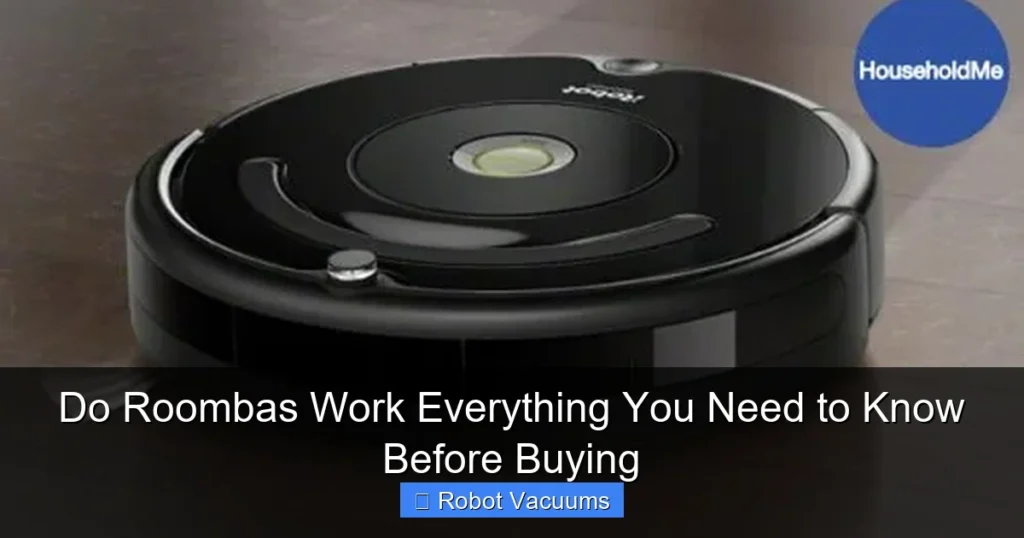
Yes, Roombas work effectively for automated daily cleaning of hard floors and carpets. They excel at maintaining clean floors between deeper manual cleanings by tackling dust, dirt, and debris. Their performance depends on your home’s layout, floor types, and which model you choose, as features like smart navigation and self-emptying bins vary widely.
Key Takeaways
- They are maintenance machines, not deep cleaners: Roombas excel at daily touch-ups to keep floors consistently clean but may not replace a full-power upright vacuum for deep carpet cleaning.
- Navigation technology is the biggest differentiator: Camera-based (vSLAM) models map your home for efficient, methodical cleaning, while older models use random bounce patterns.
- You must “Roomba-proof” your home: For best results, pick up cords, clothing, and small objects, and use virtual wall barriers to block off-limit areas.
- Regular maintenance is non-negotiable: To keep it working, you must frequently empty the bin, clean brushes and sensors, and replace filters and batteries over time.
- The right model depends on your needs: Key choices include self-emptying bases for hands-off use, rubber brushes for pet hair, and mopping capabilities for hard floors.
- They work better on hard floors than high-pile carpets: While they handle low to medium-pile rugs well, very thick carpets can challenge their suction and navigation.
Do Roombas Work? Everything You Need to Know Before Buying
You see the ads. A cute little disc glides silently around a pristine home. It ducks under furniture. It avoids dog toys. It leaves sparkling floors in its wake. This is the dream sold by robot vacuum brands like iRobot Roomba. But you’re smart. You’re asking the real question: Do Roombas actually work?
The short answer is yes, but with important caveats. A Roomba won’t magically solve all your cleaning woes. It’s a tool, not a maid. This guide will cut through the hype. We’ll show you exactly how Roombas work, what they’re good at, where they struggle, and which features are worth your money. By the end, you’ll know if a robot vacuum is the right helper for your home.
How a Roomba Actually Cleans Your Home
Understanding the “how” is key to setting the right expectations. A Roomba’s job isn’t to deep clean a catastrophic mess. Its job is maintenance.
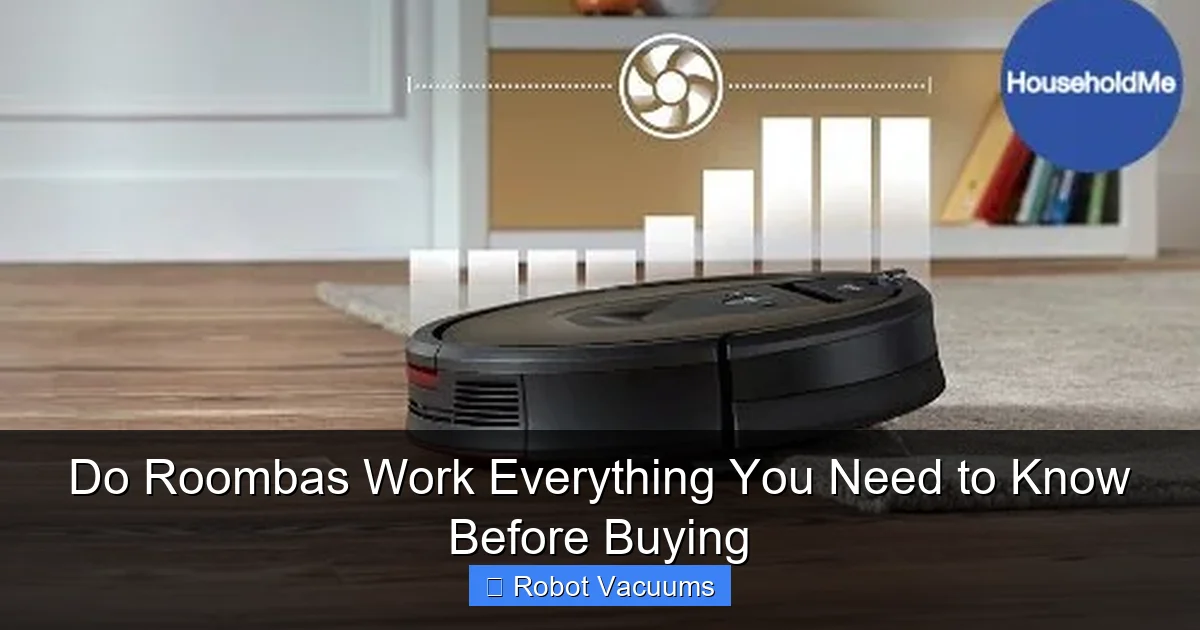
Visual guide about Do Roombas Work Everything You Need to Know Before Buying
Image source: householdme.com
The Three-Step Cleaning System
Most Roombas use a three-stage process:
- 1. The Side Brush: A small, spinning brush on the corner extends to sweep debris from edges and corners into the vacuum’s cleaning path.
- 2. The Agitation System: One or two rolling brushes in the middle loosen and lift dirt, dust, and pet hair from carpets and cracks in hard floors.
- 3. The Suction Motor: Powerful suction pulls the loosened debris up into the dustbin.
This system is great for daily dirt, crumbs, and dust bunnies. It’s less suited for large chunks of debris or deeply embedded dirt in shag carpets.
The Brain: Random Bounce vs. Smart Navigation
This is the biggest factor in how well a Roomba “works” in your space.
- Random Navigation (Older/Entry Models): These models use a simple “bump and go” method. They drive in a straight line until they hit an obstacle, then turn and go another way. It’s inefficient and can miss spots, but it’s cheap.
- Smart Navigation (Mid-Range & Premium Models): These use vSLAM (visual Simultaneous Localization and Mapping). A camera on top takes pictures of your ceiling and landmarks. It builds a smart map of your home. This allows for efficient, back-and-forth cleaning patterns (like a human would do), room-by-room cleaning via an app, and the creation of “Keep Out Zones.”
Tip: For a home with multiple rooms or complex layouts, smart navigation is worth the investment. It cleans more thoroughly and faster.
What Roombas Are Great At (The Pros)
When used for their intended purpose, Roombas are fantastic helpers.

Visual guide about Do Roombas Work Everything You Need to Know Before Buying
Image source: householdme.com
- Daily Tidy-Up: They perfectly handle daily surface dust, pet hair, and tracked-in dirt. Coming home to clean floors every day is a real joy.
- Hard Floor Heroes: On tile, hardwood, and laminate, they are exceptionally effective at picking up fine dust and crumbs.
- Under-Furniture Access: They clean under beds, sofas, and tables—areas often neglected during regular vacuuming.
- Convenience & Scheduling: The “set it and forget it” power is real. Schedule it to clean while you’re at work or asleep.
- Allergy Reduction: Frequent vacuuming removes dust and allergens from your floors, improving air quality.
Where Roombas Struggle (The Cons & Limitations)
Knowing the limitations prevents disappointment. A Roomba is not a replacement for a full-sized vacuum.
- Not a Deep Cleaner: It won’t extract deeply embedded dirt from carpets like a powerful upright vacuum with a motorized brush roll can.
- Requires Home Prep (“Roomba-Proofing”): You must pick up socks, cables, phone chargers, and delicate items like vase stands. Tasseled rugs can also be a problem.
- Regular Maintenance: You must empty the small bin (often after every run), clean hair off brushes weekly, and occasionally replace filters and batteries.
- Struggles with High-Pile Rugs & Dark Floors: Very thick carpets can stall it. Some models also have trouble with very dark, non-reflective floors where their cliff sensors get confused.
- Can Get Stuck: Despite sensors, they can still get stuck on floor transitions, thick cords, or certain furniture shapes.
Step-by-Step Guide to Choosing the Right Roomba
Not all Roombas are the same. Follow these steps to find your match.
Step 1: Assess Your Home & Needs
Ask yourself: What are my main floor types? Do I have pets? How much furniture is there? Is my priority hands-off cleaning or basic help? Am I tech-savvy and want app control?
Step 2: Understand the Key Model Tiers
- Entry-Level (e.g., 600 series): Random navigation, basic suction, no smart mapping. A good, affordable “first try” robot.
- Mid-Range (e.g., i3/i4, j7): Feature smart navigation and mapping, stronger suction, and app control. The best value for most people.
- Premium (e.g., s9+, j9+): Top suction, advanced obstacle avoidance (like detecting pet waste), often include a self-emptying base that holds weeks of dirt.
- Combo Models (Roomba Combo): These vacuum and mop, using a retractable mopping pad. Ideal for homes with lots of hard flooring.
Step 3: Prioritize These Must-Consider Features
- Self-Emptying Base: This is a game-changer for convenience. The robot empties its own bin into a larger base, so you only touch the dirt every 30-60 days.
- Obstacle Avoidance (Pet Owner Alert): Models like the Roomba j7 use a front-facing camera to try and avoid cables, socks, and, crucially, pet accidents.
- Rubber Rollers vs. Bristle Brushes: Rubber rollers (on most newer models) don’t get tangled with long hair or pet fur as easily. A huge plus for pet owners.
- Mopping Function: If you have mostly hard floors, a combo model can save you time. Note: These are for light, daily damp mopping, not scrubbing grout.
How to Set Up Your Roomba for Success
Proper setup ensures your Roomba works as advertised.
Initial Setup & Charging
Place the Home Base on a level surface, against a wall, in a semi-open area. Give it about 3 feet of clearance on each side and 5 feet in front. Charge the robot fully before its first run.
Roomba-Proofing Your Home
- Pick up loose cables, clothing, and small toys.
- Check that rug tassels and fringes won’t get tangled.
- Use the included “Virtual Wall” barriers or set up “Keep Out Zones” in the app to block off areas like pet bowls or fireplace hearths.
- For random-nav models, consider using physical barriers for doorways you want to block.
Creating Your First Smart Map
For mapping models, start with a “Clean Everywhere” run with all doors open and lights on. Let it run until it returns home. The app will generate a map you can then edit, label rooms, and set No-Go Zones.
Troubleshooting Common Roomba Issues
Even the best tech has hiccups. Here’s how to fix common problems.
- Roomba is stuck or not docking: Ensure the Home Base is plugged in, has clear space, and its contacts are clean. Clean the charging contacts on the Roomba itself with a dry cloth.
- Suction seems weak or bin is full: Empty the bin after every run. Check and clean the filter weekly. Remove hair and debris wrapped around the main brushes.
- Roomba is missing spots or acting lost: For mapping models, ensure cameras and sensors (especially the front bumper) are clean and unobstructed. Wipe them with a soft, dry cloth.
- Error messages on the app: Consult the iRobot support site for the specific error code. A simple reboot (holding the “Clean” button for 10 seconds) often solves minor glitches.
The Final Verdict: Is a Roomba Worth It For You?
So, do Roombas work? Absolutely—as long as you view them as an automated maintenance tool, not a full replacement for traditional cleaning.
They are worth the investment if you value daily tidy floors, have a mix of hard floors and low-pile carpets, and don’t mind doing a quick home pick-up and regular robot maintenance. The convenience of scheduled cleaning is transformative for busy people and pet owners.
You might want to reconsider if your home is very cluttered, has mostly very thick carpets, or if you expect a completely hands-off, deep-cleaning experience without any prep work.
The bottom line: A smart navigation Roomba, especially one with a self-emptying base, is a powerful appliance that truly works to make your home feel cleaner with minimal daily effort. Just buy it for what it is, not for what the commercials dream it could be.
🎥 Related Video: Watch This Before You Buy A Robot Vacuum!
📺 Chris Majestic
After testing lots of robot vacuums over the past 6 years, here’s what I’ve learned. AMAZON AFFILIATE LINKS Tier #1 ($300 or …