

Robot vacuum cleaners use sensors and smart navigation to autonomously clean your floors. They are excellent for daily maintenance but may not handle deep cleaning or complex obstacles alone. By learning their capabilities and proper setup, you can enhance your home cleaning routine effortlessly.
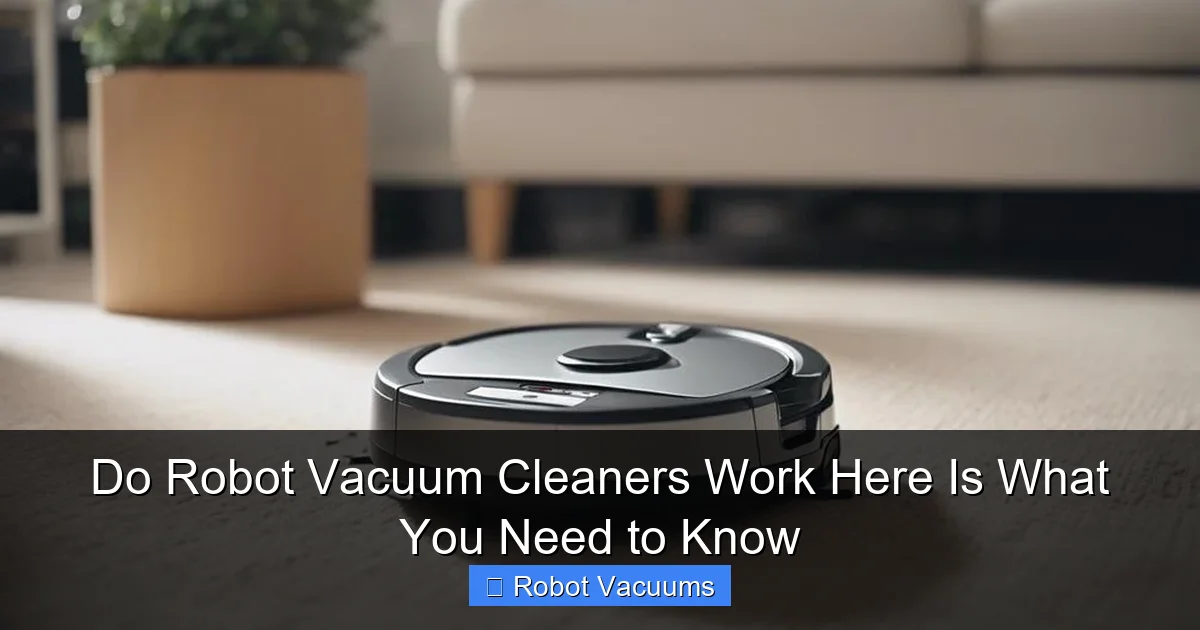
Do Robot Vacuum Cleaners Work? Here Is What You Need to Know
Are you tired of dragging out a heavy vacuum every week? Robot vacuum cleaners offer a hands-free solution. But do they really work? In this how-to guide, we’ll explore everything about robot vacuum cleaners. You’ll learn how they operate, how to set them up, and tips to maximize their efficiency. By the end, you’ll know if a robot vacuum is right for you. Let’s dive in!
Key Takeaways
- Autonomous Operation: Robot vacuum cleaners rely on sensors, cameras, and algorithms to navigate and clean without human intervention.
- Best for Maintenance: They excel at frequent, light cleaning to reduce dust and debris, complementing traditional vacuums.
- Simple Setup: Most models require charging, app pairing, and an initial mapping run to start cleaning effectively.
- Regular Upkeep: Emptying the dustbin, cleaning brushes, and wiping sensors weekly ensures peak performance and longevity.
- Floor Compatibility: While great on hard floors, check suction and brush design for carpets or rugs to avoid issues.
- Smart Connectivity: Features like scheduling, zone cleaning, and voice control via apps add convenience and customization.
- Troubleshooting Ease: Common problems like stuck robots or poor navigation can often be fixed with simple checks and resets.
How Robot Vacuum Cleaners Work: The Technology Explained
Robot vacuum cleaners are smart devices that clean floors on their own. They use a mix of hardware and software. Think of them as tiny robots with a mission to suck up dirt. Here’s a breakdown of their core components.
Sensors: The Navigation System
Robot vacuums have various sensors. These include cliff sensors to avoid stairs. They also have bump sensors to detect walls. Some models use cameras or lasers to map rooms. These sensors help the vacuum move around furniture. They prevent falls and collisions. It’s like having eyes and ears for your home.
Cleaning Mechanisms: Suction and Brushes
Most robot vacuum cleaners use a suction motor. This pulls in dust and debris. They also have rotating brushes. These brushes sweep dirt into the suction path. Some models have side brushes for edges. The combination ensures thorough cleaning. It’s similar to traditional vacuums but automated.
Battery and Charging: Keeping the Power On
Robot vacuums run on rechargeable batteries. When the battery is low, they return to their dock. They recharge and then resume cleaning. Battery life varies by model. It typically lasts 60 to 120 minutes. This feature allows for uninterrupted cleaning sessions.
Key Features That Determine Effectiveness
Not all robot vacuum cleaners are equal. Certain features impact how well they work. Understanding these helps you choose the right model. Here are the most important ones.
Visual guide about Do Robot Vacuum Cleaners Work Here Is What You Need to Know
Image source: bestvacuumexpert.com
Mapping and Room Recognition
Advanced robot vacuums create maps of your home. They use lasers or cameras. This lets them clean in efficient patterns. They can remember multiple rooms. You can even set no-go zones via an app. Mapping reduces missed spots and saves time.
Suction Power and Brush Types
Suction power is measured in pascals (Pa). Higher Pa means better pickup on carpets. Brush types matter too. Rubber brushes are good for pet hair. Bristle brushes work well on hard floors. Check the specs based on your floor types.
Smart Home Integration
Many robot vacuum cleaners connect to Wi-Fi. You can control them with a smartphone app. Some work with voice assistants like Alexa. This allows scheduling and remote commands. Smart features make cleaning more convenient.
Step-by-Step Guide to Setting Up Your Robot Vacuum
Setting up your robot vacuum is easy. Follow these steps to get started. Proper setup ensures optimal performance from day one.

Visual guide about Do Robot Vacuum Cleaners Work Here Is What You Need to Know
Image source: bestvacuumexpert.com
Step 1: Unbox and Charge
First, unbox your robot vacuum. Remove all packaging materials. Place the charging dock against a wall. Plug it into a power outlet. Put the robot vacuum on the dock. Let it charge fully. This may take 2 to 4 hours. A full charge is crucial for the first run.
Step 2: Install the App and Connect
Download the manufacturer’s app on your phone. Create an account if needed. Turn on your robot vacuum. Follow the app instructions to connect it to Wi-Fi. This usually involves pressing buttons on the vacuum. Once connected, you can update firmware. The app is your control center.
Step 3: Perform the First Cleaning Run
Clear the floor of obstacles like cables and toys. Start the vacuum via the app or button. Let it run for a full cycle. It will map your home during this run. Stay nearby to ensure it doesn’t get stuck. Afterward, check the map in the app. You can now customize cleaning schedules.
How to Use Your Robot Vacuum for Best Results
To get the most from your robot vacuum, use it wisely. These tips will help you achieve cleaner floors with less effort.
Schedule Regular Cleanings
Set a daily or weekly schedule in the app. Robot vacuum cleaners work best with frequent use. For example, schedule cleanings when you’re at work. This maintains cleanliness without you lifting a finger. Consistency reduces dirt buildup.
Prepare Your Home
Before each run, do a quick walkthrough. Pick up small items like socks. Tuck in chair legs. Use virtual walls or magnetic strips for off-limit areas. This prevents tangles and improves navigation. A prepared home means efficient cleaning.
Perform Routine Maintenance
Maintain your robot vacuum weekly. Empty the dustbin after each use. Clean the brushes and rollers of hair and debris. Wipe the sensors with a soft cloth. Check the wheels for obstructions. Regular maintenance keeps your vacuum running smoothly.
Troubleshooting Common Robot Vacuum Issues
Even the best robot vacuum cleaners can have problems. Don’t worry—most issues are fixable. Here’s how to troubleshoot common ones.
Robot Gets Stuck Frequently
If your vacuum gets stuck, check for obstacles. Remove loose rugs or cords. Adjust furniture if needed. Ensure the sensors are clean. You can also use boundary markers. This reduces stuck incidents and keeps cleaning on track.
Poor Cleaning Performance
If cleaning seems ineffective, empty the dustbin. Clean the filters and brushes. Check for clogs in the suction path. Increase suction power in the app if available. Also, ensure the battery is charged. These steps often restore performance.
Connectivity Errors
For Wi-Fi issues, restart your router and vacuum. Re-pair the device in the app. Move the dock closer to the router. Update the app and firmware. If problems persist, consult the manual. Good connectivity ensures smart features work.
Conclusion: Are Robot Vacuums Worth It?
Robot vacuum cleaners do work, but with caveats. They are fantastic for daily upkeep. They save time and reduce manual labor. However, they may not deep clean like traditional vacuums. By understanding their technology and following this guide, you can make an informed decision. Use robot vacuums as part of your cleaning routine. Enjoy a cleaner home with minimal effort!
🎥 Related Video: Robot Vacuum vs. Gross Surprise!
📺 eufy Tutorials
Can the robot handle the challenge? Watch as the robot vacuum encounters a fake messy obstacle and tests its smart navigation …